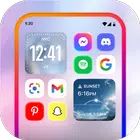
Designed for users who value both aesthetics and performance, True Launcher reimagines the home screen with a minimalist layout and fluid navigation. Every detail is carefully crafted to deliver a seamless experience, blending visual sophistication with practical tools that enhance daily mobile interactions.
Elegant Design and Smooth Performance
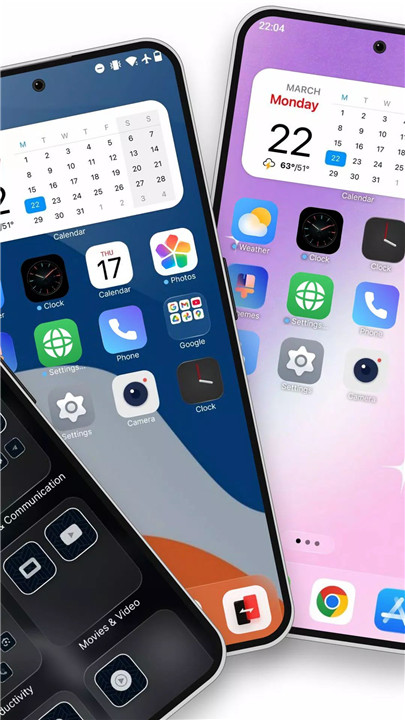
True Launcher introduces a polished, modern interface with a clean layout that enhances usability. Subtle design elements and cohesive styling create a sophisticated look across the entire home screen.
Fluid animations ensure responsive transitions between apps and menus, delivering a premium feel with every swipe. The optimized framework keeps performance smooth and lag-free, even on older Android devices.
Customizable Layouts and Themes
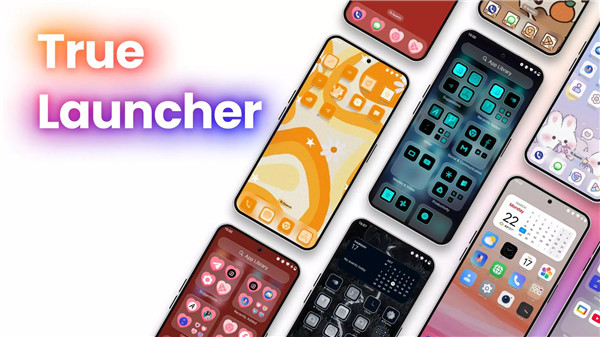
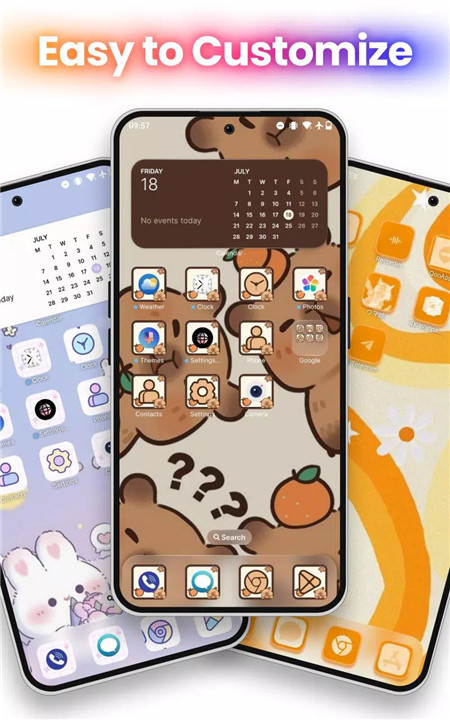
Personalization is at the core of True Launcher. Extensive customization options allow complete control over the home screen’s appearance and structure.
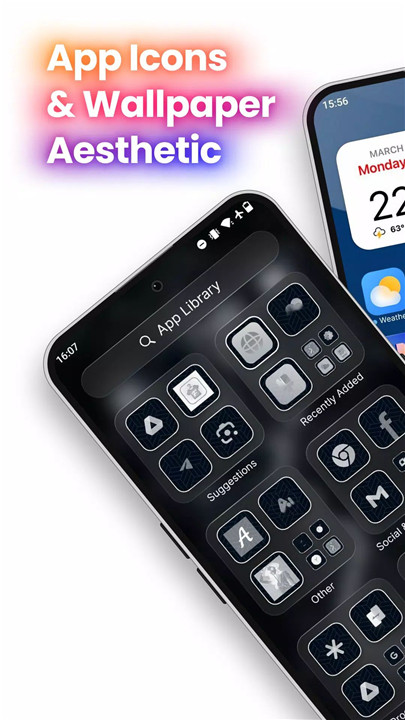
Icon Packs: Choose from a wide range of icon packs to maintain a consistent and visually appealing theme.
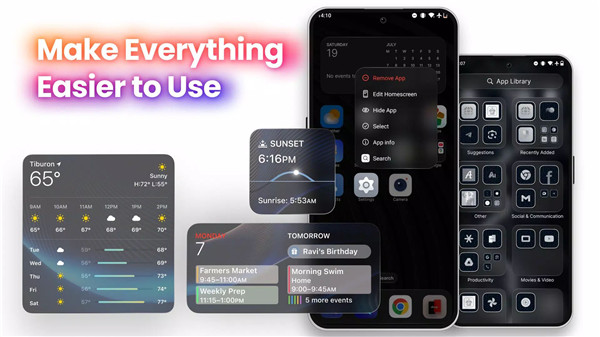
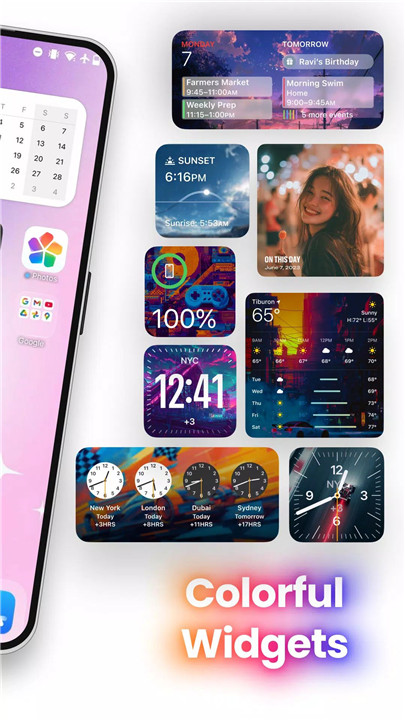
Widgets: Add practical widgets such as weather, clock, calendar, and more for quick access to essential information.
Custom Wallpapers: Apply high-quality wallpapers that complement the chosen layout and theme.
App Folders: Organize applications into folders to maintain a clean and clutter-free interface.
These tools make it easy to create a personalized mobile environment tailored to individual preferences.
Smart Features for Enhanced Productivity
True Launcher is built to improve efficiency with intelligent tools that streamline navigation and organization.
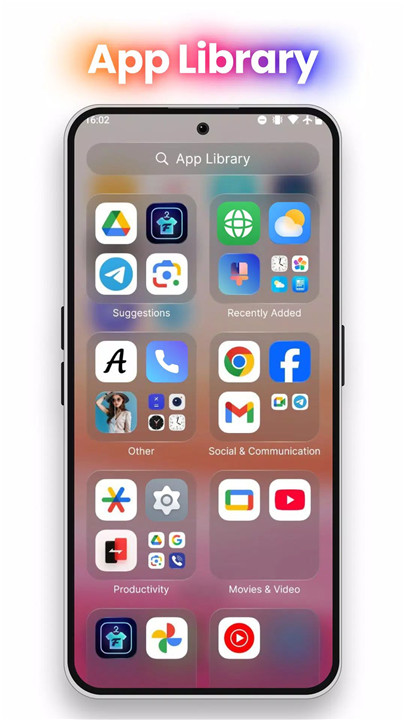
Smart App Sorting: Automatically categorizes apps for easier access and reduced clutter.
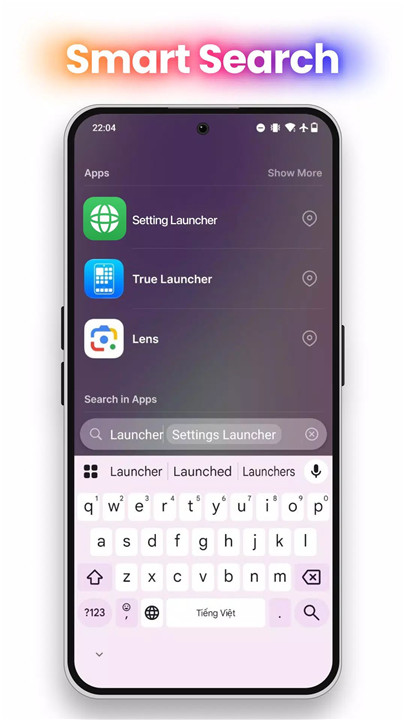
Quick Search: Instantly locate apps, contacts, or messages with a powerful search feature.
Gesture Controls: Assign custom gestures for launching apps, accessing settings, or performing actions quickly.
These smart functionalities simplify everyday tasks and enhance overall productivity.
Optimized for Performance and Battery Life
Engineered with efficiency in mind, True Launcher runs smoothly without placing unnecessary strain on system resources.
Battery Saver Mode: Reduces power consumption to extend device battery life.
Performance Optimization: Lightweight design ensures compatibility with both flagship devices and older smartphones.
This balance between performance and energy efficiency ensures reliable daily usage.
Security and Privacy First
True Launcher prioritizes user privacy and data protection with built-in security features.
App Lock: Secure sensitive applications using password or fingerprint authentication.
Hidden Apps: Conceal selected apps from the home screen for added privacy.
Data Protection: Designed to avoid unnecessary data collection, maintaining user confidentiality.
Regular Updates and Ongoing Support
Continuous updates introduce new features, performance enhancements, and bug fixes to maintain stability and innovation. Ongoing improvements ensure that True Launcher remains modern, efficient, and secure.
FAQs
Q1: What is True Launcher?
True Launcher is an Android home screen replacement app that enhances design, customization, productivity, and security.
Q2: Can True Launcher be customized?
Yes, it supports icon packs, widgets, wallpapers, folders, and gesture controls for a fully personalized layout.
Q3: Does True Launcher improve device performance?
Yes, it is optimized for smooth performance and includes a Battery Saver Mode to reduce power consumption.
Q4: Are there security features included?
Yes, features such as App Lock and Hidden Apps help protect sensitive information and maintain privacy.
Q5: Is True Launcher regularly updated?
Yes, the app receives regular updates with improvements, new features, and bug fixes to ensure a stable experience.
Version History
v2.1.7—18 Feb, 2026
What’s New in True Launcher 2.1.7
Experience a refined, modern launcher with powerful visual upgrades and smoother performance.
New in This Release
iOS 26.2–inspired update with refined OS-style visuals
Change Onboarding step - organize and faster
Liquid Glass Effect – next-gen visual depth prepared for OS themes
Upgraded OS-style code for smoother animations and stability
New Icon Pack with a clean, modern look
New Wallpapers designed for immersive home screens
v2.1.6—18 Jan, 2026
What’s New in True Launcher 2.1.6
Experience a refined, modern launcher with powerful visual upgrades and smoother performance.
New in This Release
iOS 26.2–inspired update with refined OS-style visuals
Theme Pack Sorting – organize and find themes faster
Liquid Glass Effect – next-gen visual depth prepared for OS themes
Upgraded OS-style code for smoother animations and stability
New Icon Pack with a clean, modern look
New Wallpapers designed for immersive home screens
v2.1.4—26 Nov, 2025
True Launcher app 2.1.4 (54)
- iOS 26.2 release
- sort in theme pack
- prepare OS with liquid glass effect in theme
- upgrade code OS style
- new theme pack
- new icon pack
- new wallpaper
- new widget.
Old feature
- Smart Folder
- Search Spotlight
- App Library
- Widgets page
- Widget pickers
- AppSize42.80M
- System Requirements5.0 and up
- Is there a feeFree(In game purchase items)
- AppLanguage English
- Package Namecom.truelauncher.ioslauncher
- MD5
- PublisherTH True App
- Content RatingTeenDiverse Content Discretion Advised
- Privilege19
-
True Launcher - Icons & Themes 2.1.7Install
42.80M2026-03-04Updated










8.3
9862 Human Evaluation
- 5 Star
- 4 Star
- 3 Star
- 2 Star
- 1 Star