Translate text, voice, and photos in 150+ languages instantly—break language barriers and enable seamless communication across different environments. Translate - Translator App is a powerful and efficient language tool designed to support real-time translation for travel, business, study, and everyday conversations. With advanced capabilities and a user-friendly interface, it simplifies communication by providing fast and accurate translations across a wide range of languages.
Multi-Language Translation
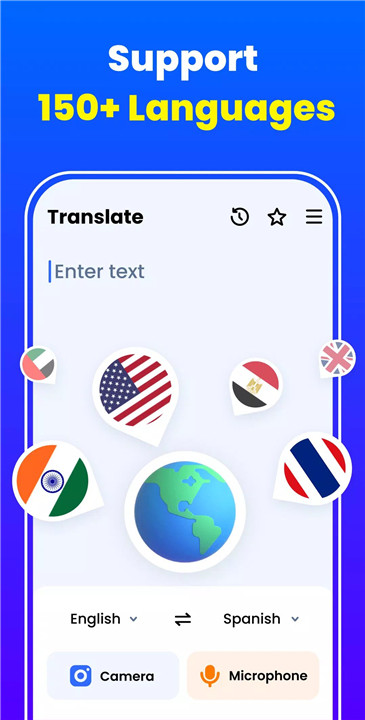
Supporting over 150 languages, the app enables accurate and real-time translation for various needs. From global travel to international business communication, it provides a dependable solution for overcoming language barriers in diverse situations.
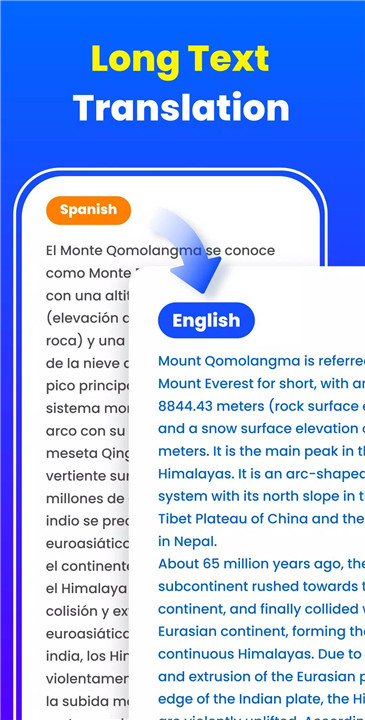
Text Translation
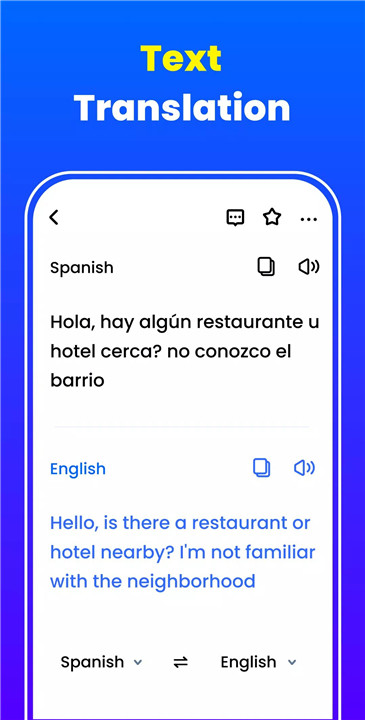
The app allows instant translation of typed or pasted text. With high accuracy and speed, it ensures clear understanding across languages, making it suitable for both casual and professional use.
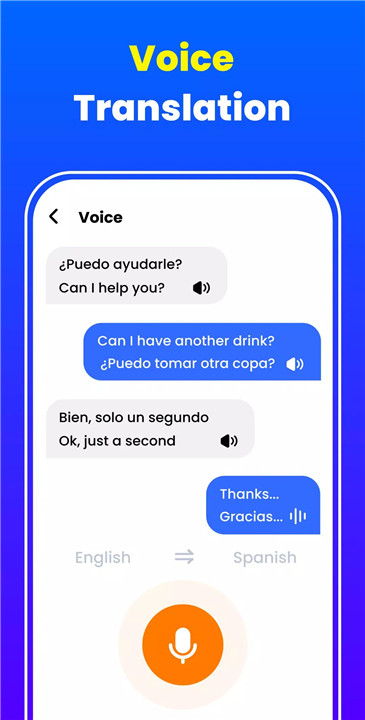
Voice Translation
Voice input enables quick translation of spoken language without the need for typing. This feature enhances efficiency and convenience, especially during conversations or when immediate communication is required.
AI-Powered Photo Translation
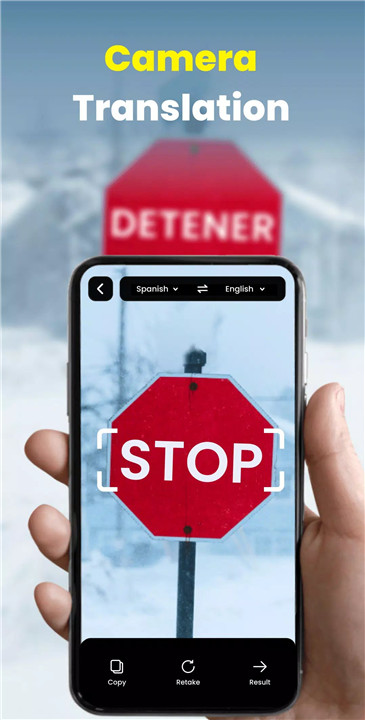
Using advanced image recognition, the app can scan and translate text from photos. This feature is particularly useful for reading signs, menus, documents, and other printed materials in foreign languages.
Auto Language Detection
The app automatically identifies the input language, eliminating the need for manual selection. This ensures faster and more convenient translations while reducing errors.
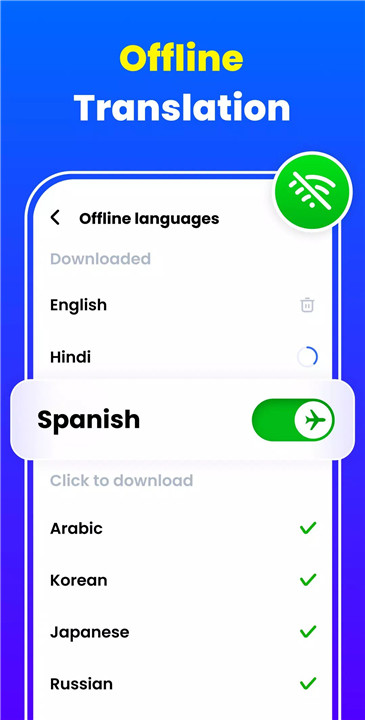
Offline Translation
Offline functionality allows translations without an internet connection. This is especially beneficial when traveling or in areas with limited connectivity, helping avoid roaming charges and ensuring uninterrupted access.
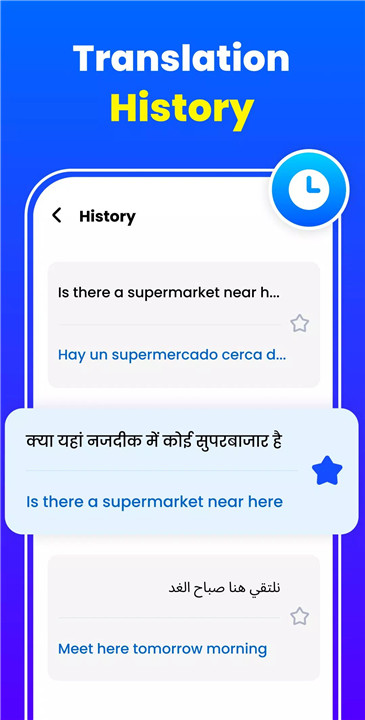
Save and Manage Translations
Important translations can be saved for future reference. Users can build a personalized collection of frequently used phrases, making it easier to revisit and reuse them when needed.
Additional Tools and Functions
The app includes features such as reverse translation, text-to-speech output, translation history management, and easy sharing options. Its simple and clean interface ensures smooth navigation and ease of use.
Privacy and Accessibility
The app respects user privacy by not collecting personal data. Accessibility features allow on-screen text translation across other apps, enhancing usability and convenience.
FAQs
Q1: How many languages does the app support?
The app supports translation in over 150 languages, covering a wide range of global communication needs.
Q2: Can translations be done without internet access?
Yes, offline translation is available, allowing use without a network connection.
Q3: Does the app support voice and photo translation?
Yes, it can translate spoken language through the microphone and text from images using the camera.
Q4: Is the input language detected automatically?
Yes, the app can automatically detect the input language for faster and more convenient translation.
Q5: Are translations saved for later use?
Yes, important translations can be saved and accessed anytime for quick reference.
Version History
v1.1.5—7 Mar, 2024
v1.1.4—26 Feb, 2024
v1.1.3—11 Feb, 2024
- AppSize46.80M
- System Requirements5.0 and up
- Is there a feeFree(In game purchase items)
- AppLanguage English
- Package Nametranslate.photo.translator.all.language.voice.translation.free.app
- MD5
- PublisherAceTools Team
- Content RatingTeenDiverse Content Discretion Advised
- Privilege19
-
Translate - Translator App 1.1.5Install
46.80M2026-03-19Updated










7.3
1806 Human Evaluation
- 5 Star
- 4 Star
- 3 Star
- 2 Star
- 1 Star