Trane® Home (formerly Nexia™) is a home automation platform designed to keep your home and family connected, secure, and comfortable from anywhere. Trusted by household brands like Schlage, Trane Home brings together the most important systems in a modern home into a single, easy-to-use app.
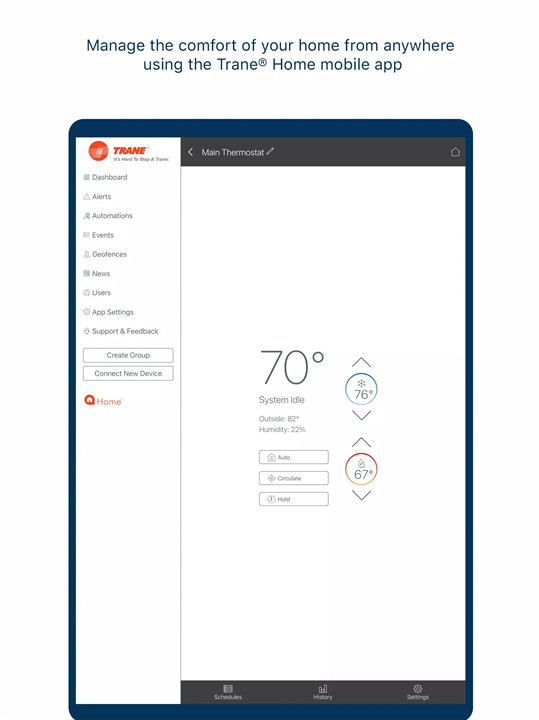
HVAC Control and Monitoring
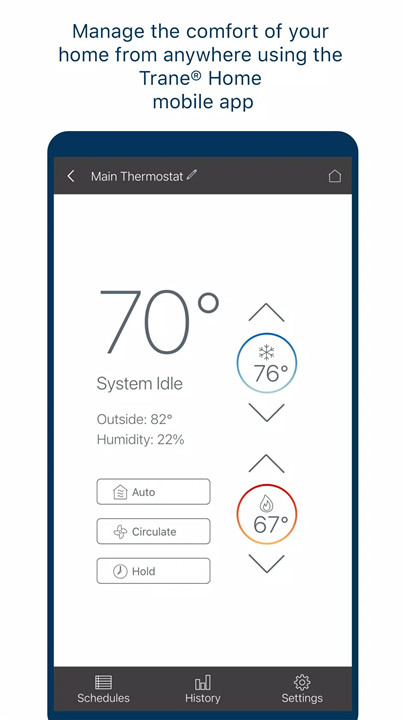
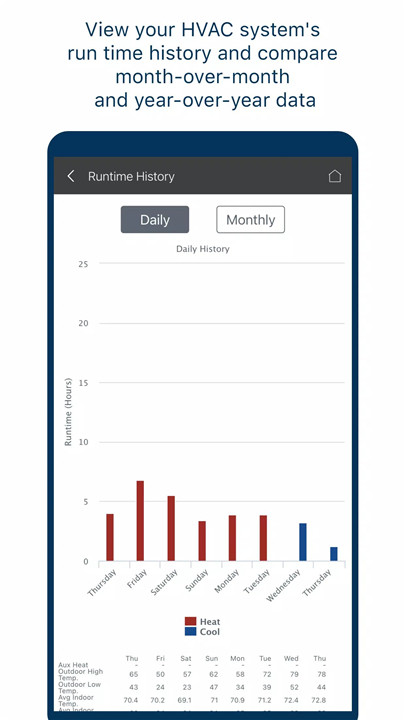
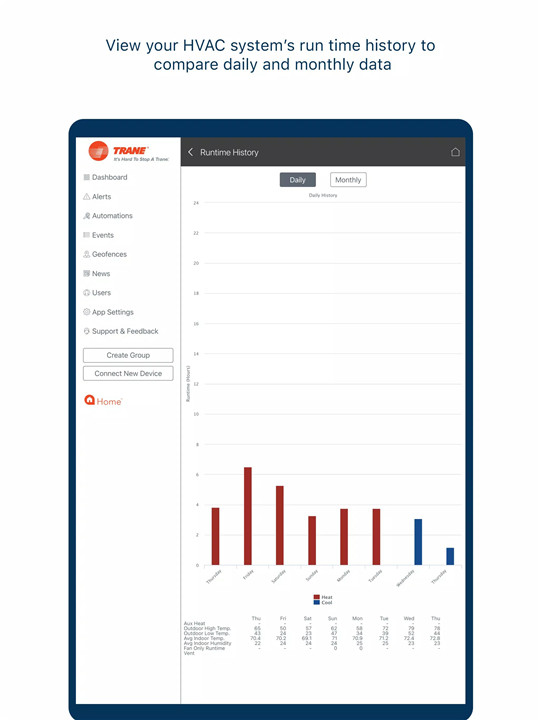
Manage your home’s heating, ventilation, and air conditioning systems from anywhere. Adjust temperature settings, monitor system performance, and schedule changes to ensure optimal comfort and energy efficiency.
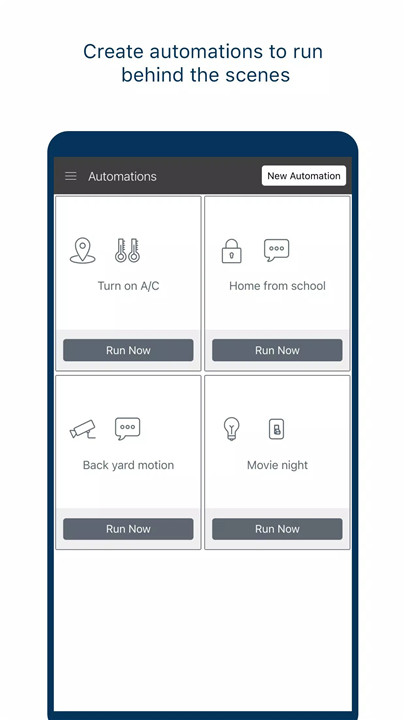
Automations
Simplify your daily routines with custom automation rules. Schedule lights to turn on or off, adjust HVAC settings based on time of day, or control locks automatically to enhance security.
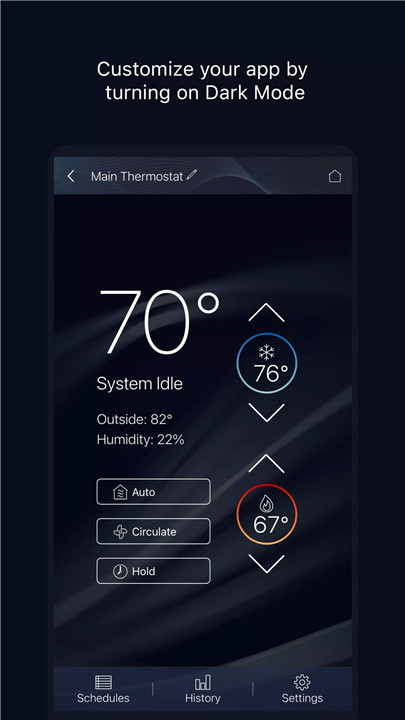
Customizable Settings
Trane Home offers options like Dark Mode and Left-Handed Mode, allowing the app interface to be personalized for comfort and usability.
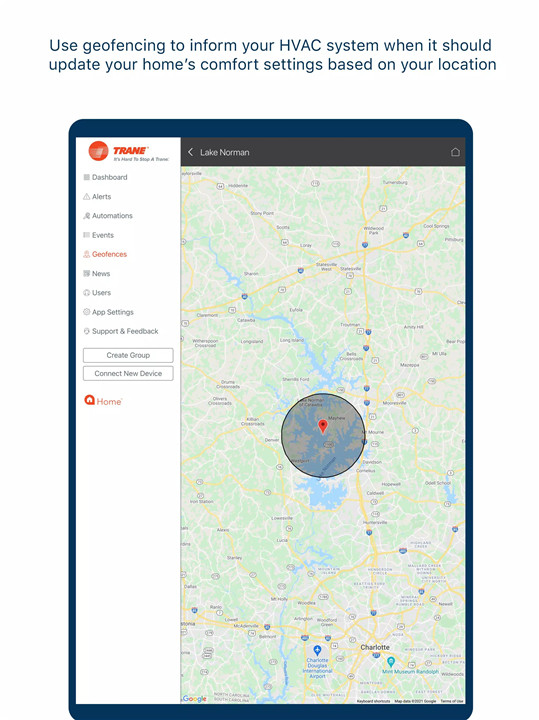
Geofencing
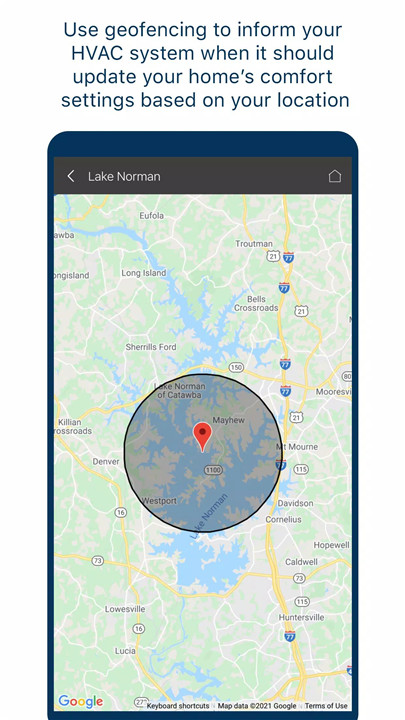
Leverage geolocation technology to automatically adjust your HVAC system as you arrive or leave your home. This feature ensures energy efficiency and convenience without any manual effort.
Voice Control Integration
Trane Home works with Google Home™ and Amazon Alexa™ for hands-free control of compatible devices. Use simple voice commands to manage lights, locks, thermostats, and cameras without opening the app.
Secure and Reliable
By tying together trusted brands and secure devices, Trane Home ensures that your home is monitored and controlled safely, providing peace of mind whether you’re nearby or across the globe.
Getting Started
To start using Trane Home, download the app on your Android device and create an account at https://www.tranehome.com. From there, link your compatible devices and customize your settings to take full advantage of automation and remote control features.
FAQs
1. What devices can I control with Trane Home?
Trane Home lets you manage key home systems including thermostats, locks, lights, and cameras from your Android device. Compatible devices include Trane HVAC systems and supported brands like Schlage.
2. How do I create automations in Trane Home?
Users can create automations by setting schedules or triggers within the app. For example, you can automate lights, locks, or HVAC settings based on time, activity, or your device’s location.
3. Can Trane Home adjust my HVAC system automatically when I leave or arrive?
Yes. Trane Home supports geofencing, which uses your device’s location to update HVAC settings automatically, helping save energy and maintain comfort without manual input.
4. Does Trane Home work with smart assistants?
Absolutely. The app integrates with Google Home™ and Amazon Alexa™, allowing voice control for devices like lights, locks, thermostats, and cameras for hands-free convenience.
5. How do I get started with Trane Home?
Download the Trane Home app on your Android device, create an account, and link your compatible devices. From there, you can customize settings, create automations, and manage your home from anywhere.
Version History
v7.0.3—9 Dec, 2023
Welcome to Trane Home! (previously Nexia) • Additional user experience improvements
v7.0.1—16 Nov, 2023
Welcome to Trane Home! (previously Nexia) • Additional user experience improvements
- AppSize74.90M
- System Requirements5.0 and up
- Is there a feeFree(In game purchase items)
- AppLanguage English
- Package Namecom.schlagelink.android
- MD5
- PublisherTrane Home Residential
- Content RatingTeenDiverse Content Discretion Advised
- Privilege19
-
Trane Home 7.1.0Install
74.90M2026-03-14Updated










9.3
9503 Human Evaluation
- 5 Star
- 4 Star
- 3 Star
- 2 Star
- 1 Star