Themes, Widgets & Icon changer
Revamp Your Phone with Icon Changer
• Transform your device into a reflection of your style with Icon Changer.
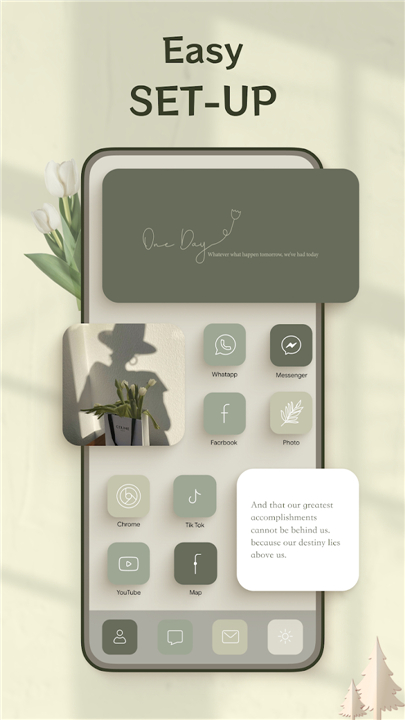
• This free app makes it simple to redesign your home screen, swap out app icons, and add fresh themes and widgets.
• Say goodbye to generic layouts and create a look that’s truly yours.
Why Choose Icon Changer?
• Easy Personalization – Navigate a user-friendly interface that lets you change icons, themes, and widgets in minutes.
• Endless Variety – Access hundreds of professionally designed packs or create your own for a unique setup.
• Always Fresh – Regular updates keep your options modern, stylish, and on-trend.
Key Features
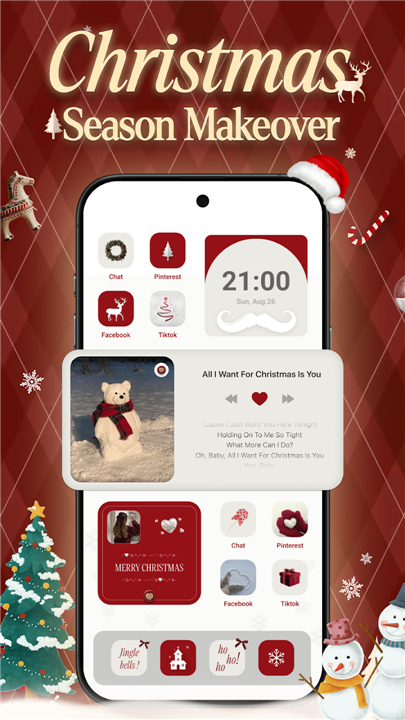
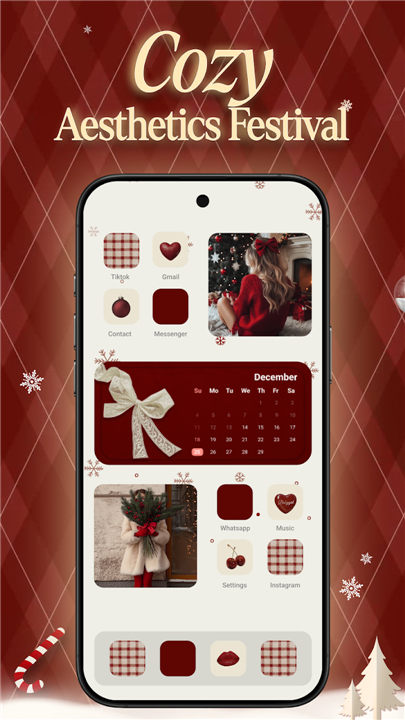
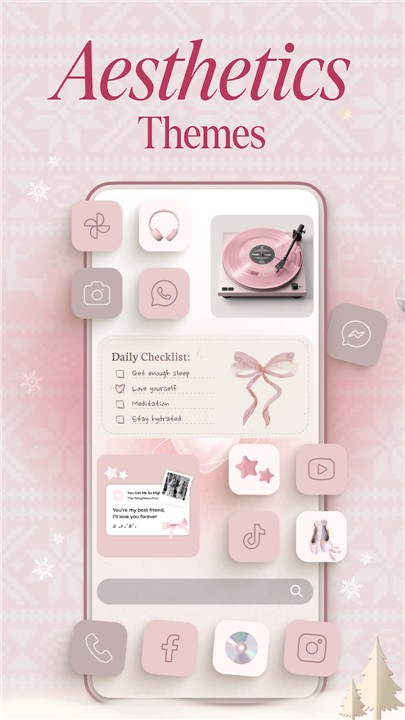
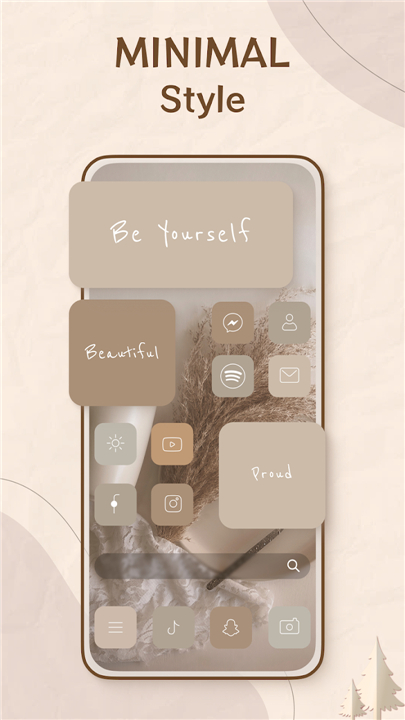
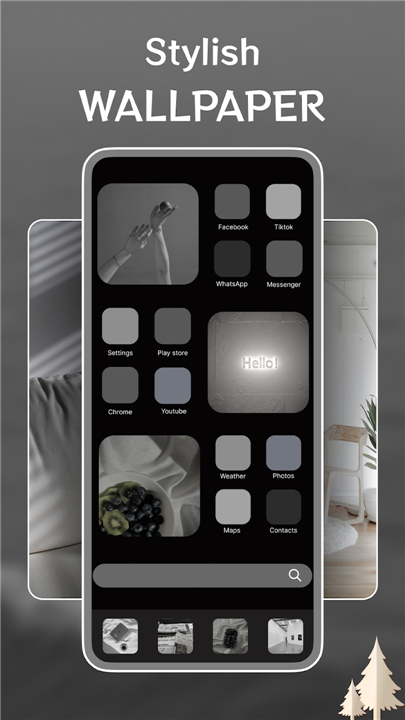
• 350+ Themes – From minimal and aesthetic styles to bold colors and patterns, with new options added regularly.
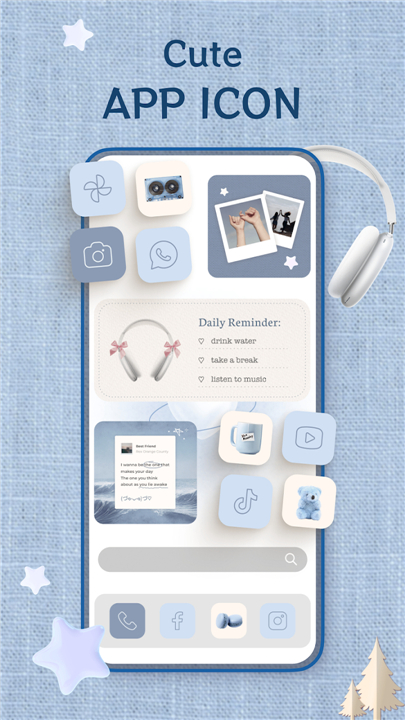
• 499+ Icon Packs and Widgets – Mix and match to craft a layout that stands out.
• AI-Powered Search – Quickly find themes, icons, or widgets that match your vision.
• DIY Design Tools – Upload your own images, adjust colors, and create custom icons.
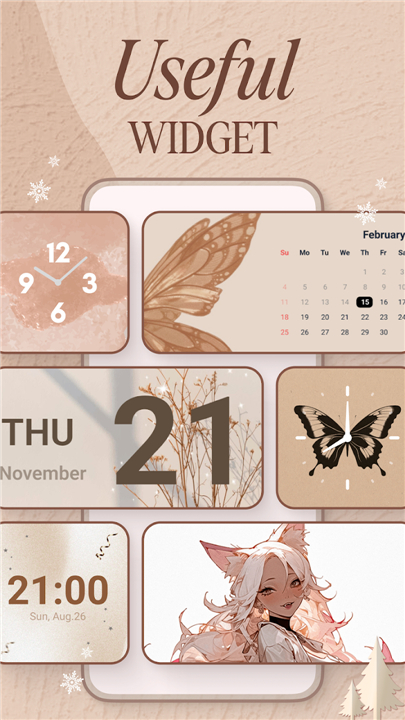
• Widget Variety – Choose from photo, clock, and color widgets to enhance your home screen.
The Icon Changer Advantage
• Icon Changer is built for anyone who values a personalized, organized, and visually appealing phone.
• Whether you prefer ready-made designs or enjoy creating your own, you’ll have all the tools you need without the hassle.
Get Started Today
• Download Icon Changer and start building a phone interface that’s as unique as you are.
• For feedback, theme requests, or questions, contact us at iconchanger.android@app.ecomobile.vn.
• Your ideas help us make Icon Changer even better.
FAQ
Q: Is Icon Changer really free to use?
A: Yes, all the core features of Icon Changer are available at no cost. You’ll have access to hundreds of themes, icon packs, and widgets without paying a subscription, though occasional in-app purchases unlock premium packs or advanced DIY design tools.
Q: How many themes, icon packs, and widgets can I choose from?
A: Currently, Icon Changer offers over 350 ready-made themes along with more than 499 icon packs and widget options. New designs are continually added so you’ll always have on-trend layouts and visual styles at your fingertips.
Q: What’s the easiest way to apply a new theme or icon pack?
A: Once you open the app, simply browse or search the library, select your favorite theme or icon pack, and tap “Apply.” The app automatically configures your home screen, replacing existing icons and adjusting widget placements to match the chosen style.
Version History
v1.0.102——5 Jan 2026
Easy to create your own home screen with widget, app icon & theme Download the latest version of Theme, Widget & Icon changer to enjoy new features and updates immediately!
*1.0102
Minor bug fixes and improvements. Install or update to the newest version to check it out!
*1.0101
Minor bug fixes and improvements. Install or update to the newest version to check it out!
*1.0100
Minor bug fixes and improvements. Install or update to the newest version to check it out!
- AppSize39.62M
- System Requirements5.0 and up
- Is there a feeFree(In game purchase items)
- AppLanguage English
- Package Namecom.eco.iconchanger.themes
- MD5
- PublisherEco Mobile Style
- Content RatingTeenDiverse Content Discretion Advised
- Privilege19
-
Themes, Widgets & Icon changer 1.0.102Install
39.62M2026-03-14Updated










9.2
3828 Human Evaluation
- 5 Star
- 4 Star
- 3 Star
- 2 Star
- 1 Star