Sketch by Rasm is more than a simple drawing app—it is a comprehensive platform for artists of all skill levels to create professional-quality digital art. Designed to replicate the feel of traditional media while offering the flexibility of digital tools, this app provides everything needed to explore creativity, from sketching and coloring to detailed illustrations.
Intuitive Sketch Pad
The app’s sketch pad serves as the ideal starting point for creating digital art. Its user-friendly interface allows artists to jump straight into drawing without a steep learning curve. Artists can select from various brush types, sizes, and styles to produce the perfect stroke, ensuring that every sketch accurately reflects their vision.
Powerful Brush Tools
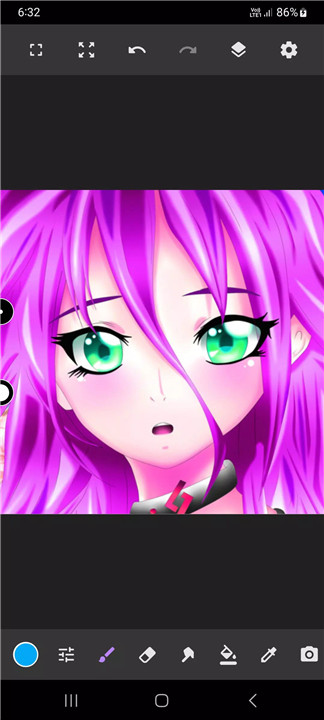
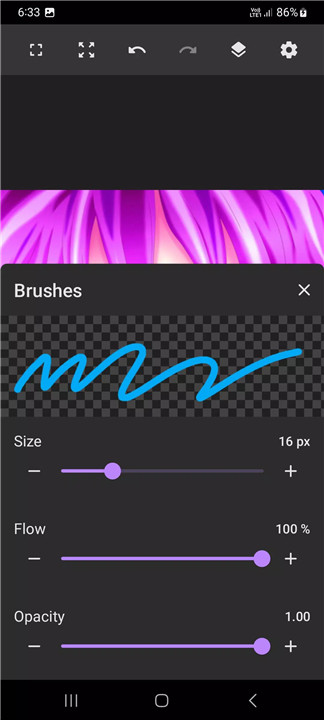
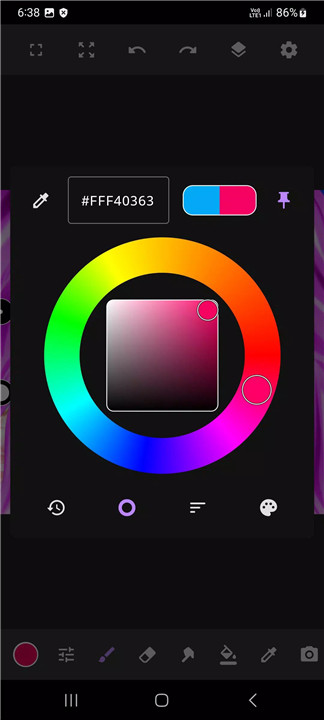
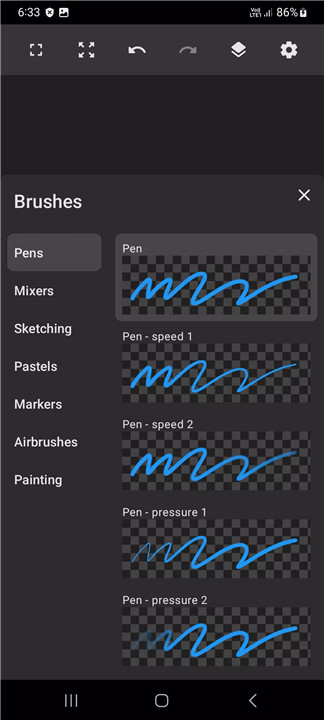
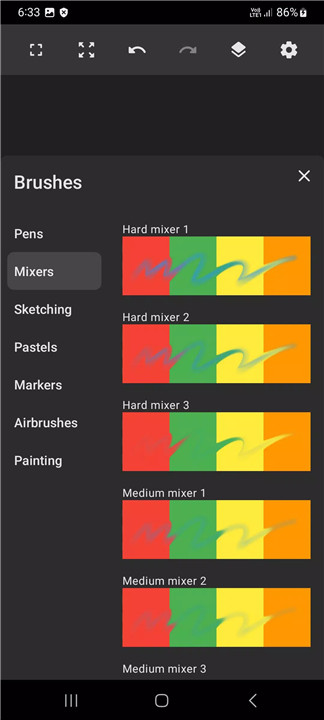
Brush tools are a key highlight of the app, offering complete control over line style, thickness, and texture. From detailed sketches to abstract creations, the brushes allow for expressive and precise strokes. Vibrant color options and fine-tuned brush settings enable artists to bring characters and illustrations to life, making it ideal for anime coloring, manga art, and other detailed projects.
Advanced Layers Feature
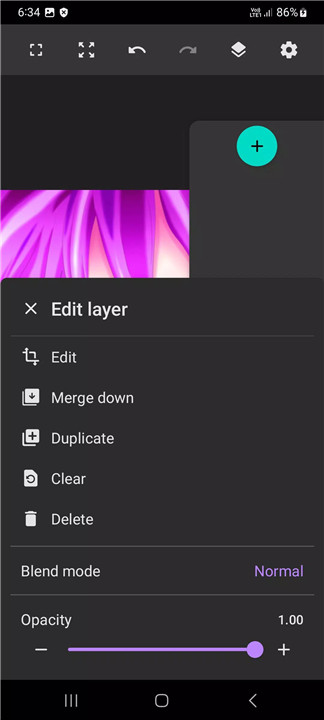
The layers tool provides the flexibility necessary for complex artwork. Artists can create multiple layers, adjust opacity, and reposition elements to refine their compositions. This feature allows experimentation without the risk of losing previously completed work.
Customizable Tools and Editing Options
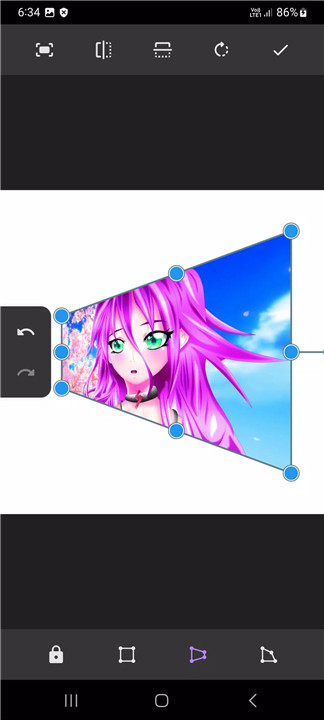
The app’s drawing tools are highly flexible and customizable, catering to both beginners and advanced users. Editing options allow adjustments to colors, lines, and details, ensuring that the final artwork matches the artist’s vision. Users can experiment with different effects, brushes, and layouts to produce truly unique pieces.
Free Access and iPad Compatibility
Designed as a free drawing app for iPad, Sketch Pad Art Studio provides a professional-grade digital drawing experience without any cost.
FAQs
1. Is the Sketch Pad Art Studio suitable for beginners?
Yes, the app features an intuitive interface and tools that make it easy for artists of all skill levels to start drawing immediately.
2. What types of brushes are available in the app?
The app offers various brush types, sizes, and styles, allowing for detailed sketches, abstract art, and vibrant anime or manga illustrations.
3. Can I use layers in my artwork?
Yes, the layers feature allows creating multiple layers, adjusting opacity, and rearranging elements to refine and organize artwork effectively.
4. Is the app free to use on iPad?
Yes, Sketch Pad Art Studio is available as a free drawing app for iPad, providing a comprehensive digital art platform without cost.
5. Can the app be customized for different artistic styles?
Absolutely. Brushes, colors, layers, and editing options are highly customizable to suit various artistic styles and project requirements.
Version History
v3.5.0—10 Jan, 2023
Bug fixes
UI improvements
- AppSize68.70M
- System Requirements5.0 and up
- Is there a feeFree(In game purchase items)
- AppLanguage English
- Package Namecom.raed.sketchbook
- MD5
- PublisherSketch by Rasm
- Content RatingTeenDiverse Content Discretion Advised
- Privilege19
-
Sketch by Rasm - draw & paint 3.5.0Install
68.70M2026-03-14Updated










8.4
9003 Human Evaluation
- 5 Star
- 4 Star
- 3 Star
- 2 Star
- 1 Star