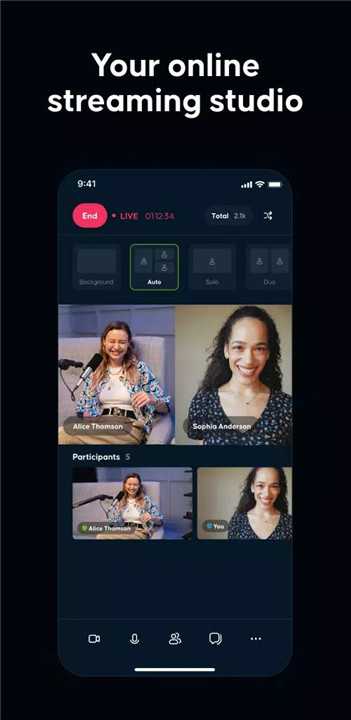
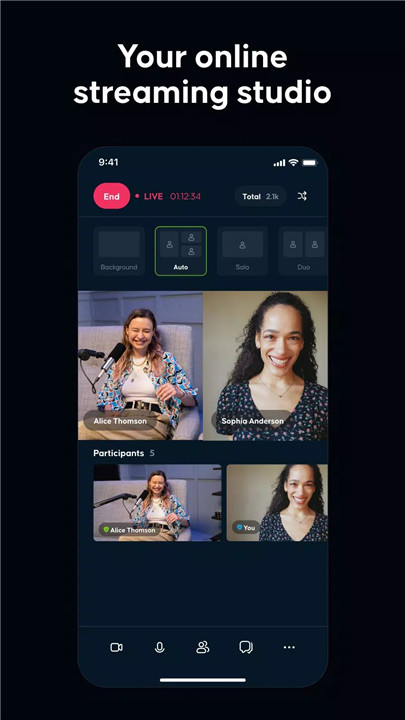
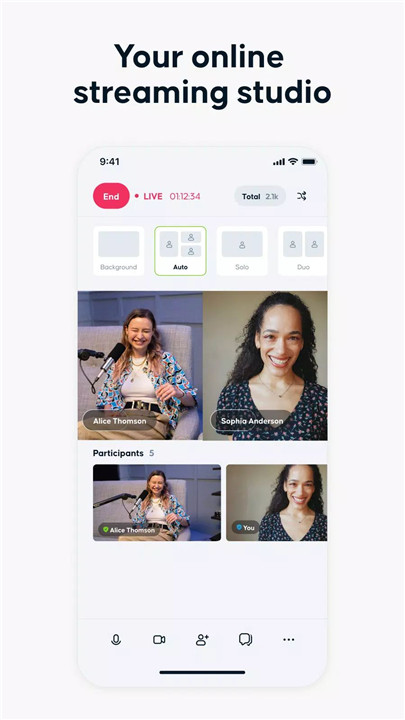
Rumble Studio lets creators stream live everywhere, collaborate easily, and manage shows with powerful tools—start streaming today. Built for modern live broadcasting, Rumble Studio is an all-in-one streaming solution designed to simplify going live while expanding reach across multiple platforms. With support for major streaming destinations and a growing suite of interactive and production tools, Rumble Studio empowers creators to produce professional-quality live content without complexity.
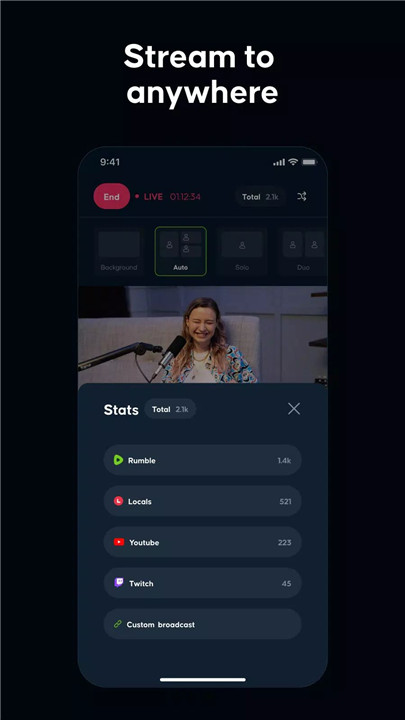
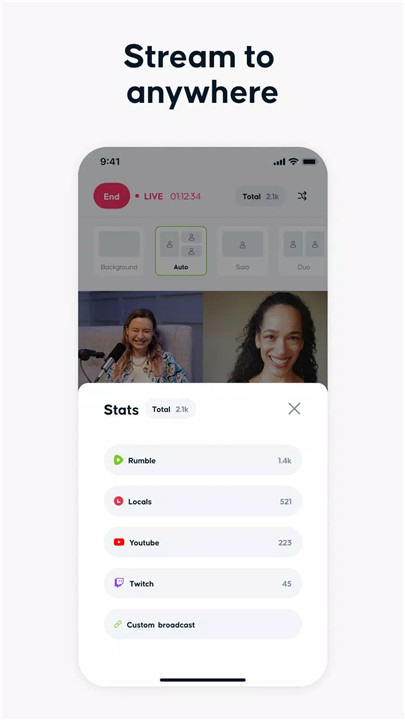
Stream to Anywhere
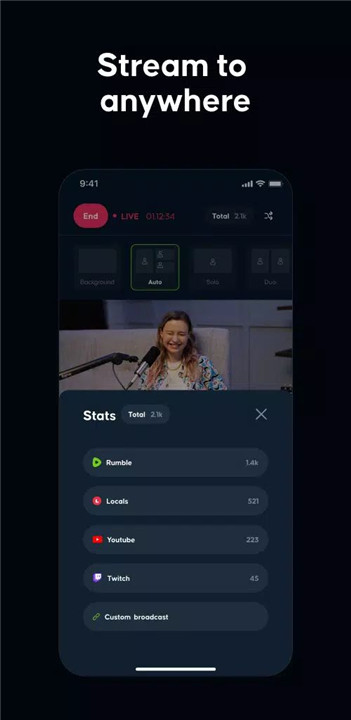
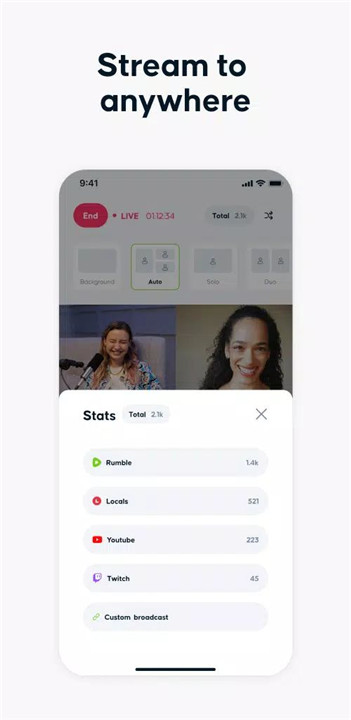
Rumble Studio supports simultaneous live streaming to major platforms, including Rumble, Locals, YouTube, Twitch, and Facebook. This multi-destination approach maximizes visibility and eliminates the need to manage separate streaming setups for each service.
Join Forces with Guests
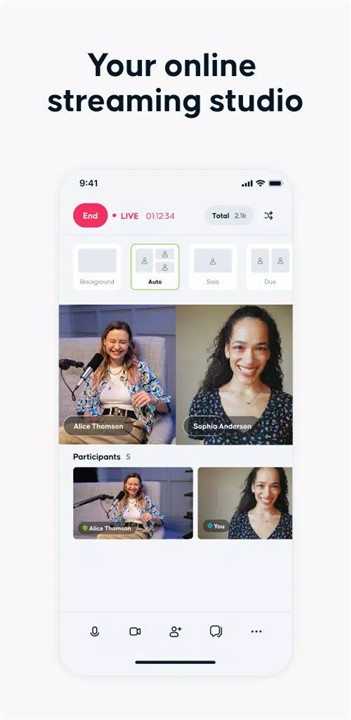
Going live with friends, co-hosts, or guests is seamless. Rumble Studio enables collaborative streams, making it easy to host discussions, interviews, or panel-style broadcasts without technical friction.
Canvas Customization
The built-in Canvas feature allows the addition of text, images, and other visual elements directly into the stream. This helps enhance branding, highlight key points, and create more engaging live presentations.
Multi-Device Support
Rumble Studio works across web browsers, iOS, and Android devices. This flexibility ensures live streaming is possible from desktops, tablets, or smartphones, making it easy to broadcast from virtually anywhere.
Moderation and Co-Host Control
Moderation tools allow full control to be delegated to a trusted co-host. This ensures smoother live sessions by enabling real-time management of content, guests, and interactions without interrupting the broadcast flow.
Caller Queue (Coming Soon)
An upcoming caller queue feature will make it easy to take live questions and calls from the audience. Designed for minimal hassle, this tool will enhance audience participation while keeping streams organized.
Analytics and Performance Monitoring (Coming Soon)
Rumble Studio plans to introduce analytics tools that aggregate live chat activity, performance statistics, and engagement data. These insights will help evaluate stream performance and audience interaction.
Clips and Highlights (Coming Soon)
The Scissors feature will allow quick exporting of favorite moments from live streams. This makes it easy to create shareable clips for social media or future promotion.
FAQs
1. Which platforms can Rumble Studio stream to?
Rumble Studio supports live streaming to Rumble, Locals, YouTube, Twitch, and Facebook from a single setup.
2. Can guests join a live stream?
Yes, friends and guests can easily join live broadcasts, making collaboration simple and efficient.
3. What devices are supported?
Rumble Studio works on web browsers as well as iOS and Android devices.
4. Are moderation tools available?
Yes, moderation features allow creators to delegate full control to a co-host during live streams.
5. Are analytics and clips available now?
Analytics, caller queue, and clip exporting features are planned and will be released soon.
Version History
v2.6—17 Jun, 2025
RTMP support
Misc fixes and improvements
v2.5—1 Apr, 2025
Deep link support
Misc fixes and improvements
v2.4—19 Mar, 2025
Removed external video links for improved navigation.
Updated terms and conditions link
- AppSize56.50M
- System Requirements5.0 and up
- Is there a feeFree(In game purchase items)
- AppLanguage English
- Package Namecom.rumble.studio
- MD5
- PublisherRumble Inc
- Content RatingTeenDiverse Content Discretion Advised
- Privilege19
-
Rumble Studio 2.6Install
56.50M2026-03-19Updated










9.9
2359 Human Evaluation
- 5 Star
- 4 Star
- 3 Star
- 2 Star
- 1 Star