Docx Reader - Office Viewer is a comprehensive document management solution designed to simplify file handling across multiple formats. It combines powerful PDF editing tools with a versatile office viewer, allowing seamless access to Word, Excel, PowerPoint, and text files within a single lightweight application.
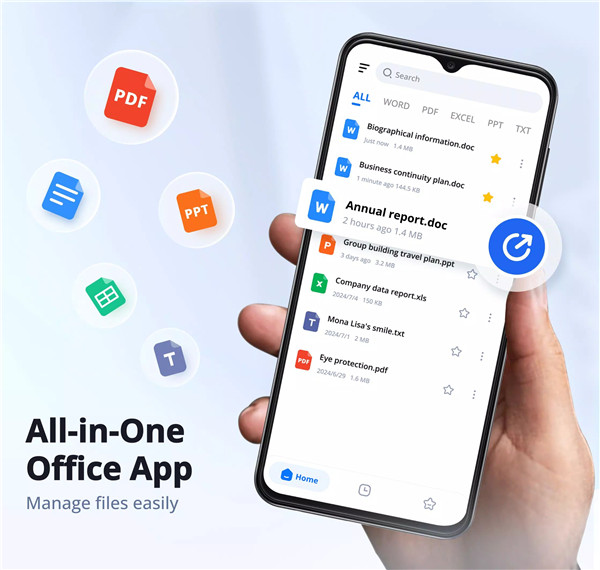
All-in-One Format Support
Docx Reader supports a wide range of file formats, including DOC, DOCX, PDF, XLS, XLSX, PPT, PPTX, TXT, and more. This broad compatibility eliminates the need for multiple apps, allowing all documents to be opened and managed in one place. Files are displayed with high-quality rendering, ensuring clarity and accuracy across all formats.
Powerful PDF Editor and Reader
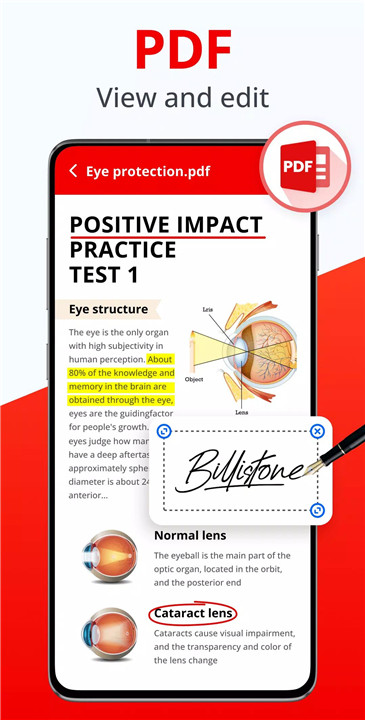
The built-in PDF tools allow seamless reading, editing, and sharing of PDF files. Users can highlight, underline, and strike through text, as well as copy content directly from documents. Additional features include freehand drawing, page rotation, and quick navigation to specific pages. These tools make it easy to review, annotate, and customize PDFs efficiently, even while offline.
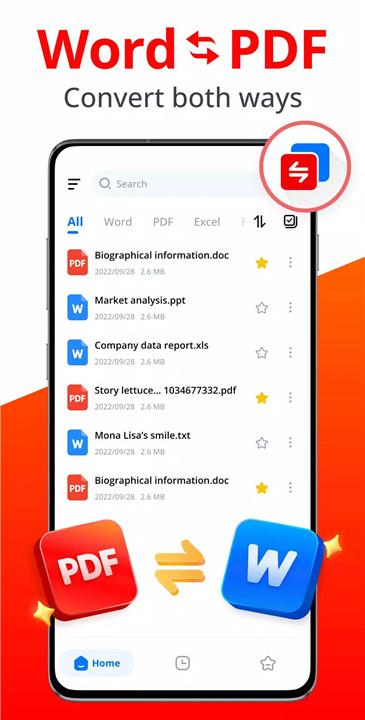
Efficient Word Document Handling
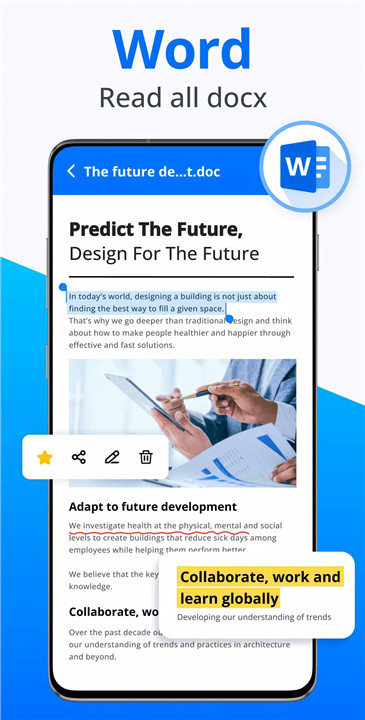
Docx Reader enables fast opening and smooth navigation of Word files, including DOC, DOCX, and related formats. Documents such as resumes, reports, and notes are displayed in high resolution, with options to zoom, scroll continuously, or view pages as thumbnails. Text editing features like highlighting and copying further enhance usability.
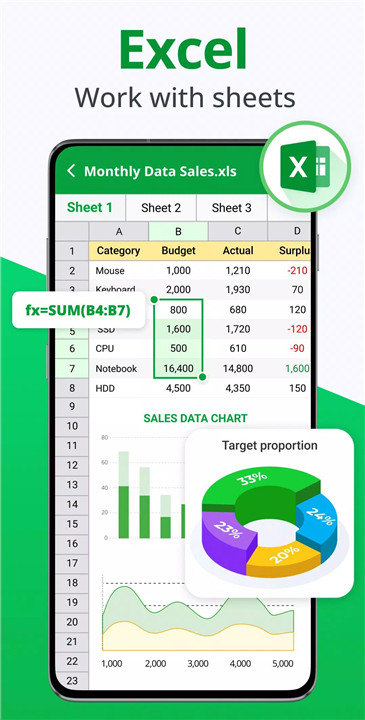
Excel and Spreadsheet Viewing
The app supports multiple spreadsheet formats, allowing quick access to XLS and XLSX files. Data can be easily located by selecting cells, making it suitable for reviewing reports, budgets, and datasets. Offline functionality ensures uninterrupted access to spreadsheets wherever needed.
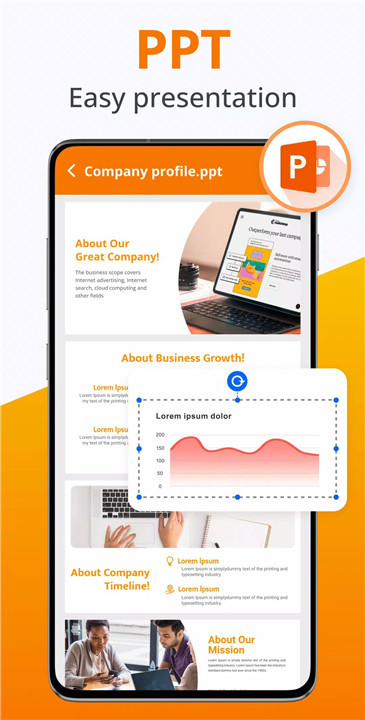
PPT Viewer for Presentations
Presentation files in PPT and PPTX formats can be opened quickly with stable and high-resolution rendering. Slides are displayed clearly, making it easy to review or present content without lag or distortion.
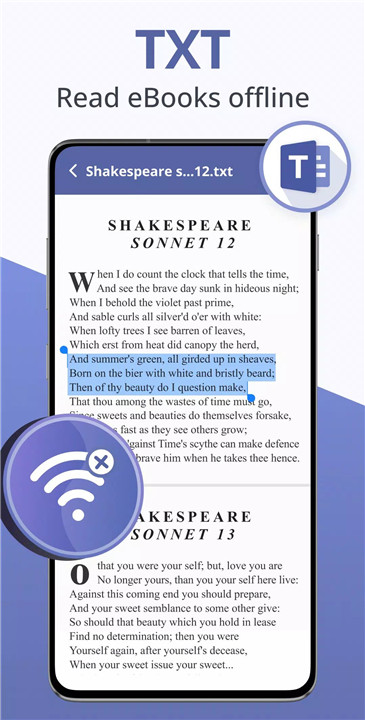
Text and E-Book Reader
Text files and e-books can be read effortlessly within the app. The simple viewer supports offline reading, making it convenient for users who need access to written content on the go.
Smart File Management
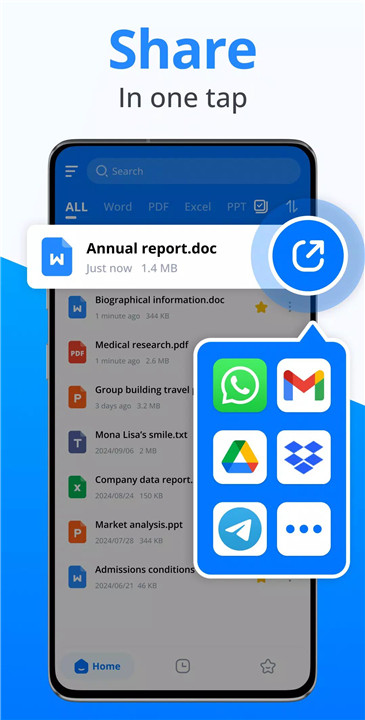
Docx Reader includes robust file management tools to keep documents organized. Files can be renamed, deleted, shared, or marked as favorites for quick access. Sorting options by name, size, or date help locate files quickly, while the search function allows instant retrieval of specific documents.
Offline Accessibility
One of the key advantages of Docx Reader is its full offline capability. Documents can be viewed and edited without internet access, ensuring uninterrupted productivity in any environment.
User-Friendly and Lightweight Design
The app features a clean and intuitive interface, making navigation simple and efficient. Its lightweight design ensures fast performance without consuming excessive device resources.
FAQs
Q1: What file formats does Docx Reader support?
Docx Reader supports a wide range of formats, including Word, PDF, Excel, PowerPoint, and TXT files, making it a versatile all-in-one document viewer.
Q2: Can PDF files be edited using Docx Reader?
Yes, the app includes powerful PDF editing tools such as highlighting, underlining, copying text, drawing, and rotating pages.
Q3: Does Docx Reader work without an internet connection?
Yes, all core features, including reading and editing documents, are fully available offline.
Q4: Is it possible to manage files within the app?
Yes, users can rename, delete, share, sort, and favorite documents, as well as quickly search for specific files.
Q5: Are there additional features planned for future updates?
Upcoming features include document creation, e-signatures, PDF merging and splitting, dark mode, document scanning, and support for more file formats.
Version History
v1.3.7—15 Dec, 2025
Upgrade "Edit Word" feature: Support editing text in Word documents
Add dark theme
Fix minor bugs
Improve user experience
v1.3.5—28 Oct, 2025
Fix minor bugs
Improve user experience
v1.3.4—15 Oct, 2025
Fix minor bugs
Improve user experience
- AppSize44.40M
- System Requirements5.0 and up
- Is there a feeFree(In game purchase items)
- AppLanguage English
- Package Nameword.office.docxviewer.document.docx.reader
- MD5
- PublisherQR & Barcode Scanner
- Content RatingTeenDiverse Content Discretion Advised
- Privilege19
-
Docx Reader - Office Viewer 1.3.7Install
44.40M2026-03-25Updated










9.4
5440 Human Evaluation
- 5 Star
- 4 Star
- 3 Star
- 2 Star
- 1 Star