
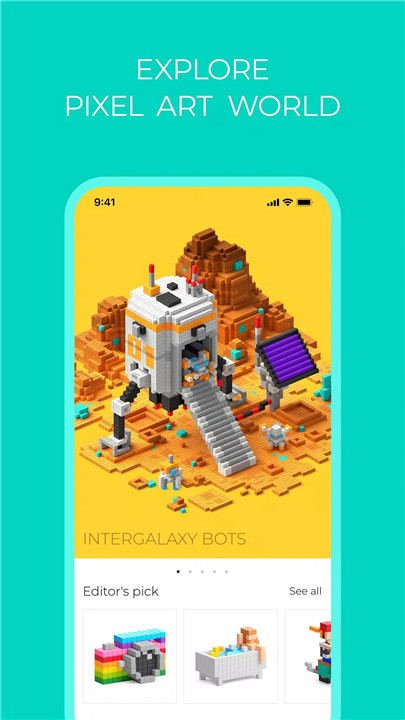
The PIXIO app is a powerful creative platform designed to complement the PIXIO magnetic construction set while also functioning as a standalone digital tool for pixel and voxel art creation. The app enables creators to design detailed 3D pixel artwork using digital tools or recreate their designs in the physical world with PIXIO magnetic blocks.
3D Pixel Art Studio
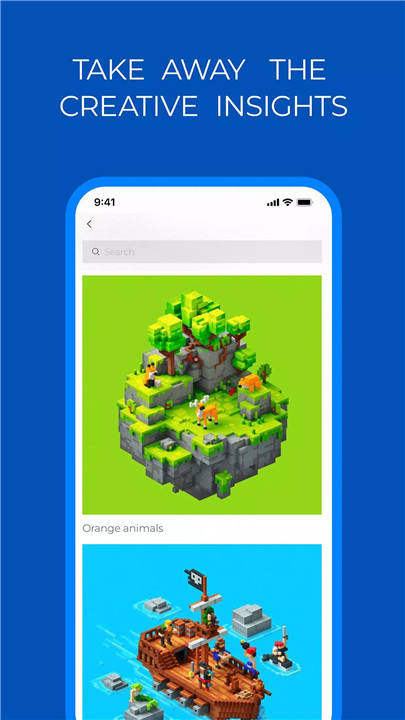
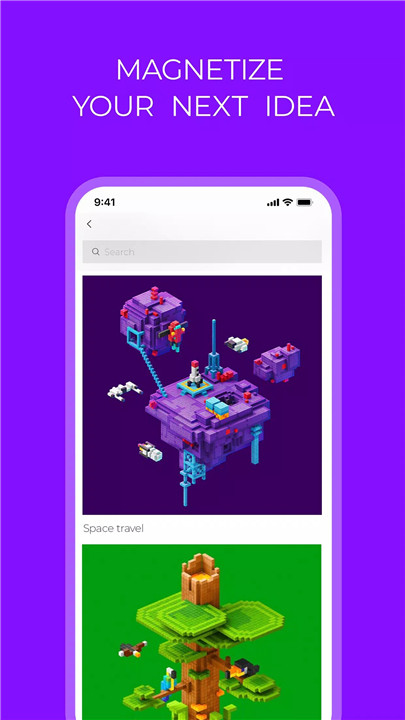
The PIXIO Studio allows creators to design detailed 3D pixel and voxel art directly within the app. Using an intuitive interface, users can build characters, objects, and scenes block by block. The studio supports detailed editing, angle selection, and background customization, giving creators full control over how their artwork is presented.
Global Art Community
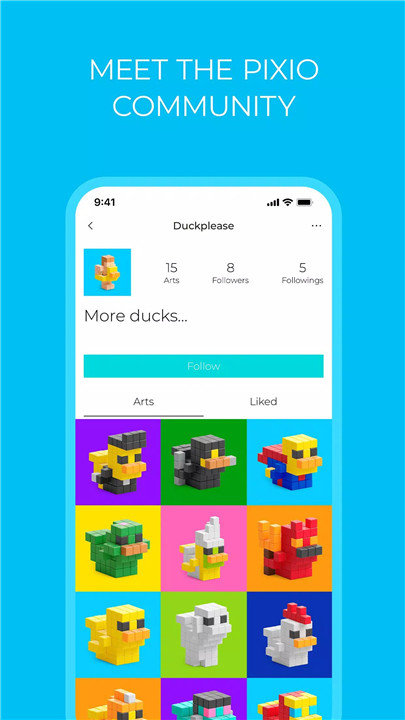
PIXIO connects creators from around the world through its interactive art feed. Artists can publish their work, receive feedback through comments, and follow other creators whose work inspires them. This collaborative environment encourages creativity and continuous learning through shared artistic exploration.
Interactive Instructions and Guides
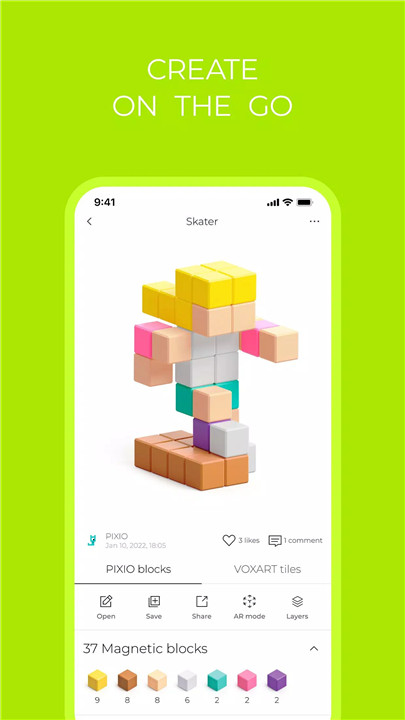
Every artwork within the app can function as an interactive guide for building the same design using PIXIO magnetic blocks. Step-by-step 3D instructions demonstrate how to assemble characters, animals, objects, and architectural designs. The instructions also display the number and color of blocks required for each project.
Powerful Search and Discovery
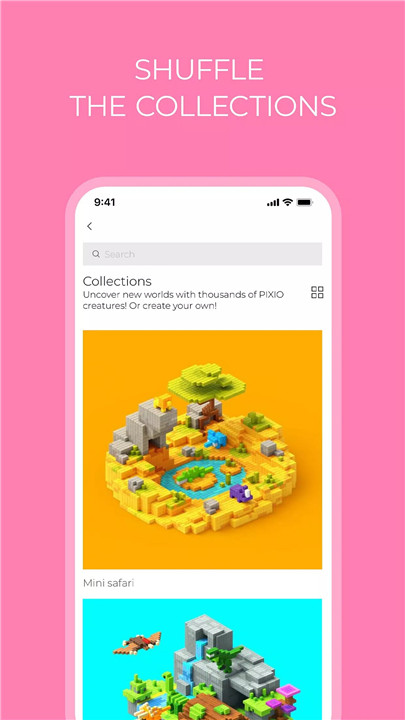
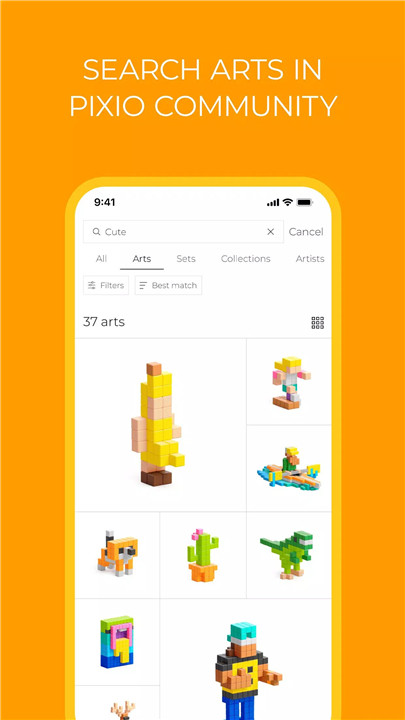
The app offers advanced search capabilities that allow users to explore thousands of pixel artworks using tags, keywords, collections, or artist names. This makes discovering new designs, styles, and creative ideas quick and convenient.
Augmented Reality Experience
PIXIO integrates augmented reality (AR) features that allow creators to visualize their digital artwork in the real world. This feature enhances the design process by helping artists see how their creations might appear in physical space.
Recolor and Customization Tools
The recolor feature enables users to experiment with new color palettes and redesign existing creations. Artists can easily adjust color combinations to generate fresh visual ideas or upgrade previously published artwork.
Modify and Improve Existing Designs
In the Studio, any publicly shared artwork can be explored in detail. Creators can analyze how the design was constructed, learn from the original structure, and then modify or enhance the design to create new variations.
Flexible Creation Anywhere
PIXIO supports offline creativity, allowing artwork to be created even without an internet connection. Designs can be saved and shared once connectivity is restored, making it easy to create from anywhere using multiple devices.
PIXIO Physical Blocks Integration
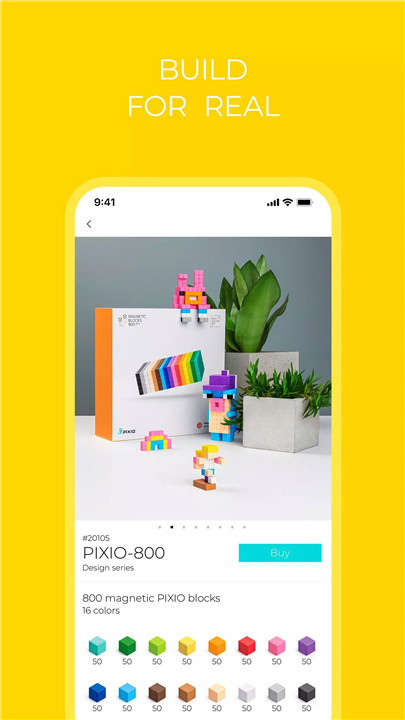
PIXIO also connects digital creativity with real-world building. The PIXIO magnetic construction set consists of small plastic cubes measuring 8 × 8 × 8 mm, each containing six strategically placed magnets. These magnets allow the cubes to connect from multiple directions, making the building process smooth and intuitive.
FAQs
Q1: What is the PIXIO app used for?
The PIXIO app is designed for creating, sharing, and exploring 3D pixel and voxel art while also providing instructions for building designs using PIXIO magnetic blocks.
Q2: Can PIXIO be used without the physical construction set?
Yes. The app functions independently as a digital pixel art studio where creators can design and share artwork even without the physical PIXIO blocks.
Q3: Does the PIXIO app include tutorials or building guides?
Yes. Many artworks in the app include interactive 3D instructions that explain how to recreate the design using PIXIO magnetic blocks.
Q4: Can users interact with other artists on the PIXIO platform?
Yes. The app includes a community feed where creators can publish artwork, follow artists, comment on designs, and receive feedback.
Q5: What special tools does PIXIO offer for creative design?
PIXIO includes features such as augmented reality viewing, recolor tools for experimenting with palettes, advanced search, and the ability to modify or upgrade existing artwork.
Version History
v3.7.2—24 Mar, 2024
In this update we fixing bugs and add new feature - AR mode. Harness the power of augmented reality by pointing your camera at any surface and seeing your arts appear right in fromt of you
view how your creations would look like in real life
take photos with your favourite creations
unleash your wildest ideas: see your art as a tiny tabletop toy, a cute wall decoration, a giant colorful moster right in your room, or anything else you can imagine
v3.6.1—22 Jan, 2024
- added a feedback form
- modified the art publication logic
- changed the art deleting logic
- updated the order page
v3.5.2—29 Dec, 2023
- AppSize85.60M
- System Requirements5.0 and up
- Is there a feeFree(In game purchase items)
- AppLanguage English
- Package Namesite.pixio.Pixio
- MD5
- PublisherJutiful Ltd
- Content RatingTeenDiverse Content Discretion Advised
- Privilege19
-
Pixio® 3.7.2Install
85.60M2026-03-16Updated










9.1
6938 Human Evaluation
- 5 Star
- 4 Star
- 3 Star
- 2 Star
- 1 Star