
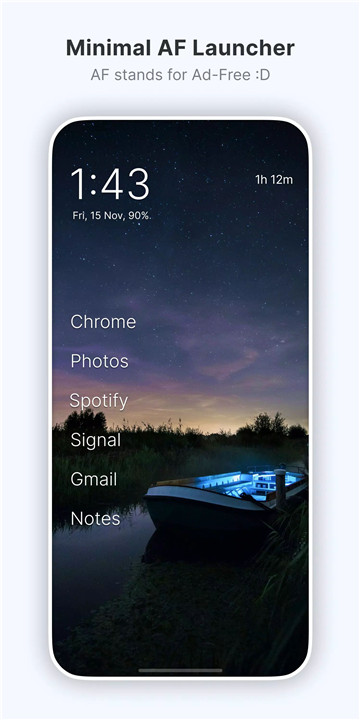
Olauncher is a minimalist AF Android launcher designed for users who want simplicity, privacy, and productivity. Stripping away unnecessary clutter, ads, and distractions, it transforms the home screen into a clean, functional space. “AF” stands for AdFree—emphasizing a distraction-free experience while keeping just the essential features to make your phone feel light, fast, and personal.
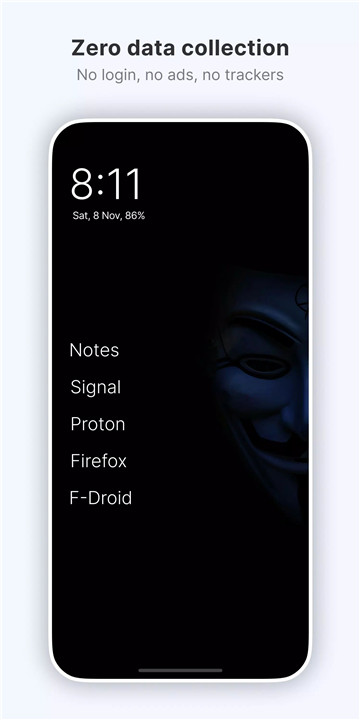
The launcher is fully open source under the GPLv3 license, ensuring privacy with no data collection. Whether the goal is reducing screen time, enhancing focus, or simply enjoying a beautiful, distraction-free interface, Olauncher provides an elegant solution.
Minimalist Homescreen
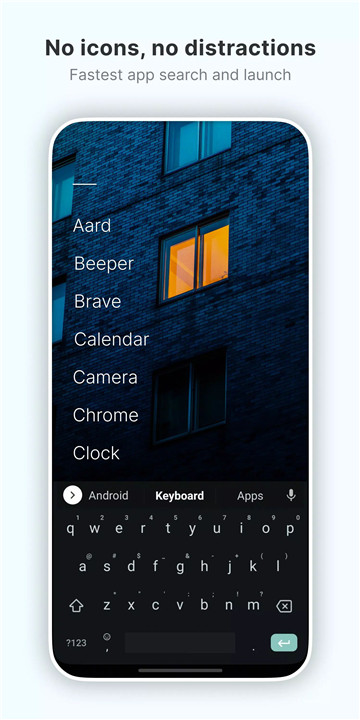
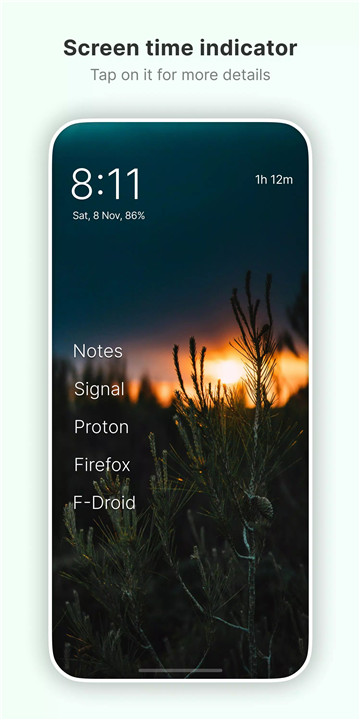
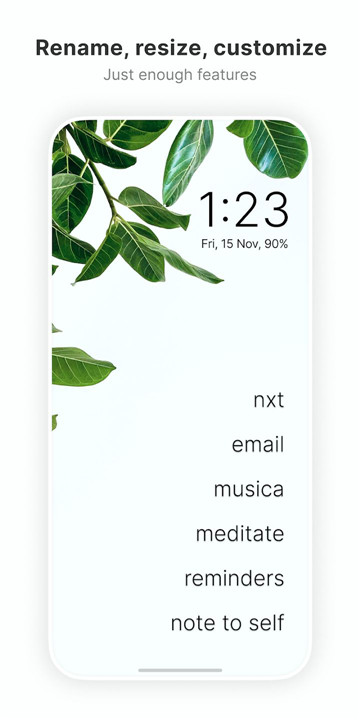
Olauncher offers a clean, uncluttered home screen without icons, ads, or distractions. The minimal design encourages reduced screen time and increased productivity while giving your phone a modern, simple look.
Customization Options
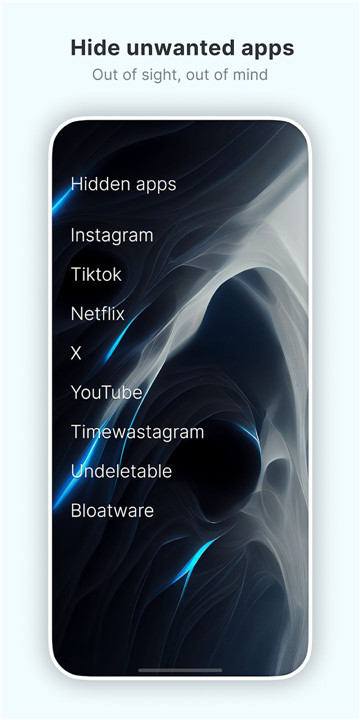
Despite its minimalism, Olauncher provides powerful customization: resize text, rename apps, hide unused apps, show or hide the status bar, and adjust app text alignment. These small but impactful tweaks make the launcher uniquely personal.
Gesture Controls
The launcher supports intuitive gestures for seamless navigation: double tap to lock the screen, swipe left or right to open apps, and swipe down for notifications. On compatible devices, gestures make daily phone use faster and more fluid.
Daily Wallpapers
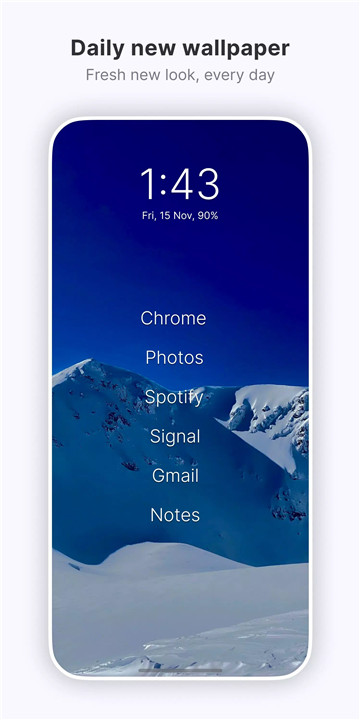
A beautiful new wallpaper is provided every day to keep the interface fresh. Users can also select custom wallpapers from their gallery or phone settings, proving that minimalism doesn’t have to be boring.
Privacy and Security
Olauncher prioritizes user privacy with no data collection. Its Accessibility Service, used only for the optional double-tap screen-off gesture, is disabled by default and does not share any information. Being a FOSS app, it’s fully open source, giving transparency and control to users.
Additional Features
- Dark and light themes
- Dual apps support
- Work profile support
- Auto app launch for select applications
Hidden niche features are available and can be explored via the About page in settings, maintaining simplicity without sacrificing functionality.
FAQs
Q1: How do I access hidden apps in Olauncher?
Long press anywhere on the home screen, open settings, then tap ‘Olauncher’ at the top to view and manage hidden apps.
Q2: Why are gestures not working on my device?
Some Android devices have restrictions on third-party launchers. Gesture support may require an official update from your device manufacturer.
Q3: Can I set my own wallpaper?
Yes, besides the daily wallpaper, any image from your gallery or phone settings can be used as the home screen wallpaper.
Q4: What does the Accessibility Service do?
It enables the optional double-tap to turn off the screen gesture. It is disabled by default and does not collect or share data.
Q5: Are there other hidden features?
Yes, additional niche features are available via the About page in settings, including tips to maximize the minimalist experience.
Version History
v4.3.2—27 Aug, 2024
Several fixes and improvements making Olauncher better than ever! Reduce your screen time and enjoy all the other benefits of using the highest rated launcher, at zero cost.
And don't forget to show your beautiful homescreen to your iFriends, who can't even use launchers on their "smart"phone.
v4.2.2—12 Mar, 2024
With the latest update, Olauncher is now better than ever!
Reduce your screen time and enjoy all the other benefits of the using the highest rated minimal launcher, at zero cost!
Don't forget to show your minimal homescreen to your iFriends who can't use launchers on their phone.
v4.2.1—19 Jan, 2024
* Crash fixes
* Fixed popup appearing if you visit Hidden apps often
* Fixed Digital Wellbeing link on Samsung devices
* Translation improvements
Wishing you all a very happy and healthy new year!
- AppSize2.35M
- System Requirements5.0 and up
- Is there a feeFree(In game purchase items)
- AppLanguage English
- Package Nameapp.olauncher
- MD578f235fbbbeafce0dd7c975cae2c104d
- PublisherDigital Minimalism
- Content RatingTeenDiverse Content Discretion Advised
- Privilege19
-
Olauncher. Minimal AF Launcher v4.3.2Install
2.35M2026-03-19Updated










8.5
7310 Human Evaluation
- 5 Star
- 4 Star
- 3 Star
- 2 Star
- 1 Star