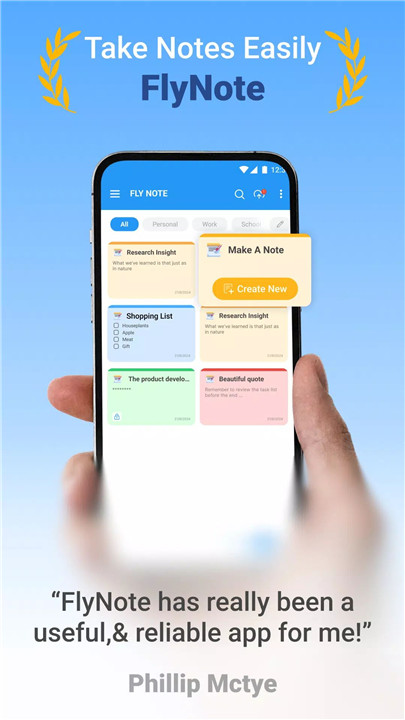
FlyNote — Notes, Notepad, Notebook is a powerful and versatile note-taking application designed to help users stay organized, productive, and creatively inspired. Built for students, professionals, and anyone who wants to capture ideas effortlessly, FlyNote combines simplicity with advanced functionality.
Create Notes and Checklists Anywhere
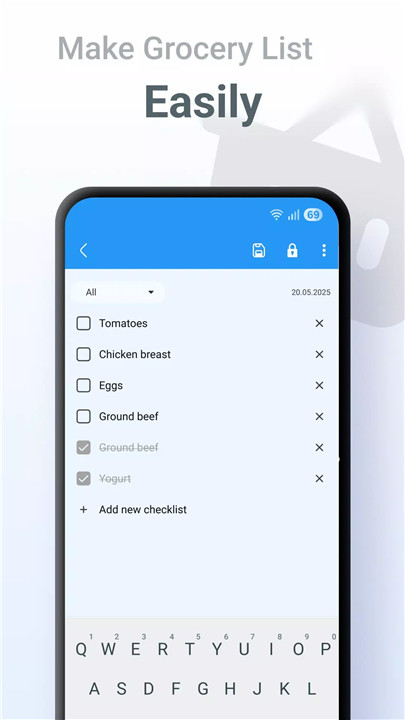
FlyNote makes it easy to capture ideas on the go. By tapping the “+” button on the main screen, users can quickly create new text notes or checklists.
Password Protection for Notes
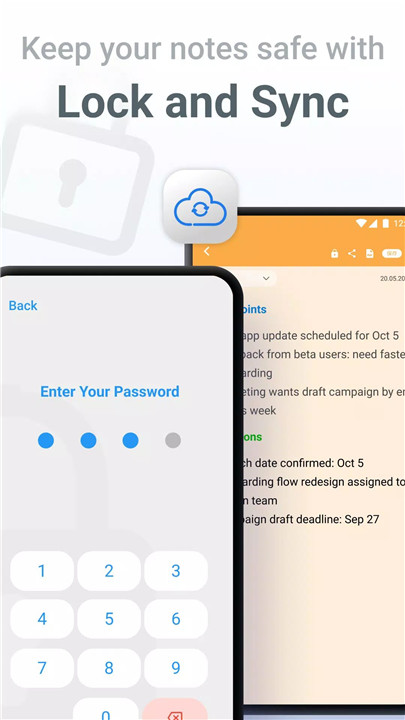
Sensitive notes can be secured with a built-in lock feature. Users simply select a note or checklist, tap the lock icon, set a password, and create a security question. Once protected, the lock icon can be used to secure or unlock information instantly.
Sticky Notes Widget
FlyNote includes a useful Sticky Notes widget, allowing users to view important notes directly from the home screen. This makes quick reference effortless without needing to open the app.
Sync Across Devices
With Google Drive sync support, FlyNote keeps all notes updated across multiple devices. Users can switch phones, work on a tablet, or access information anywhere, ensuring continuity and reliability.
Fully Customizable Experience
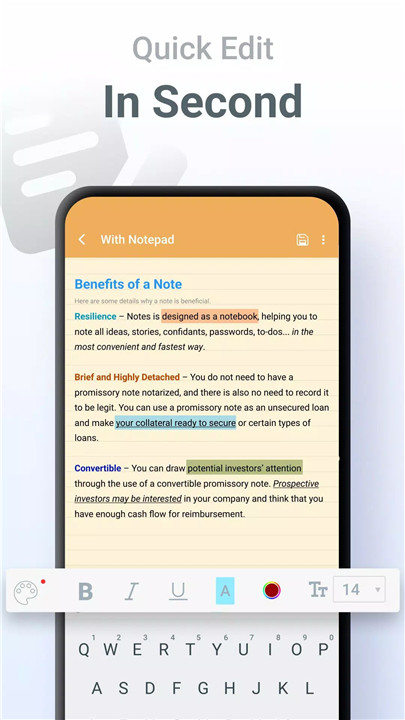
Users can enhance note-taking with personalized themes and backgrounds. From minimal designs to colorful styles, customization helps create a more comfortable and inspiring writing environment.
Smart Reminders
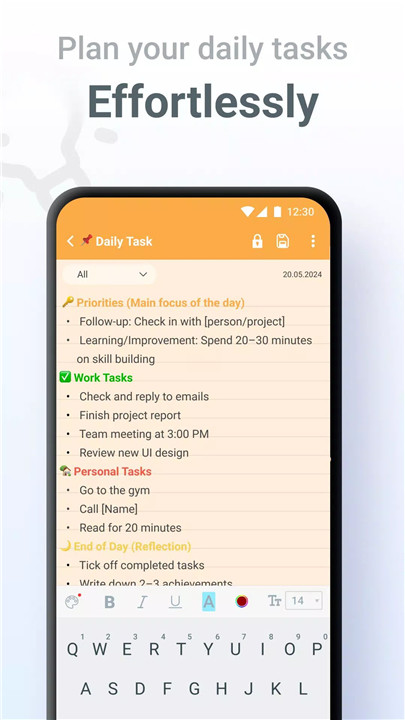
Deadlines and tasks become easier to manage with built-in reminders. FlyNote allows users to set alerts for notes and checklists, ensuring nothing important is overlooked.
Backup and Recovery
Automatic Google Drive backup protects notes from accidental loss. Additionally, deleted notes can be recovered from the built-in trash bin, offering peace of mind when mistakes happen.
Home Screen Shortcuts
Users can create shortcuts to their most important notes on the home screen, enabling instant access and improving workflow efficiency.
Share in Multiple Formats
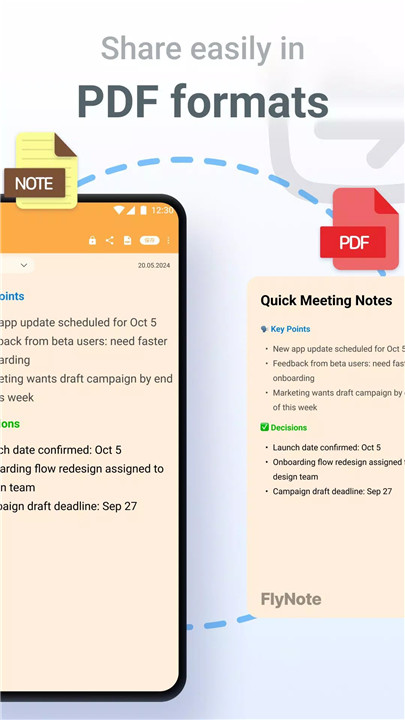
FlyNote makes sharing quick and simple. Notes can be shared with others, and the new PDF export feature allows users to send content in a universal, professional format.
Benefits
Stay Organized
Smart search and structured note management help users keep thoughts, plans, and ideas in one accessible place.
Boost Productivity
FlyNote’s wide range of tools makes it easy to capture, categorize, and retrieve information, improving task management and workflow efficiency.
Enhance Creativity
Customizable themes and flexible formatting options encourage expressive and creative note-taking.
FAQs
1. How can a new note or checklist be created in FlyNote?
Tap the “+” button located at the bottom right of the main screen to start a new note or checklist instantly.
2. Is it possible to protect sensitive notes with a password?
Yes. Open the note or checklist, tap the lock icon, and set a password with a security question to secure it.
3. Can FlyNote sync notes across different devices?
FlyNote supports syncing with Google Drive, allowing access to notes on any device linked to the same account.
4. What happens if a note is accidentally deleted?
Deleted notes can be restored from the built-in trash bin, ensuring that important information is not permanently lost.
5. Does FlyNote allow sharing notes in different formats?
Yes. Notes can be shared easily, and with the new PDF export feature, they can be shared in a clean, professional format.
Version History
v1.11.28—9 Dec, 2025
Minor bug fixes and improvements. Install or update to the newest version to check it out!
v1.11.27—3 Dec, 2025
v1.11.26—25 Nov, 2025
- AppSize25.20M
- System Requirements5.0 and up
- Is there a feeFree(In game purchase items)
- AppLanguage English
- Package Namecom.eco.note
- MD5
- PublisherEco Mobile for Work
- Content RatingTeenDiverse Content Discretion Advised
- Privilege19

-
Notes, Notepad - FlyNote 1.11.28Install
25.20M2026-03-14Updated










9.0
1505 Human Evaluation
- 5 Star
- 4 Star
- 3 Star
- 2 Star
- 1 Star