
Magic Eraser is a powerful all-in-one photo editor designed for anyone looking to elevate their images with professional-grade tools. From removing unwanted objects to transforming photos into anime art, Magic Eraser delivers intuitive editing tools that are both simple for beginners and robust for experts.
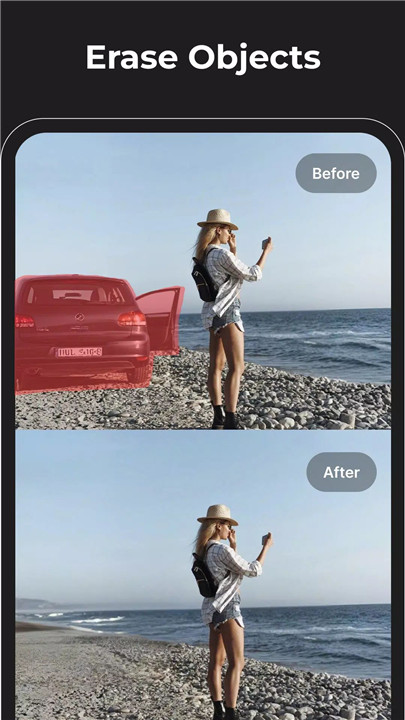
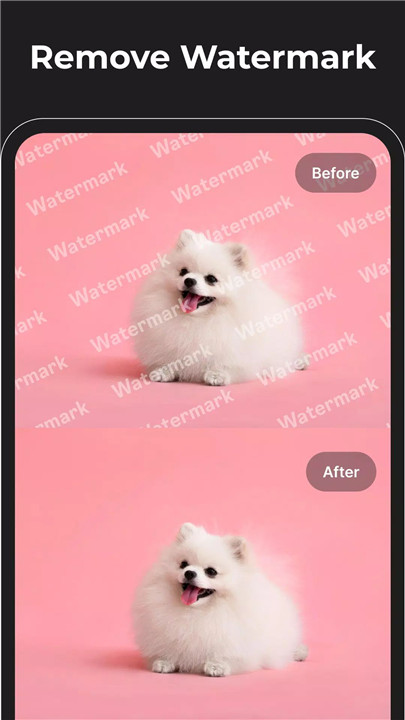
Remove Objects & Text
Magic Eraser’s intelligent removal tool eliminates unwanted elements with precision. Remove objects, text, watermarks, blemishes, and logos effortlessly, ensuring clean and natural-looking results. This tool also functions as a reliable acne remover and wrinkle remover, allowing subtle retouching without compromising image quality.
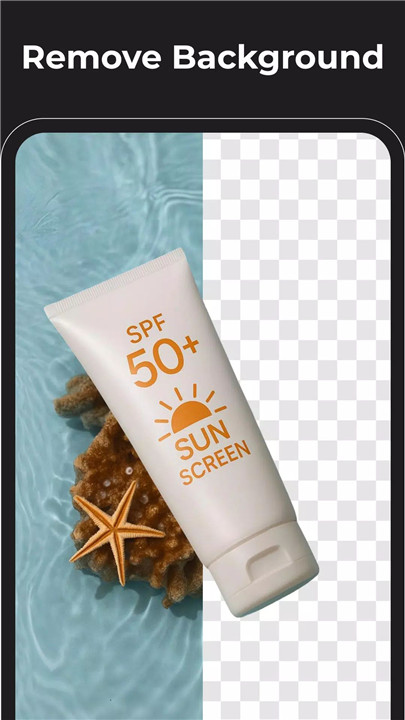
Background Eraser & Enhancement
Easily isolate subjects using the advanced background eraser. In addition to removing backgrounds, this tool works as a dehaze photo editor and unblur enhancer, sharpening images for crystal-clear results. It mirrors the capability of an HD photo editor—ideal for marketing, product photography, and polished social media content.
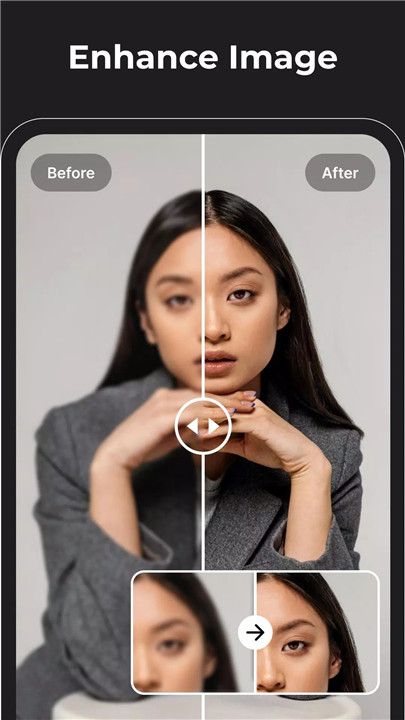
Image Enhancement & Retouching
Enhanced clarity and detail are achieved with features that adjust sharpness, contrast, and color balance. Users can convert low-resolution images into high-quality results with the app’s quality improvement tools. Blemish removal, wrinkle smoothing, and reshaping features ensure every photo looks professional and polished.
Photo to Anime & Creative Effects
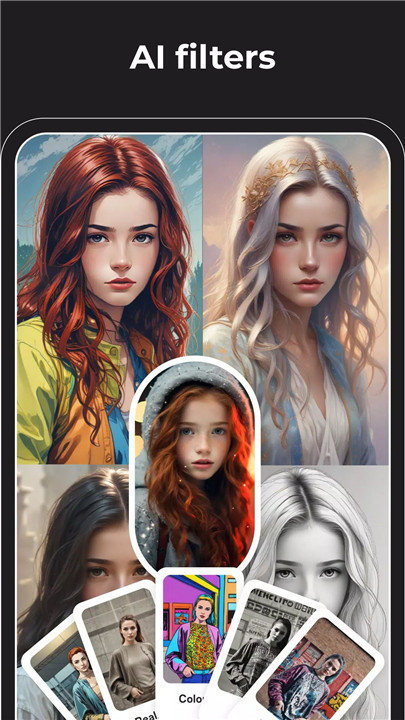
Magic Eraser transforms photos into dynamic anime artwork using AI-driven effects. The photo-to-anime converter and AI cartoon tools offer creative options for producing eye-catching social media visuals. These artistic filters turn ordinary pictures into bold, stylized creations.
AI Image Generation & Logo Design
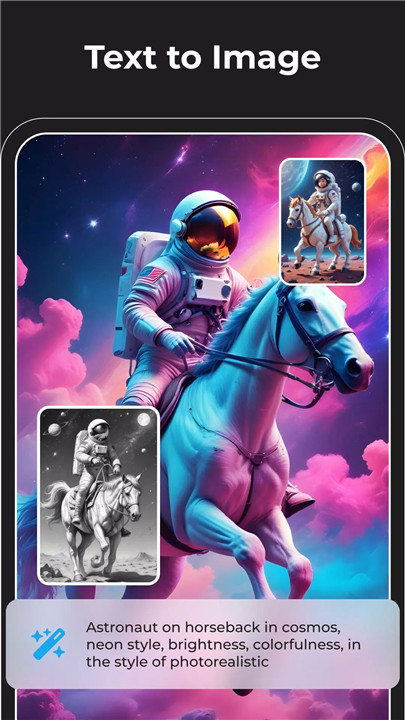
Unlock creative potential with AI-powered image and art generation. Produce unique concepts using the AI art generator, experiment with unlimited styles, or design custom logos through the AI logo generator. Magic Eraser’s AI tools create images that inspire imagination and creativity.
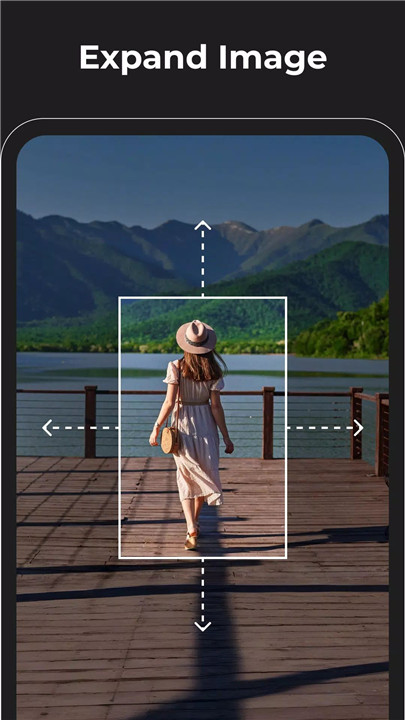
Expand Background for Better Composition
The expand photo feature increases canvas space to improve composition. This is ideal for users creating banners, ads, posters, or cover images that require balanced framing or additional visual room.
Replace Objects on Image (Premium)
Premium users gain access to a sophisticated object replacement tool. Swap out accessories, clothing, or objects to create clean, high-end edits. The feature carefully matches lighting, shadows, and textures for seamless integration.
FAQs
1. What does Magic Eraser do?
Magic Eraser is a full-featured photo editor that removes objects, enhances images, transforms photos into art, and provides AI-powered editing tools.
2. Can Magic Eraser remove backgrounds automatically?
Yes. The app includes an advanced background eraser that isolates subjects and enhances image clarity with dehaze and unblur features.
3. Does the app support photo retouching?
It offers tools for blemish removal, wrinkle smoothing, color correction, sharpening, and overall image enhancement.
4. Are AI art and anime effects included?
Yes. Magic Eraser features AI tools that convert photos into anime or cartoon styles and generate unique artwork and logos.
5. What is the premium object replacement feature?
Premium users can replace objects within a photo, swapping elements with precision while maintaining natural lighting and textures.
Version History
v2.10.11—10 Oct, 2024
Improve Image generator, allow longer prompt, better prompt understanding
v2.10.8—28 Sep. 2024
Improve AI expand feature, better scene understanding, diverse content, highly detailed
v2.10.0—17 Aug, 2024
Enhance photos feature: Improve face enhancer
- AppSize9.17M
- System Requirements5.0 and up
- Is there a feeFree(In game purchase items)
- AppLanguage English
- Package Namecom.duygiangdg.magiceraser
- MD515c12e27dcd146c19c6183ea11e9d6e6
- PublisherCreatix Technology Global Limited
- Content RatingTeenDiverse Content Discretion Advised
- Privilege19

-
Magic Eraser - Remove Objects 2.10.11Install
9.17M2026-03-14Updated










9.1
5338 Human Evaluation
- 5 Star
- 4 Star
- 3 Star
- 2 Star
- 1 Star