
iScanner is a top-rated PDF scanner trusted by over 125 million users worldwide. Designed for efficiency and convenience, this AI-powered scanner turns any document—from receipts and ID cards to contracts, assignments, and photos—into polished digital files, making it ideal for students, teachers, business professionals, remote workers, and anyone needing a reliable mobile scanning solution.
Fast and Intuitive Scanning
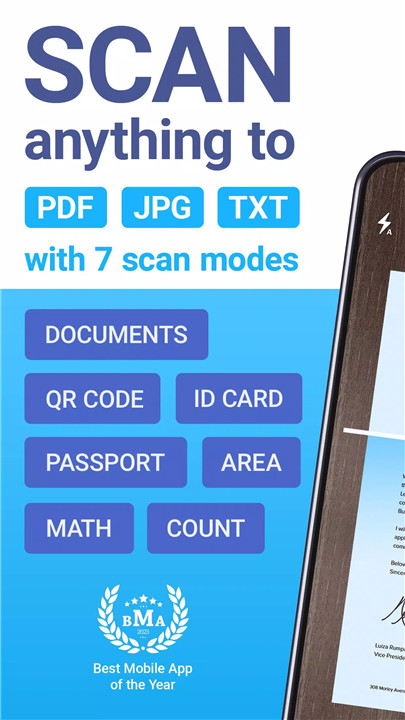
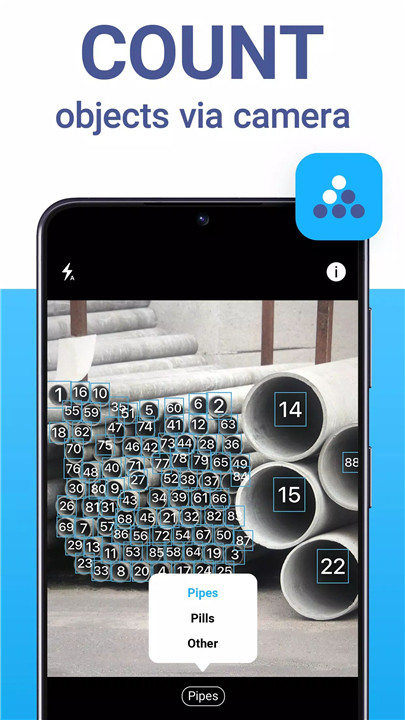
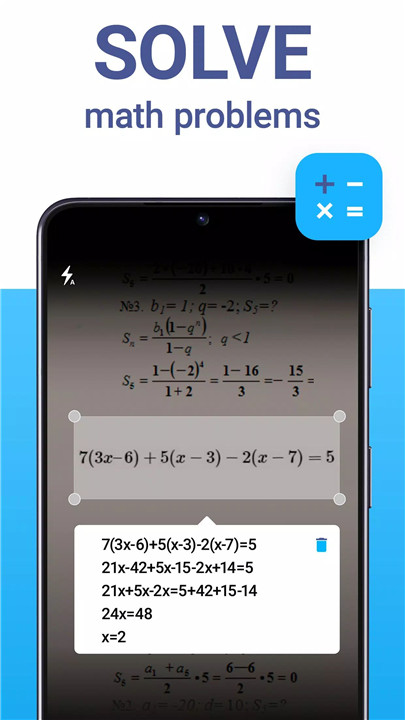
iScanner allows documents to be scanned in seconds with minimal steps. Its AI-powered processing ensures professional-quality results automatically, removing shadows, adjusting edges, and enhancing clarity without manual editing. Multiple specialized scanning modes include document scanning, ID card and passport scanning, math problem solving, QR code scanning, area measurement, and object counting.
All-in-One Document Hub
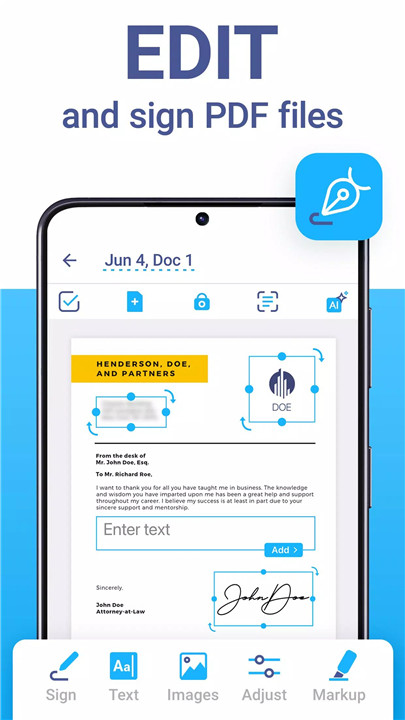
The app offers a complete digital office solution: edit, merge, sign, and protect files seamlessly. Users can add text, autofill forms, insert signatures, or apply watermarks to PDFs. Documents can be split, merged, or organized using an intuitive file manager with folders, drag-and-drop functionality, and PIN protection for sensitive content.
Cloud Storage & File Management
Scanned files are easily synced across devices for convenient access anywhere. iScanner’s file management system allows organization, secure storage, and retrieval of documents through any browser or platform, combining efficiency with robust privacy protection.
Powerful AI Tools
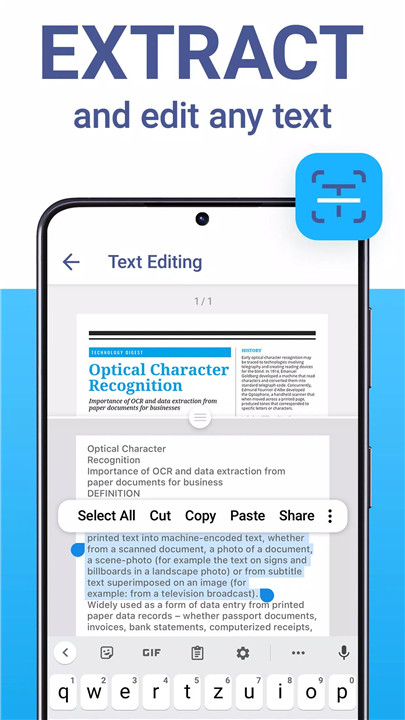
iScanner leverages AI to refine document edges, remove unwanted objects, enhance clarity, and detect text using OCR in over 20 languages. AI tools also help summarize, edit, and refine content for professional-quality results. This ensures every scanned document is ready for business, study, or personal use.
Full PDF Editor
The built-in PDF editor enables signing, text editing, watermarking, and file protection. Users can merge multiple documents into one PDF, split large files into separate pages, or blur sensitive information to maintain confidentiality.
Privacy and Security
Documents remain private on the device with no third-party access. Security options include PIN, Face ID, Touch ID, password protection for PDFs, and expiration dates for shared links. A decoy password feature allows for an additional layer of protection, keeping sensitive data safe from unauthorized access.
Sustainability and Eco-Friendliness
Since 2015, iScanner has supported a paperless lifestyle, helping millions reduce paper waste and track environmental impact. Users can replace printouts with digital files, earning eco certificates and contributing to global tree-saving efforts.
FAQs
1. Which documents can be scanned with iScanner?
iScanner can scan receipts, ID cards, passports, contracts, assignments, photos, tax forms, and more.
2. What file formats are supported for exports?
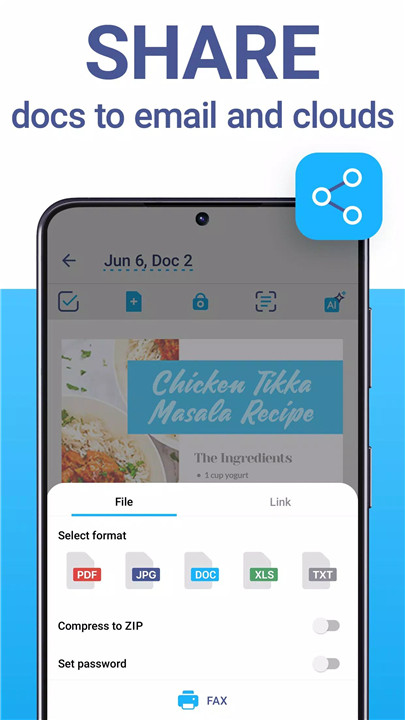
Scanned documents can be saved in PDF, JPG, DOC, XLS, PPT, or TXT formats.
3. Does iScanner offer AI-powered enhancements?
Yes, AI automatically straightens edges, removes shadows, deblurs images, and can summarize or edit text using OCR in over 20 languages.
4. How does iScanner protect document privacy?
Documents remain on the device with PIN, Face ID, Touch ID, password protection, and optional decoy passwords for extra security.
5. Can iScanner help reduce paper usage?
Yes, it promotes a paperless workflow, helping users save trees, track environmental impact, and earn eco certificates.
Version History
v5.84.5—4 Dec, 2025
Thanks for staying with us! In this version, you’ll find:
— Bug fixes and performance improvements
We love getting feedback from all of you! Please leave your reviews so we can keep making the app even better.
v5.83.5—2 Dec, 2025
Thanks for staying with us! In this version, you’ll find:
— Bug fixes and performance improvements
We love getting feedback from all of you! Please leave your reviews so we can keep making the app even better.
v5.82.8—25 Nov, 2025
Thanks for staying with us! In this version, you’ll find:
— Office filter—give your scan a more authentic look by emulating the texture and imperfections of a real scanned page
— Bug fixes and performance improvements
We love getting feedback from all of you! Please leave your reviews so we can keep making the app even better.
- AppSize196.30M
- System Requirements5.0 and up
- Is there a feeFree(In game purchase items)
- AppLanguage English
- Package Namecom.bpmobile.iscanner.free
- MD5ba3599fabb366317999199a61d06a796
- PublisherBP Mobile LLC
- Content RatingTeenDiverse Content Discretion Advised
- Privilege19


-
iScanner - PDF Scanner App 5.84.5Install
196.30M2026-03-14Updated










9.6
8389 Human Evaluation
- 5 Star
- 4 Star
- 3 Star
- 2 Star
- 1 Star