
Genius Scan is a powerful scanner app that turns your smartphone or tablet into a high-quality scanner for documents. With over 20 million users, including thousands of small businesses, this app is designed to help you quickly scan paper documents, convert them into multi-scan PDF files, and easily manage your digital documents on the go.
Smart Scanning
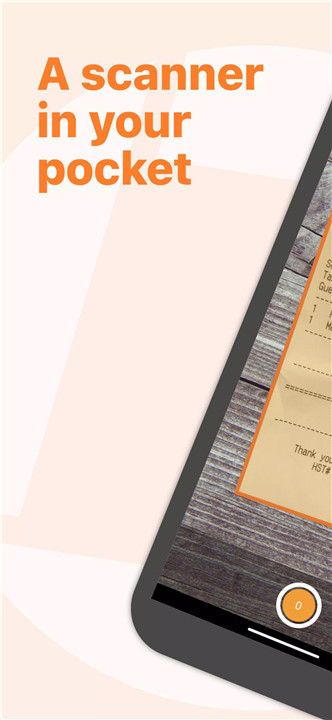
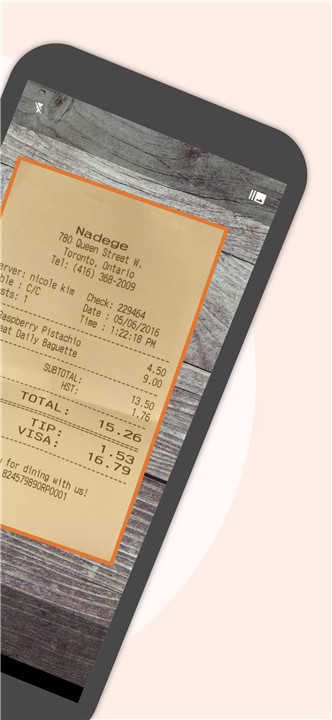
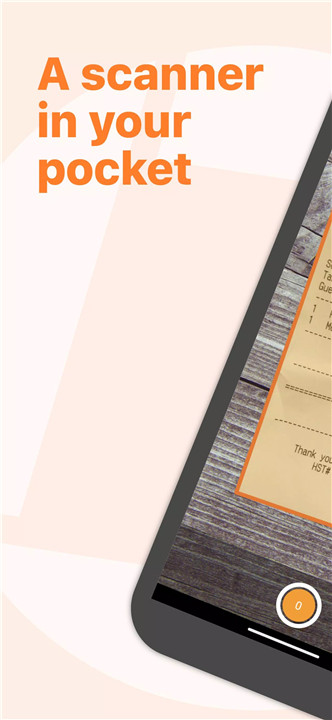
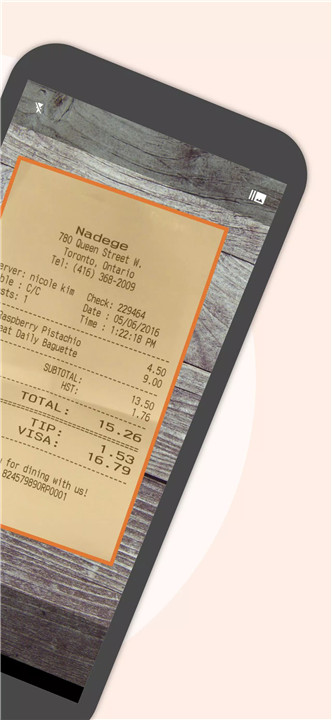
The app automatically detects documents, removing any background clutter, and correcting distortions that can happen when scanning at odd angles. In addition, it offers shadow removal and defect cleanup, ensuring that your final scan is clean, clear, and ready for use. The batch scanner feature allows you to scan multiple pages in one go, saving you time and hassle.
PDF Creation & Editing
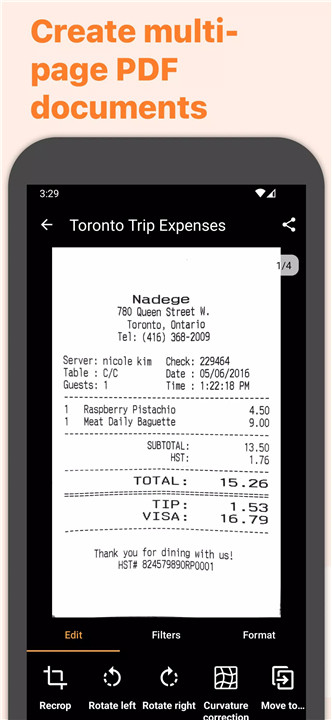
As the best PDF scanner app, Genius Scan doesn’t just create image-based scans but also generates fully editable PDF documents. You can merge multiple scans into one PDF file, or split a PDF into separate pages with ease. The multi-page PDF creation tool is perfect for creating documents that include several pages, from contracts to receipts or lengthy reports.
Security & Privacy
Your privacy matters, and Genius Scan takes every measure to ensure that your scanned documents remain secure. All document processing happens on your device, so your sensitive information is never sent to a cloud server unless you choose to export it. The app features biometric unlock for easy access and PDF encryption to keep your files secure.
Scan Organization
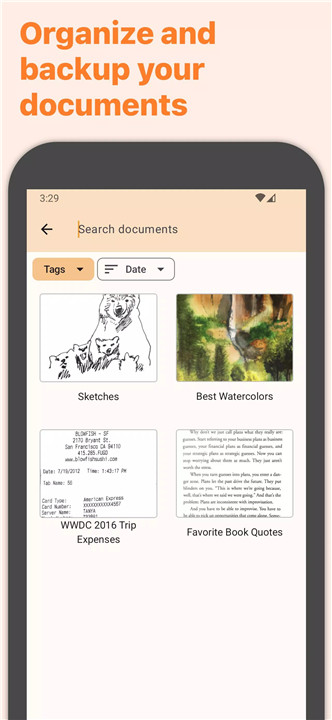
Genius Scan is more than just a scanner; it’s a comprehensive document management tool. The app allows you to organize your scans with ease, offering features like document tagging, metadata and content search, and smart document renaming with customizable templates. You can also sync your scans across multiple devices.
Export
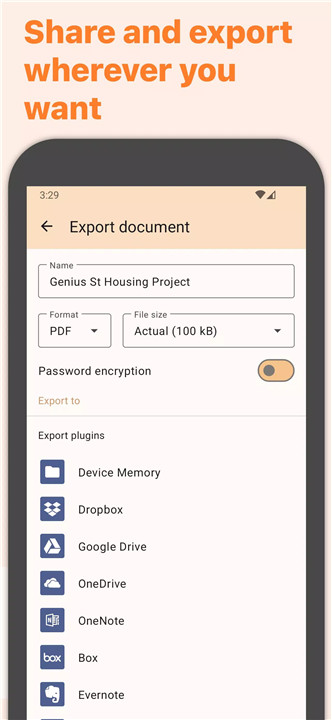
Once your documents are scanned, they’re not trapped in the app. Genius Scan makes it easy to export your scans to a variety of platforms and services, including email, Dropbox, Google Drive, OneDrive, and Box, among others. The app supports WebDAV, meaning you can export your scans to any compatible service, making it a seamless part of your document workflow.
OCR (Text Recognition)
Genius Scan takes scanning to the next level with OCR (Optical Character Recognition) capabilities. The app can extract text from your scans, making your documents searchable. OCR enhances the functionality of Genius Scan, making it an even more powerful tool for managing your documents.
FAQs
1. What document formats does Genius Scan support?
Genius Scan supports scanning to both image files and PDF documents. You can create multi-page PDFs, merge scans, and export them to various formats for easy sharing and storage.
2. Is Genius Scan secure?
Yes, Genius Scan ensures your privacy by processing documents directly on your device. It also features biometric unlock and PDF encryption to protect your sensitive information.
3. How can I organize my scans in Genius Scan?
Genius Scan allows you to organize your scans using tags, metadata, content search, and smart renaming templates. You can also sync and back up your scans across multiple devices.
4. Can I export my scans to cloud storage services?
Yes, Genius Scan allows you to export your scans to popular cloud services such as Google Drive, Dropbox, OneDrive, and Box, as well as FTP and WebDAV compatible services.
5. What is OCR, and how does it work in Genius Scan?
OCR (Optical Character Recognition) allows Genius Scan to extract text from your scanned documents, making them searchable. This feature is perfect for creating searchable PDFs from paper documents.
Version History
v7.17.2—4 May, 2024
- We've redesigned the app to adopt the Material 3 style. Colors and shapes were changed for a modern-looking interface.
- We've also added a new filter to the search screen which makes it possible to search in the current folder.
- An occasional crash when scrolling the list of documents was fixed.
v7.16.0—28 Mar, 2024
- Search has been improved to return matching folders.
- Better document detection: with this update, Genius Scan introduces an improved Deep Learning AI to more accurately find documents even if they are low-contrast, feature unusual aspect ratios, or are partially hidden by other items in the picture such as pens, keyboards or other documents.
v7.15.2—15 Mar, 2024
- Improve text recognition: we now use a blazing fast OCR technology that recognizes text with a greater accuracy
- Fix occasional issue when merging or exporting offloaded documents
- AppSize40.96M
- System Requirements5.0 and up
- Is there a feeFree(In game purchase items)
- AppLanguage English
- Package Namecom.thegrizzlylabs.geniusscan.free
- MD5518fea47928bba6fa0bb08f862d62d63
- PublisherThe Grizzly Labs
- Content RatingTeenDiverse Content Discretion Advised
- Privilege19

-
Genius Scan - PDF Scanner 7.17.2Install
40.96M2026-03-22Updated










9.4
6647 Human Evaluation
- 5 Star
- 4 Star
- 3 Star
- 2 Star
- 1 Star