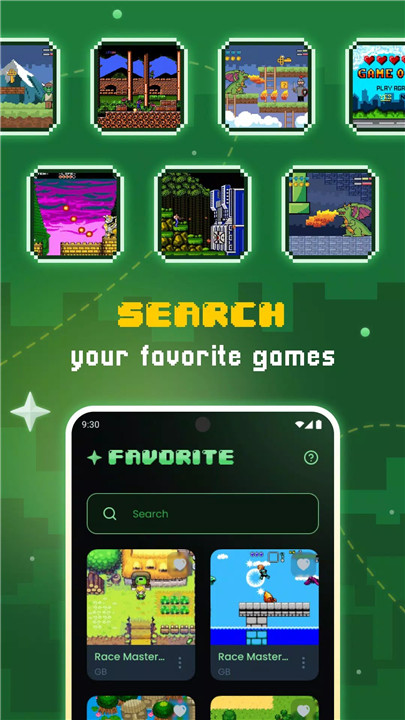
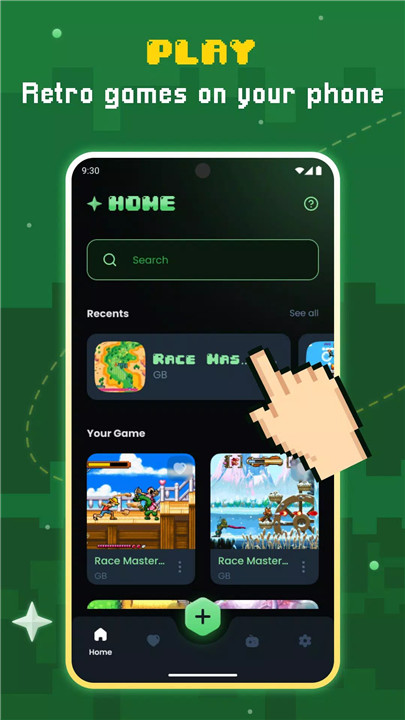
Gamu is a free, open-source platform designed for fans of classic video games who want to relive timeless titles on modern devices. Compatible with PC, Mac, Linux, Android, and iOS, Gamu unifies support for a wide variety of retro game formats in one hub. Built using the Libretro framework, it delivers smooth performance across devices while integrating rich multimedia features such as OpenGL rendering and camera support.
Game Progress Management
Gamu includes auto-save and quick save/load slots, allowing players to pause and resume games at any time. Cloud sync ensures that save files remain accessible across devices, making it easier to continue gameplay wherever you are.
Game Library Organization
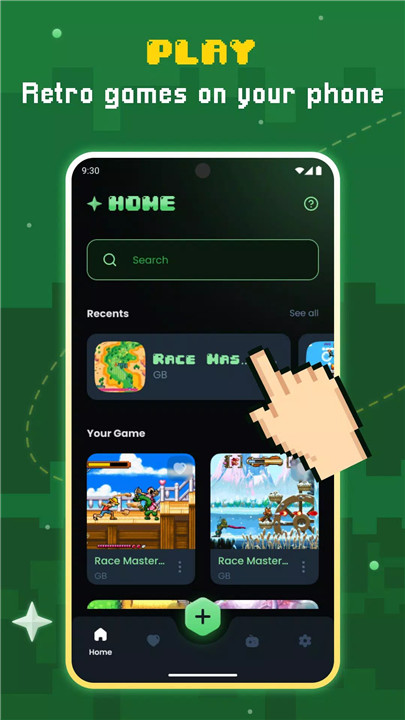
The app automatically scans and catalogs game files, including compressed formats like .zip. This feature helps users manage their collection efficiently, making it simple to browse and launch favorite titles.
Optimized Controls and Customization
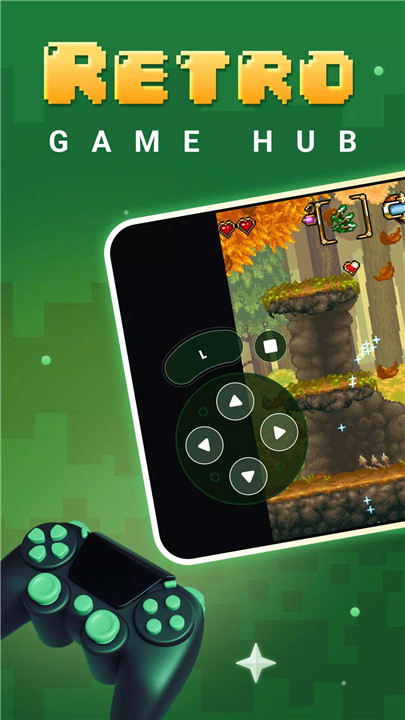
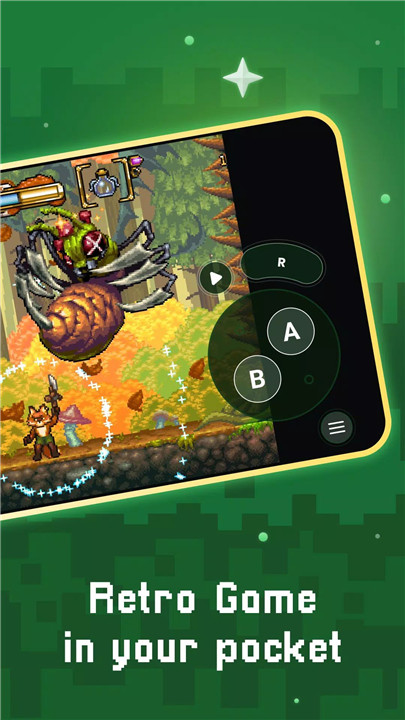
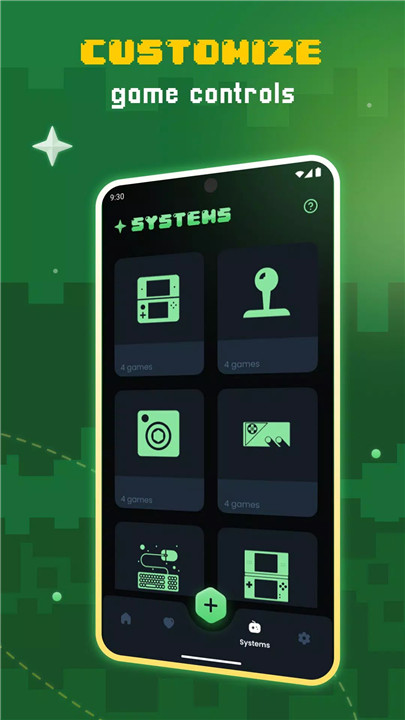
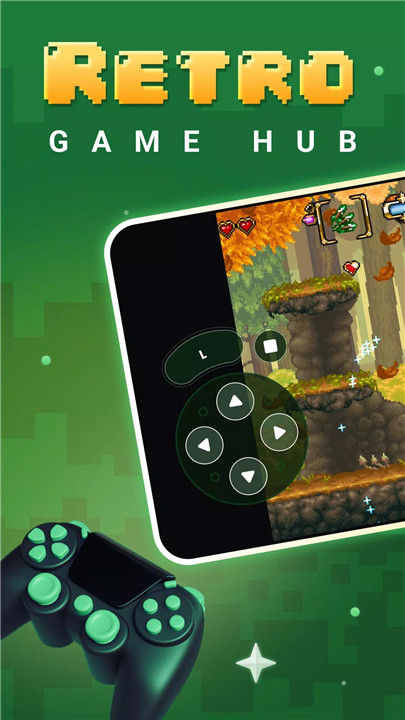
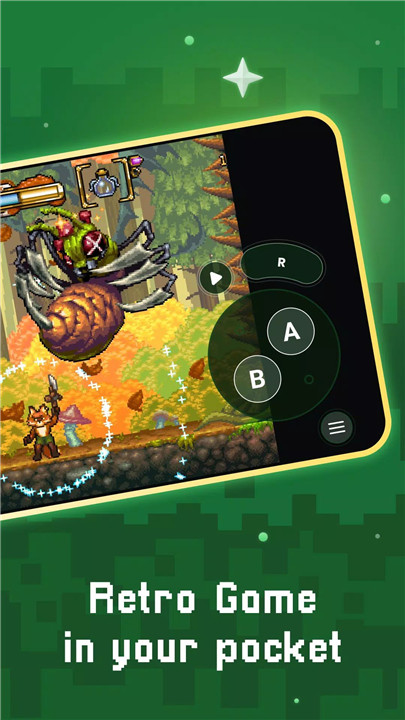
Gamu supports external controllers and gamepads, while on-screen buttons can be customized for personal preference. Motion controls such as tilt-to-stick enhance gameplay on mobile devices, and virtual controls are optimized for smooth interaction.
Visual and Performance Enhancements
The platform offers visual filters and display simulation options, such as LCD or CRT styles, to recreate authentic retro experiences. Fast-forward mode allows for quicker gameplay, and performance is optimized across a wide range of devices, although newer systems may require more powerful hardware.
Multiplayer and Connectivity
Local multiplayer is supported with multiple controllers, enabling cooperative or competitive gameplay. Cloud save synchronization ensures seamless continuity, while the platform continues to receive updates to improve compatibility and features.
Open-Source and Free
Gamu is fully open-source, ensuring transparency and continuous community-driven improvements. The platform is completely free, ad-free, and does not include any game files; users must provide their own legally acquired games.
FAQs
1. Which devices support Gamu?
Gamu is compatible with PC, Mac, Linux, Android, and iOS devices.
2. Does Gamu include games?
No, users must provide their own legally acquired game files; Gamu is only the platform to run them.
3. Can I use a controller or gamepad with Gamu?
Yes, Gamu supports external controllers, gamepads, and customizable on-screen buttons.
4. Does Gamu save game progress?
Yes, it offers auto-save, quick save/load slots, and cloud sync for seamless continuation across devices.
5. Can Gamu display retro visual effects?
Yes, it includes visual filters and display simulation options such as LCD and CRT styles to enhance the retro gaming experience.
Version History
v2.8—1 Jul, 2025
v2.7—19 Jun, 2025
v2.6—17 Jun, 2025
- AppSize71.60M
- System Requirements5.0 and up
- Is there a feeFree(In game purchase items)
- AppLanguage English
- Package Namecom.game.console.emulator
- MD5
- PublisherProtector & Security for Mobile Ltd
- Content RatingTeenDiverse Content Discretion Advised
- Privilege19
-
Gamu: Retro Game Hub 2.8Install
71.60M2026-03-14Updated










9.1
6658 Human Evaluation
- 5 Star
- 4 Star
- 3 Star
- 2 Star
- 1 Star