
Game Booster Fire GFX is a powerful all-in-one optimization toolbox designed to elevate mobile gaming performance. Built to enhance speed, stability, and responsiveness, the app automatically boosts device performance, reduces lag, and optimizes system resources for a smoother gameplay experience.
Game Launcher & One-Touch Boost
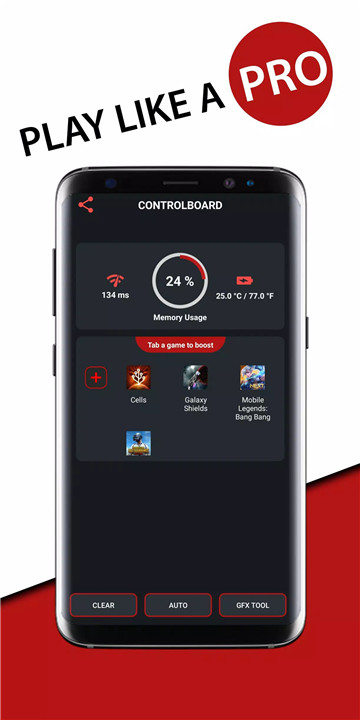
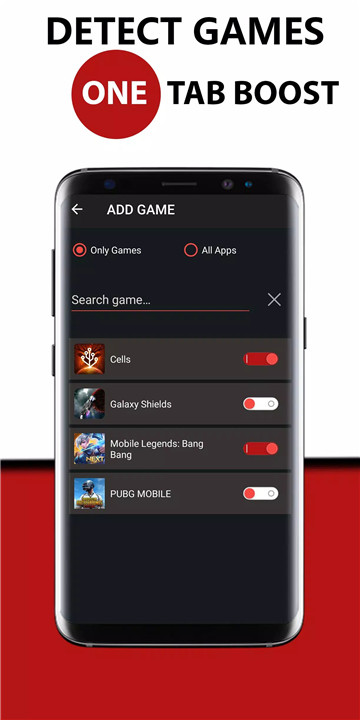
All installed games can be launched from one convenient location. The one-touch boost feature instantly optimizes system performance by clearing unnecessary processes and freeing up memory. This allows games to run faster and more efficiently without manual adjustments.
Automatic Performance Optimization
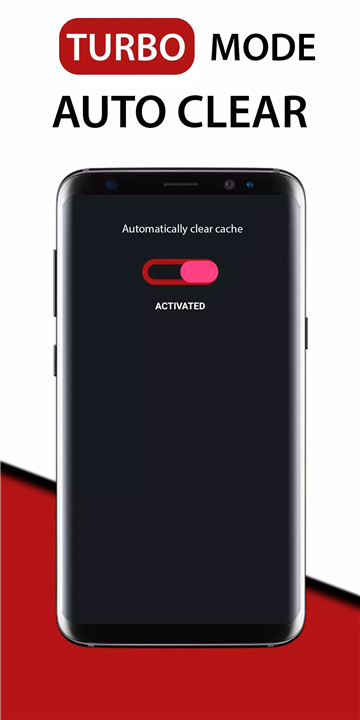
Game Booster Fire GFX automatically enhances device performance whenever a game is launched. Background running apps are closed to reduce RAM usage, minimize interruptions, and improve overall speed.
Network Listener & Lag Fix
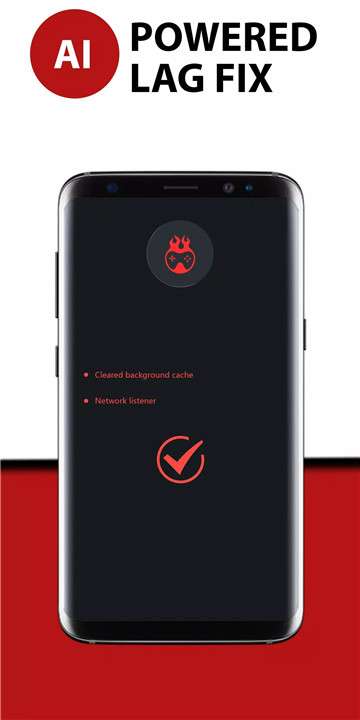
The integrated network listener monitors connection performance to reduce latency issues. By stabilizing network behavior and minimizing ping fluctuations, it helps deliver smoother online gameplay and reduced lag during competitive matches.
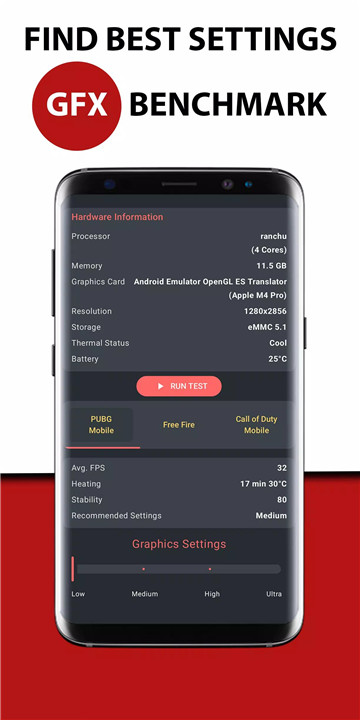
GFX Benchmark Tool – High FPS Detection
The built-in GFX Benchmark Tool detects optimal graphic settings to achieve the highest possible FPS (frames per second) for supported games. This feature identifies the best balance between visual quality and performance. Additional games are continuously added in future updates to expand compatibility.
Memory Usage Optimization
The app efficiently manages memory by terminating unnecessary background processes. This reduces system strain, improves responsiveness, and ensures games receive maximum available resources.
Battery Temperature Monitoring
Battery temperature is monitored to help prevent overheating during extended gaming sessions. Maintaining optimal temperature levels supports device stability and performance consistency.
Network Latency Monitoring
Real-time network latency tracking provides insight into connection quality. This allows better awareness of performance fluctuations that may affect gameplay responsiveness.
FAQs
Q1: What does Game Booster Fire GFX do?
Game Booster Fire GFX enhances gaming performance by boosting system speed, reducing lag, optimizing FPS, and closing unnecessary background apps.
Q2: How does the lag fix feature work?
The lag fix feature uses a network listener to monitor latency and stabilize connection performance, helping reduce ping spikes and gameplay delays.
Q3: Does the app improve FPS?
Yes, the GFX Benchmark Tool detects the best graphic settings to achieve higher FPS and smoother gameplay on supported games.
Q4: Is user data collected through the VPN feature?
No, the VPN service is only used locally to block background app internet access. No logs are stored, and no data is sent to external servers.
Q5: Why are permissions required?
Internet permission is needed for network monitoring, and background app control permission is required to optimize memory and improve gaming performance.
Version History
v216—24 Feb, 2026
LEGEND IS BACK
- Please rate the app to support us?
- Auto Launch feature added
- Bugs fixed
- AppSize18.50M
- System Requirements5.0 and up
- Is there a feeFree(In game purchase items)
- AppLanguage English
- Package Namecom.booster.gameboostermega2
- MD5
- PublisherTOLAN
- Content RatingTeenDiverse Content Discretion Advised
- Privilege19
-
Game Booster Fire GFX- Fix Lag 216Install
18.50M2026-02-25Updated










9.4
2758 Human Evaluation
- 5 Star
- 4 Star
- 3 Star
- 2 Star
- 1 Star