
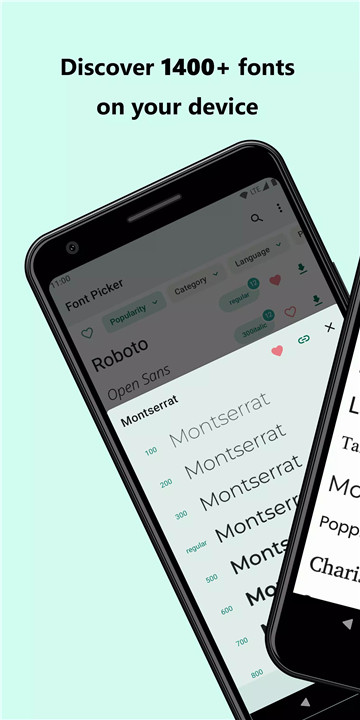
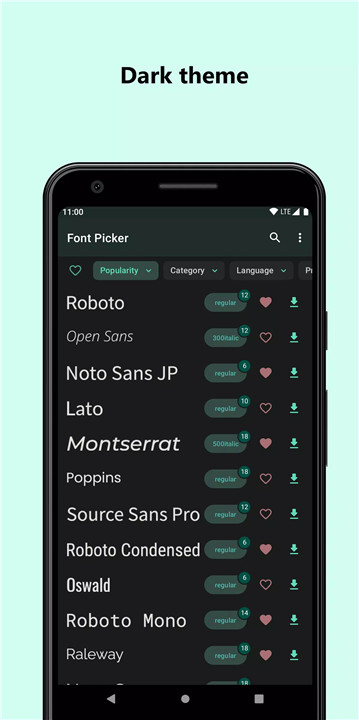
Font Picker is a powerful font downloader that provides access to over 1,800 fonts from Google Fonts directly on your device. The app allows previewing font faces, downloading individual fonts or entire families, and saving or sharing fonts for use in creative projects. It integrates seamlessly with popular photo and video editors like CapCut, Inshot, Picsart, and others, making it ideal for designers, content creators, and hobbyists.
Extensive Font Library
Font Picker offers more than 1,800 fonts from Google Fonts. Users can explore a variety of font styles, from classic serifs and modern sans-serifs to decorative and handwritten options. The large library provides inspiration for any creative project.
Font Preview and Selection
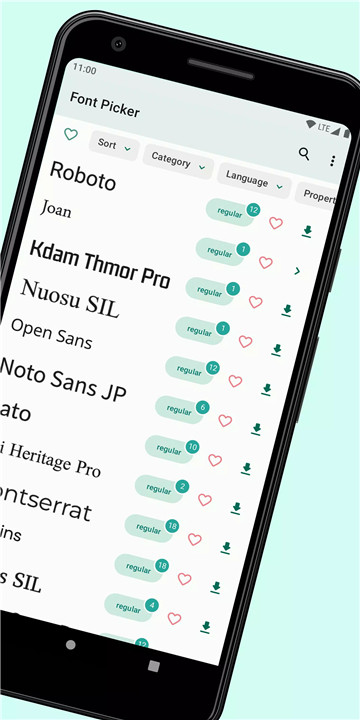
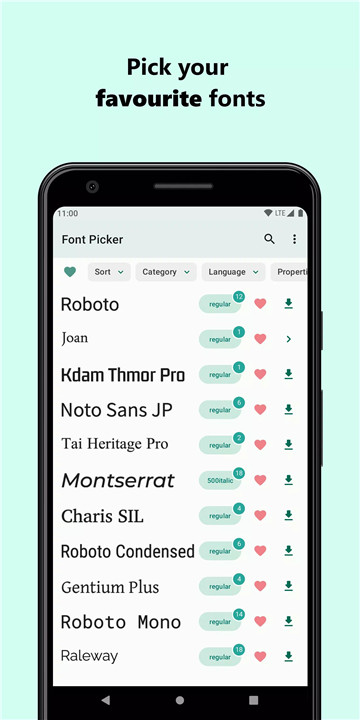
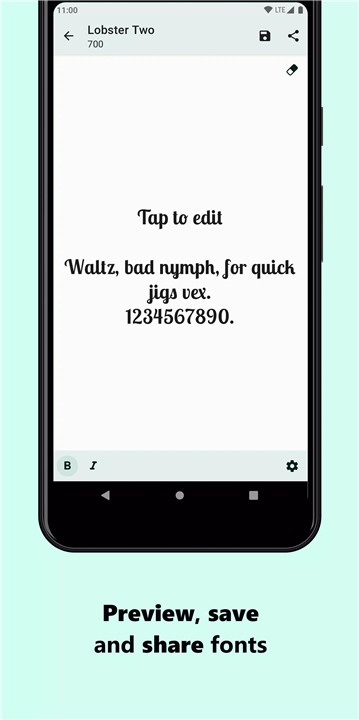
The app allows previewing fonts before downloading. Users can test how text looks in each font, ensuring the chosen style fits their project. Favorite fonts can be marked for easy access and organization.
Download Fonts and Families
Font Picker enables downloading single fonts or entire font families. Fonts are stored in the device’s internal storage under storage/Documents/Fonts/…, or users can select a custom save path. This makes managing and accessing fonts simple and convenient.
Integration with Editors
Fonts downloaded through Font Picker can be imported into popular photo and video editing apps like CapCut, Inshot, and Picsart. This allows users to apply professional typography in their digital creations quickly and efficiently.
Share and Save Fonts
Downloaded fonts can be shared with friends, collaborators, or across devices. Users can save their favorite fonts for future projects, ensuring creative assets are always ready to use.
Commercial Usage
Fonts in Font Picker can be used freely in personal or commercial projects, including logos, print media, apps, ebooks, or apparel. Users are advised to consult individual font licenses for specific details.
User-Friendly Interface
The app is simple and intuitive, allowing easy navigation through the font library, previewing, downloading, and sharing fonts without complications.
FAQs
Q1: Can Font Picker change my device’s system font?
No. Font Picker allows downloading and using fonts in creative projects but does not modify the system font.
Q2: How are fonts stored after downloading?
Fonts are saved in the internal storage folder storage/Documents/Fonts/… by default, or a custom path can be chosen.
Q3: Can I use the fonts commercially?
Yes. Fonts can be used in personal and commercial projects such as logos, print media, apps, or digital products, though checking the license is recommended.
Q4: Which editors can use these fonts?
Downloaded fonts can be imported into popular editors like CapCut, Inshot, Picsart, and other photo/video editing apps.
Q5: Can I download entire font families?
Yes. Font Picker allows downloading individual fonts or complete font families for convenience and organization.
Version History
v1.4.33—13 Feb, 2024
* Bug fixes
v1.4.32—18 Sep, 2023
* Option to set custom preview text
v1.4.31—19 Jun, 2023
* Option to set custom preview text
- AppSize3.69M
- System Requirements5.0 and up
- Is there a feeFree(In game purchase items)
- AppLanguage English
- Package Namecom.khoben.fontpicker
- MD55e3015d3a8e49b15bbdd673c506ca1a0
- Publisherxbn.dev
- Content RatingTeenDiverse Content Discretion Advised
- Privilege19
-
Font Picker - font downloader 1.4.33Install
3.69M2026-03-16Updated










9.9
2297 Human Evaluation
- 5 Star
- 4 Star
- 3 Star
- 2 Star
- 1 Star