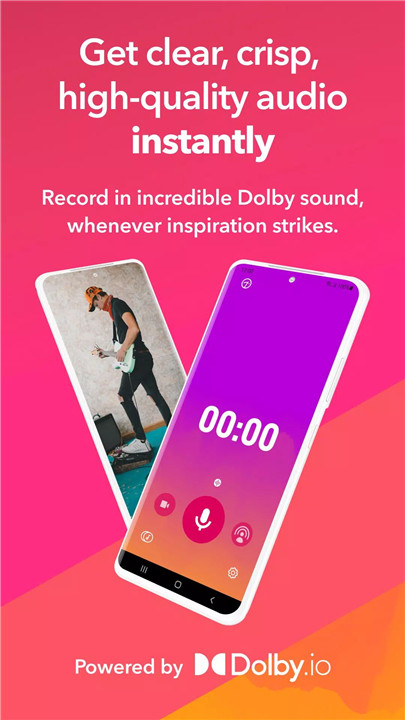
Dolby On transforms any smartphone into a professional-grade recording studio with just one tap. This free app empowers musicians, podcasters, and content creators to capture songs, instruments, voice memos, podcasts, rehearsals, and ideas with exceptional audio quality. By combining Dolby’s cutting-edge audio technology with intuitive controls, Dolby On eliminates the need for expensive microphones, bulky equipment, or studio time.
One-Tap Professional Recording
Dolby On allows quick recording of music, voice, and video without sacrificing quality. The app is designed for effortless use, making it ideal for capturing spontaneous ideas, demos, or full performances. Users can also import recordings from other apps to enhance them with Dolby’s advanced audio processing.
Automatic Studio Effects
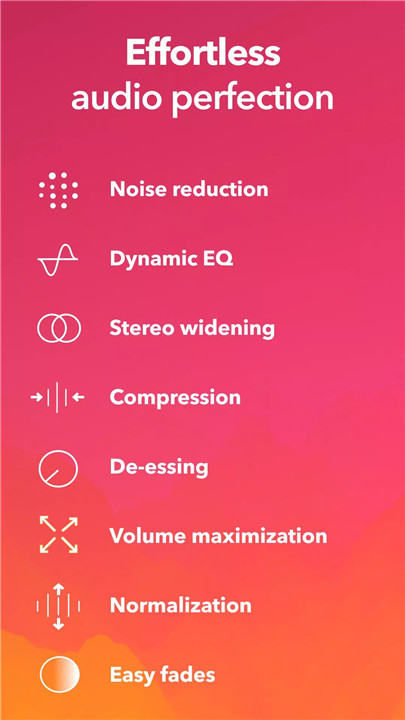
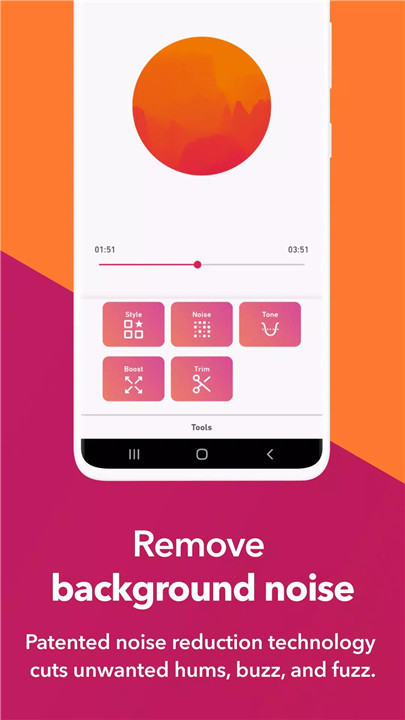
Recordings are automatically refined with a suite of professional effects. Noise reduction removes unwanted background sounds, de-essing controls harsh vocal sibilance, and fade in/out improves transitions. Dynamic EQ and spatial audio create rich, immersive soundscapes, while compression and pro-limiting optimize loudness and fullness.
Intuitive Sound Editing
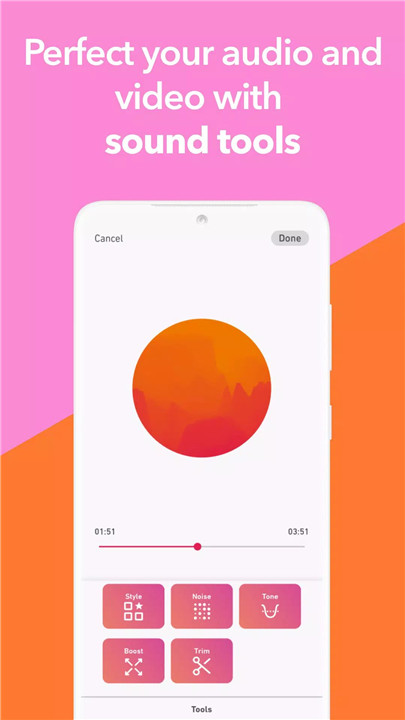
Dolby On includes a free audio editor that allows trimming, adjusting EQ, and fine-tuning bass, mids, and treble. Users can apply six custom-designed Sound Tools—audio presets modeled on thousands of professional recordings—to instantly enhance their tracks. External microphones are supported for added versatility and tonal control.
Versatile Recording Applications
Capture a wide range of audio and video content:
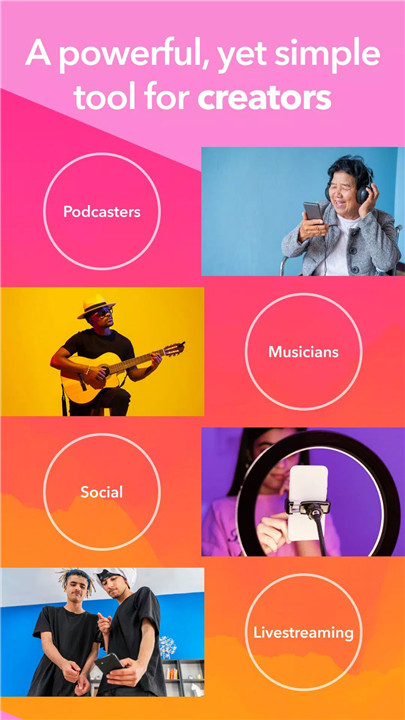
- Songs, beats, and instrumentals (guitar, drums, piano, vocals)
- Voice memos, ideas, and lyrics
- Rehearsals, live performances, or field recordings
- Podcasts, vlogs, and other content for social media
Dolby On ensures every recording is studio-quality, making it suitable for personal projects or professional collaborations.
Easy Sharing and Export
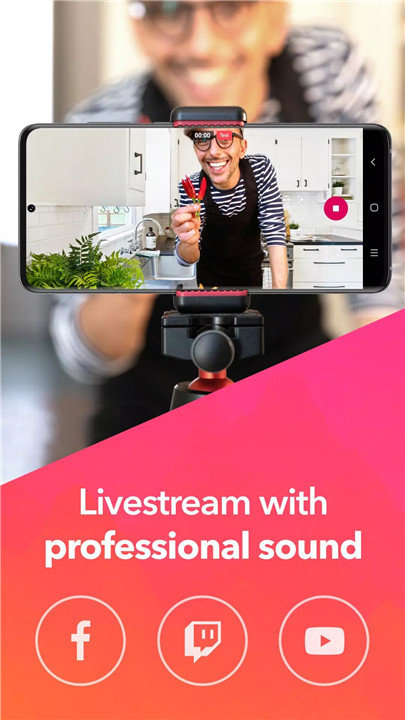
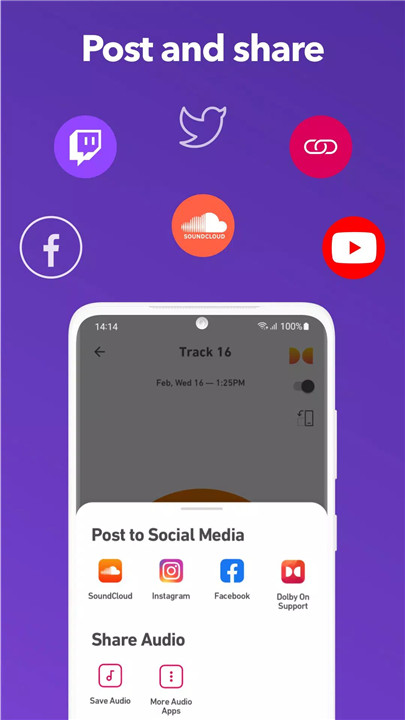
Recordings can be shared directly to social platforms such as SoundCloud, Instagram, Facebook, TikTok, and Twitter. Users can also export their audio or video files for further editing in popular DAWs and video editors like Logic Pro, Ableton, Pro Tools, and BandLab.
Powered by Dolby Innovation
With over five decades of audio expertise, Dolby On brings advanced processing directly to your mobile device. The app handles complex audio enhancements so creators can focus on the art of recording and producing.
FAQs
Q1: What is Dolby On?
Dolby On is a free recording app that turns a smartphone into a professional-quality audio and video recorder using advanced Dolby audio technology.
Q2: What types of recordings can Dolby On capture?
The app can record music, voice memos, podcasts, rehearsals, ideas, lyrics, beats, live performances, and videos with studio-quality sound.
Q3: What audio enhancements does Dolby On provide?
Dolby On automatically applies noise reduction, limiting, spatial audio, Dynamic EQ, compression, de-essing, and other effects to improve recording quality.
Q4: Can recordings from other apps be edited in Dolby On?
Yes, users can import recordings from other apps and enhance them with Dolby On’s audio editing tools and professional effects.
Q5: How can recordings be shared or exported?
Users can share directly to social media platforms like SoundCloud, Instagram, Facebook, TikTok, and Twitter or export files for further editing in DAWs like Logic Pro, Ableton, and Pro Tools.
Version History
v1.8.3—10 Oct, 2023
Update target API level
v1.8.2—1 Sep, 2022
In the latest release of Dolby On for Android we've made improvements to ensure our users are hitting all the high notes. For those of you looking for support, enjoy our new FAQ and support page experience.
v1.8.1—1 Aug, 2022
Bugs be gone! Check out our updated livestreaming experience.
Happy recording from Dolby On!
- AppSize67.59M
- System Requirements5.0 and up
- Is there a feeFree(In game purchase items)
- AppLanguage English
- Package Namecom.dolby.dolby234
- MD56642c172eec070e810a923745622495b
- PublisherDolby Laboratories Inc.
- Content RatingTeenDiverse Content Discretion Advised
- Privilege19
-
Dolby On: Record Audio & Music 1.8.3Install
67.59M2026-04-15Updated










8.1
1132 Human Evaluation
- 5 Star
- 4 Star
- 3 Star
- 2 Star
- 1 Star