
V9Crop: Crop & Trim Video is a user-friendly video editing app designed to help you create stunning videos effortlessly. With its intuitive interface, powerful features, and quick results, V9Crop is the go-to app for anyone looking to crop, trim, and enhance videos for work, fun, or social sharing.
Crop Video
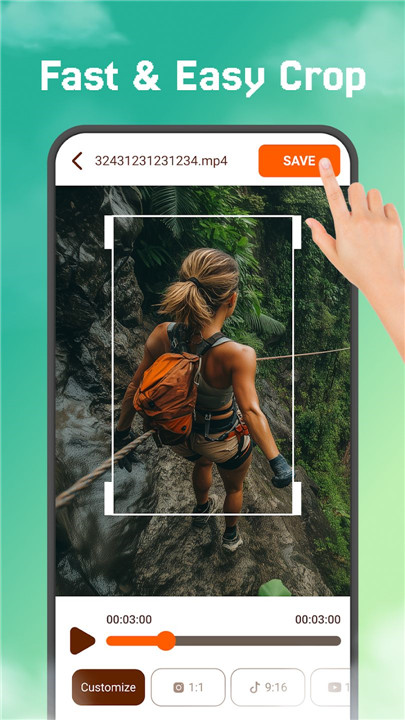
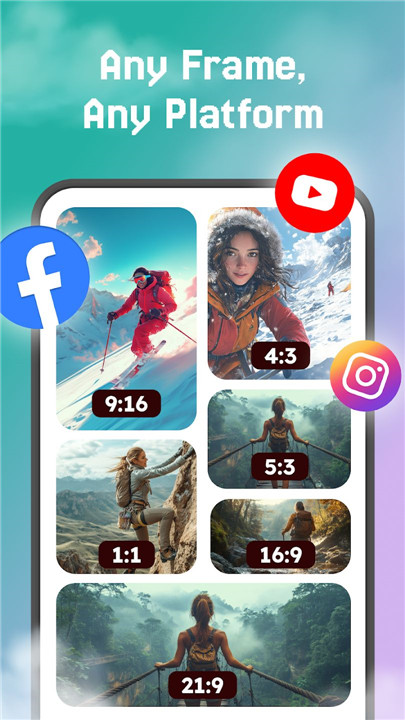
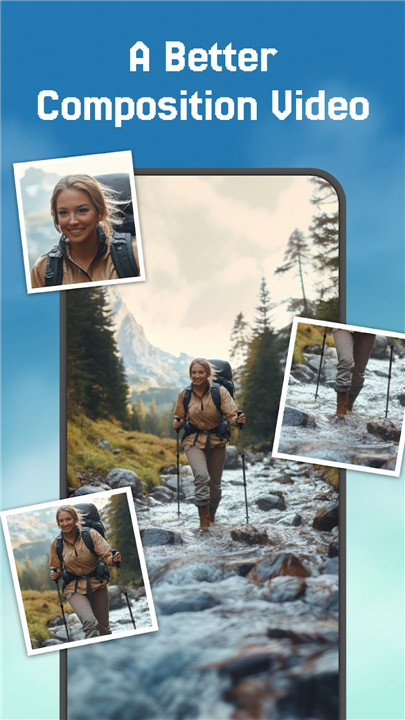
Cropping your videos is made easy with V9Crop. The Crop Video tool allows you to remove unwanted areas from your footage with just a few taps. Select your desired crop dimensions, and with one click, you'll have a perfectly cropped video, ready to share.
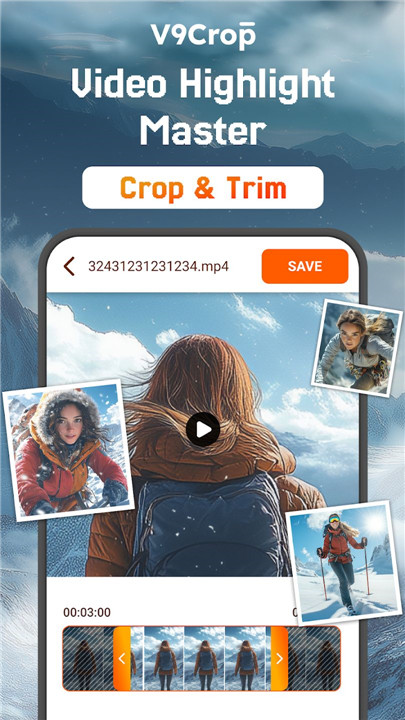
Trim Video
In addition to cropping, V9Crop allows you to trim your videos effortlessly. You can remove unwanted sections from your video or shorten your clips to focus on the most important parts. It's ideal for creating concise, engaging videos that get straight to the point.
User-Friendly Interface
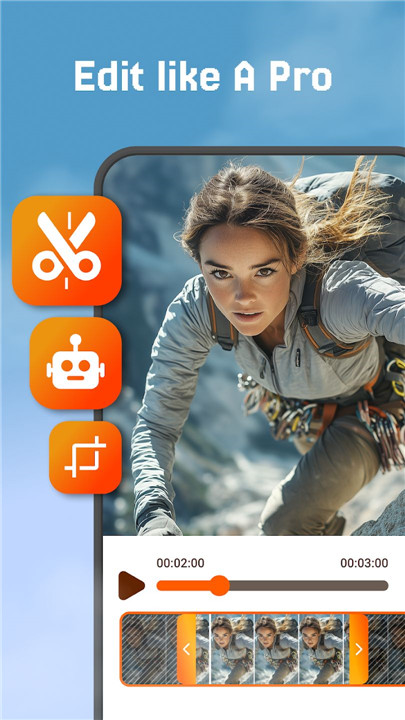
V9Crop is designed to be intuitive and accessible to users of all skill levels. The clean and easy-to-navigate interface ensures that you can start editing without feeling overwhelmed. Each feature is clearly labeled, so you always know where to find the tools you need.
Optimized for Quick Results
If you’re short on time but still want to create professional-looking videos, V9Crop is the app for you. It’s optimized to deliver fast results, letting you crop, trim, and edit your videos quickly and efficiently. With no unnecessary delays or complicated steps, you’ll be able to make the perfect video in just minutes. This makes V9Crop perfect for content creators who need to produce videos on the go without sacrificing quality.
High-Quality Output
One of the standout features of V9Crop is its ability to maintain high video quality after editing. Whether you're creating videos for professional use, personal projects, or social media, V9Crop ensures that your videos retain their original resolution and clarity. The app’s powerful algorithms preserve video quality even after cropping and trimming, ensuring that your videos look sharp and clear when shared.
FAQs
1. How do I crop a video using V9Crop?
To crop a video, simply open the app, select the Crop Video tool, and choose your desired dimensions. The app allows you to adjust the frame size and remove unwanted areas, giving you the perfect video cut in seconds.
2. Can I trim sections from my video?
Yes! V9Crop allows you to trim videos by selecting the part you want to remove and cutting it out. You can trim the beginning, end, or any section in the middle of the video to focus on the key moments.
3. Is V9Crop easy to use for beginners?
Absolutely! V9Crop was designed with a simple, user-friendly interface that makes video editing accessible to everyone, whether you're a beginner or experienced editor. All the tools are clearly labeled, and the editing process is streamlined for ease of use.
4. Will my video quality be affected after editing?
No, V9Crop preserves the original quality of your video. After cropping or trimming, your video will retain its high resolution and clarity, ensuring it looks great no matter where you share it.
5. Can I use V9Crop on different devices?
V9Crop is compatible with various devices, so you can edit videos seamlessly across your phone, tablet, or other compatible devices. This ensures you can work on your videos wherever you go.
Version History
v1.1.4—17 Dec, 2025
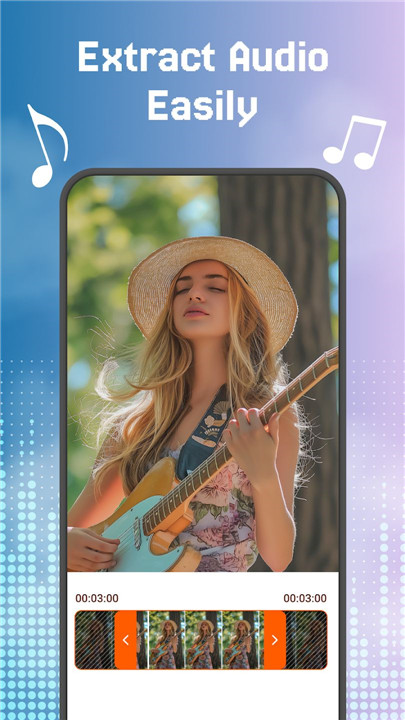
New feature: Convert video to MP3
Fix errors and optimize the user experience when using the application.
v1.1.1—11 Sep, 2025
New feature: Convert video to MP3
Fix errors and optimize the user experience when using the application.
v1.0.39—6 Sep, 2025
New feature: Convert video to MP3
Fix errors and optimize the user experience when using the application.
- AppSize14.10M
- System Requirements5.0 and up
- Is there a feeFree(In game purchase items)
- AppLanguage English
- Package Namecom.eco.cropvideo
- MD5
- PublisherEco Mobile Editor
- Content RatingTeenDiverse Content Discretion Advised
- Privilege19

-
Crop, Trim Video Editor 1.1.4Install
14.10M2026-03-22Updated










8.3
6747 Human Evaluation
- 5 Star
- 4 Star
- 3 Star
- 2 Star
- 1 Star