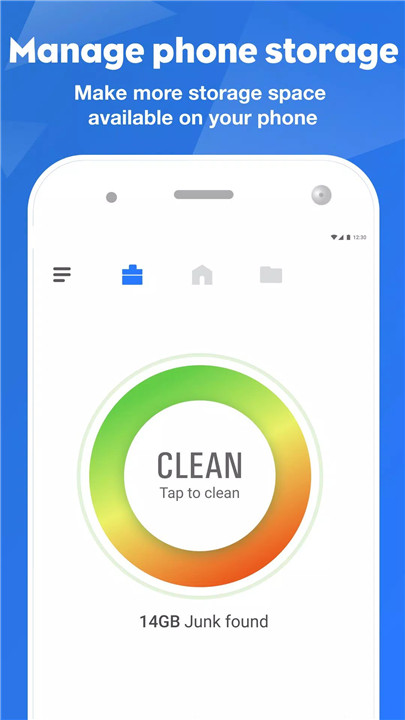
Manage, transfer & secure files easily with FileMaster—powerful explorer, WiFi sharing & app lock. FileMaster is an advanced device manager and file management tool trusted by over 100 million users worldwide. Designed to simplify storage organization, improve productivity, and enhance privacy, FileMaster transforms the way files are handled on mobile devices.
Smart Library File Explorer
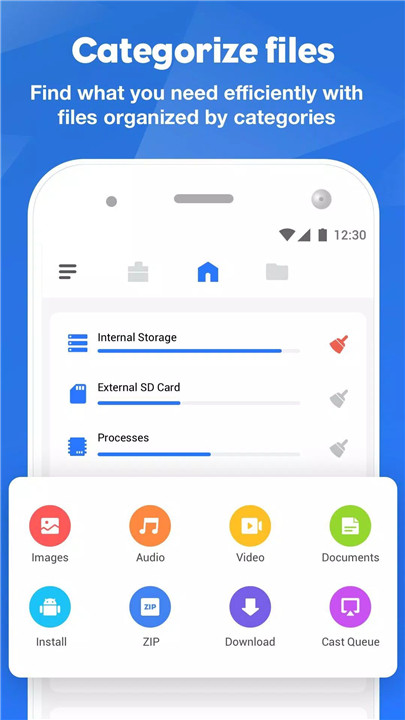
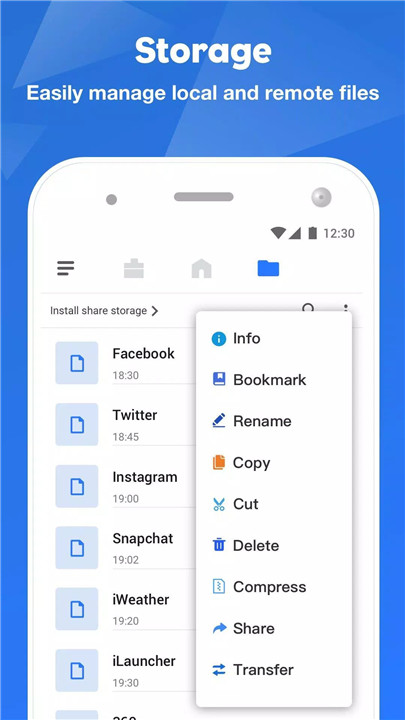
FileMaster automatically categorizes files into intuitive groups, including Downloads, Bluetooth transfers, Images, Videos, Music, Documents (PDF, XLS, PPT, and more), Archives (ZIP, RAR), and APK files. This smart library structure eliminates clutter and allows quick access to essential content without manually sorting folders.
Users can navigate internal storage and SD card files effortlessly through organized categories designed for convenience and speed.
Powerful File Search
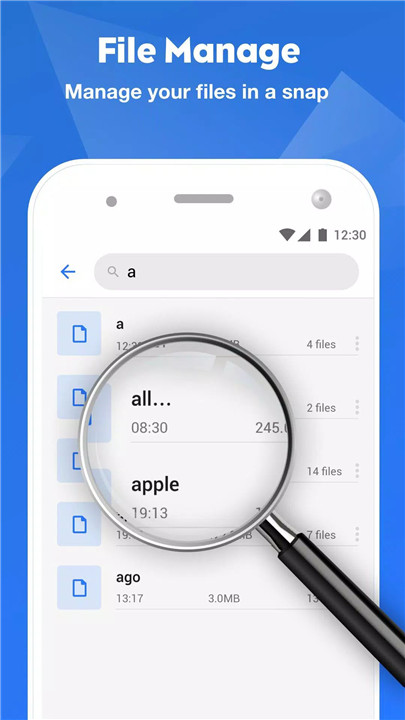
The integrated search engine scans both internal storage and SD cards to locate files instantly. Files can also be browsed by category, including images, music, videos, and apps, allowing faster retrieval without navigating complex directory paths.
This feature improves efficiency, especially for users handling large volumes of data.
Root Explorer for Advanced Access
For advanced users and developers, Root Explorer provides the ability to explore, edit, copy, paste, and delete files within the root partition of phone storage. System directories such as data and cache can be accessed for development and troubleshooting purposes.
This feature offers deeper control over device storage while supporting technical customization needs.
Chromecast File Manager
FileMaster supports media streaming to Chromecast-enabled devices, including Google Home and Android TV. Local videos, music, and other media files can be played directly on connected devices, enhancing entertainment flexibility.
This integration allows seamless casting without additional third-party tools.
Built-In App Lock
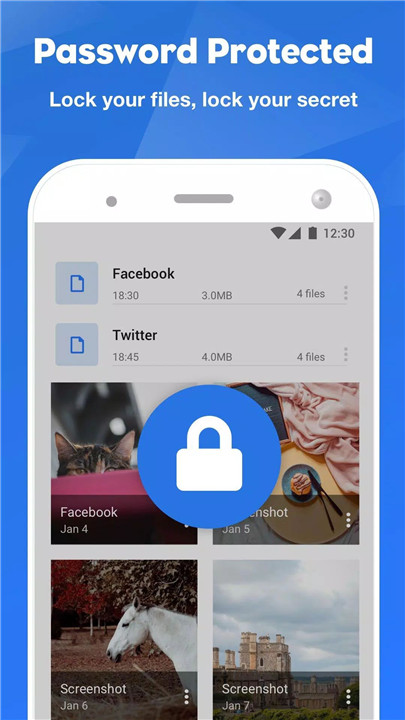
Privacy protection is reinforced with a built-in App Lock feature. FileMaster can be secured using fingerprint authentication, password, or pattern lock depending on device compatibility.
This added security layer ensures sensitive documents, media files, and applications remain protected from unauthorized access.
WiFi File Sharing — No Internet Required
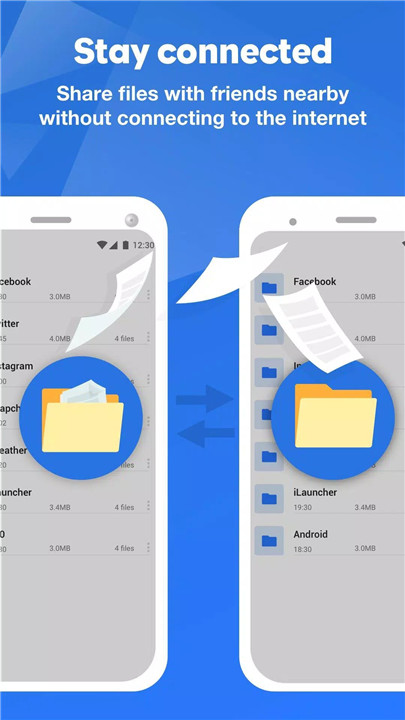
The built-in WiFi file transfer feature enables fast sharing between phones and PCs using WiFi or hotspot connections. Files can be transferred without internet access and without size or type limitations.
Applications, videos, music, images, and large documents can be shared quickly and securely, making FileMaster an efficient solution for direct device-to-device transfers.
Secure Storage Access Permission
FileMaster uses the MANAGE_EXTERNAL_STORAGE permission to access device files properly and ensure full file manager functionality. This permission enables smooth organization, browsing, and file operations across storage locations.
Users maintain control over their files while benefiting from comprehensive management capabilities.
FAQs
Q1: What is FileMaster used for?
FileMaster is a file management and device management tool that helps organize, search, transfer, and secure files on mobile devices.
Q2: Can FileMaster transfer files without internet access?
Yes. The built-in WiFi sharing feature allows file transfers via hotspot or local WiFi without requiring an internet connection.
Q3: Does FileMaster support root access?
Yes. Root Explorer enables advanced users to access and manage system-level directories such as data and cache partitions.
Q4: How does FileMaster protect privacy?
FileMaster includes a built-in App Lock that supports fingerprint, password, or pattern authentication for added security.
Q5: Why does FileMaster require storage permission?
The MANAGE_EXTERNAL_STORAGE permission is used to access and manage files across internal storage and SD cards to ensure full functionality of the file manager.
Version History
v1.9.3—19 Aug, 2023
Minor bug fixes and improvements. Install or update to the newest version to check it out!
v1.9.2—14 Jul, 2023
v1.9.1—6 Jul, 2023
- AppSize34.20M
- System Requirements5.0 and up
- Is there a feeFree(In game purchase items)
- AppLanguage English
- Package Namecom.root.clean.boost.explorer.filemanager
- MD5
- PublisherSmartVisionMobi
- Content RatingTeenDiverse Content Discretion Advised
- Privilege19

-
FileMaster: Manager 1.9.3Install
34.20M2026-02-25Updated










9.7
6362 Human Evaluation
- 5 Star
- 4 Star
- 3 Star
- 2 Star
- 1 Star