In today's digital age, managing your device's security and performance is more important than ever. CleanSecurity is an all-in-one utility app designed to streamline your mobile experience. With a wide range of features aimed at enhancing both security and convenience, CleanSecurity allows users to easily manage installed apps, check for password leaks, control screen brightness, and set reliable alarms.
Smart Dashboard for Easy Access
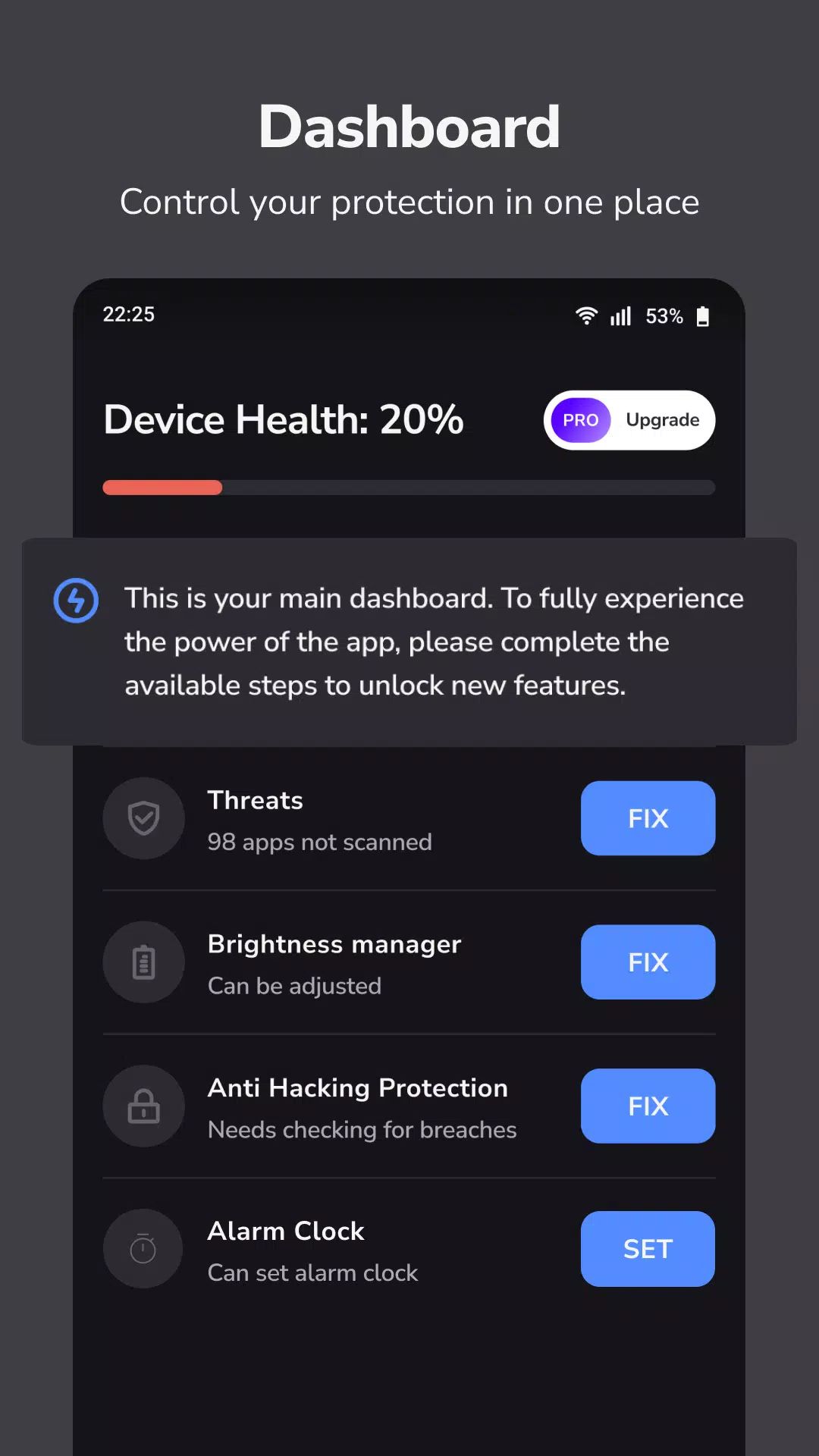
The CleanSecurity app comes with a smart dashboard that provides fast access to all essential features. The intuitive interface ensures that users can navigate the app quickly, with the most important tools readily available. The progress bar on the dashboard allows users to see how much of the app’s features they've utilized, providing a visual cue for the tasks that still need attention.
Identify and Manage Sensitive Apps
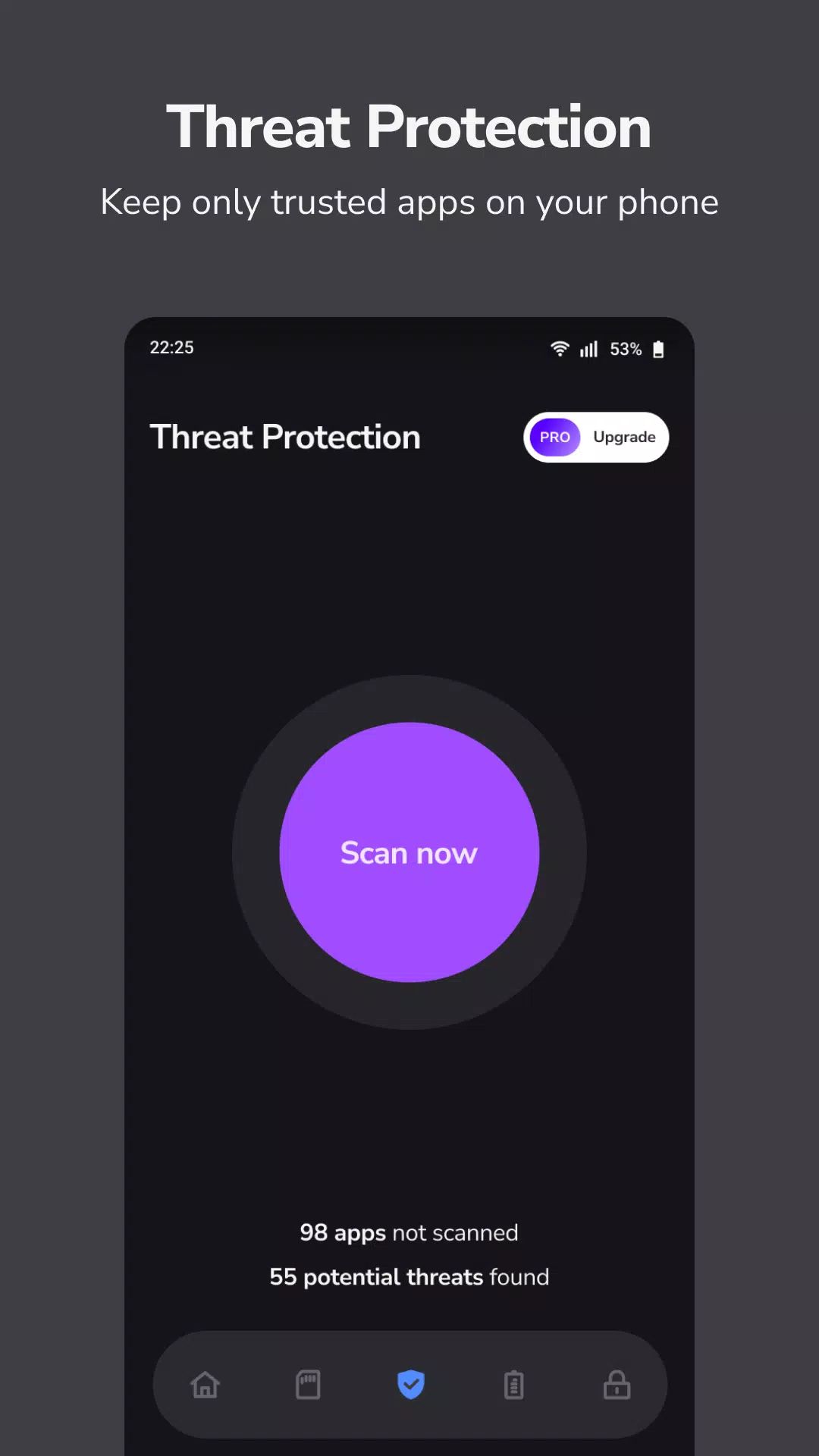
CleanSecurity helps users identify apps on their device that have sensitive permissions. With the power of the QUERY_ALL_PACKAGES permission, the app scans installed applications to detect those with access to sensitive data. You can then choose to remove or trust these apps based on your preference, ensuring that only safe and necessary apps have access to your information.
Email Checker for Password Leaks
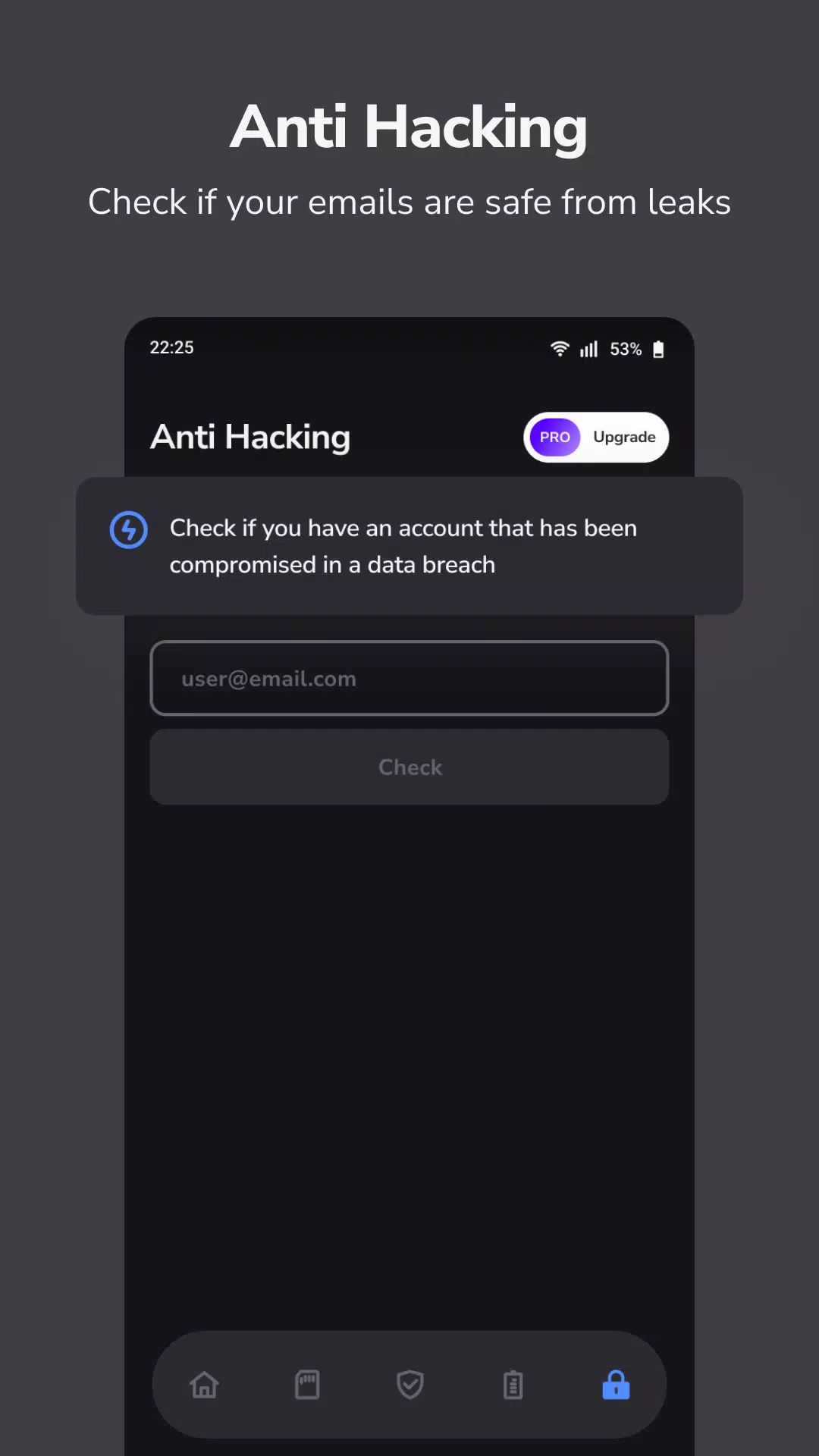
Password security is one of the most critical aspects of digital safety. CleanSecurity includes an email checker that scans your email account for any signs of password leaks. This feature helps users stay informed about potential security breaches and take immediate action if necessary. By checking your email accounts for leaks, CleanSecurity ensures that your personal information remains safe from unauthorized access.
Brightness Manager for Screen Optimization
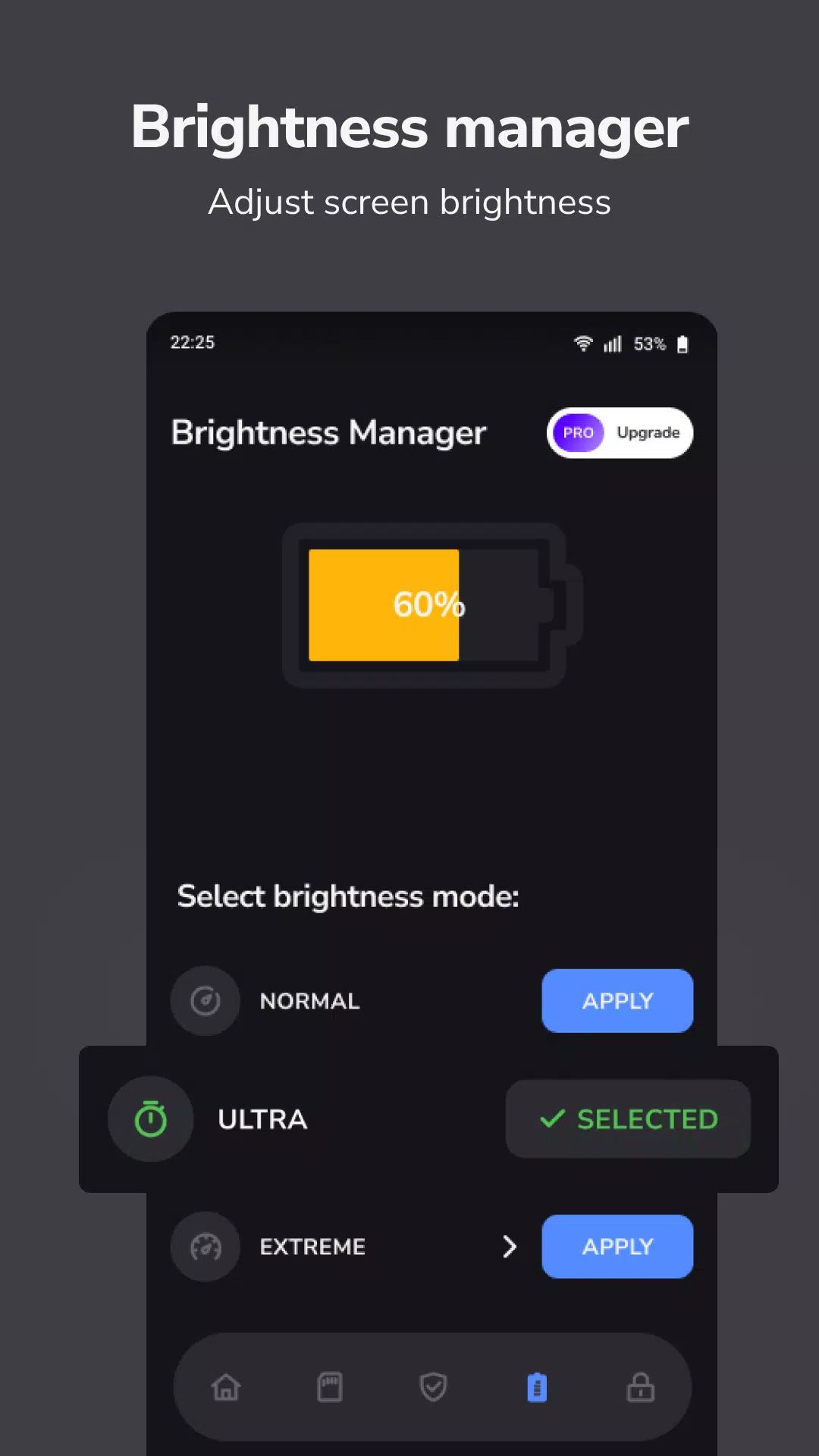
Excessive screen brightness can lead to battery drain and eye strain. CleanSecurity’s brightness manager allows users to control their device’s screen brightness with ease, helping to extend battery life while ensuring optimal comfort.
Reliable Alarm Clock
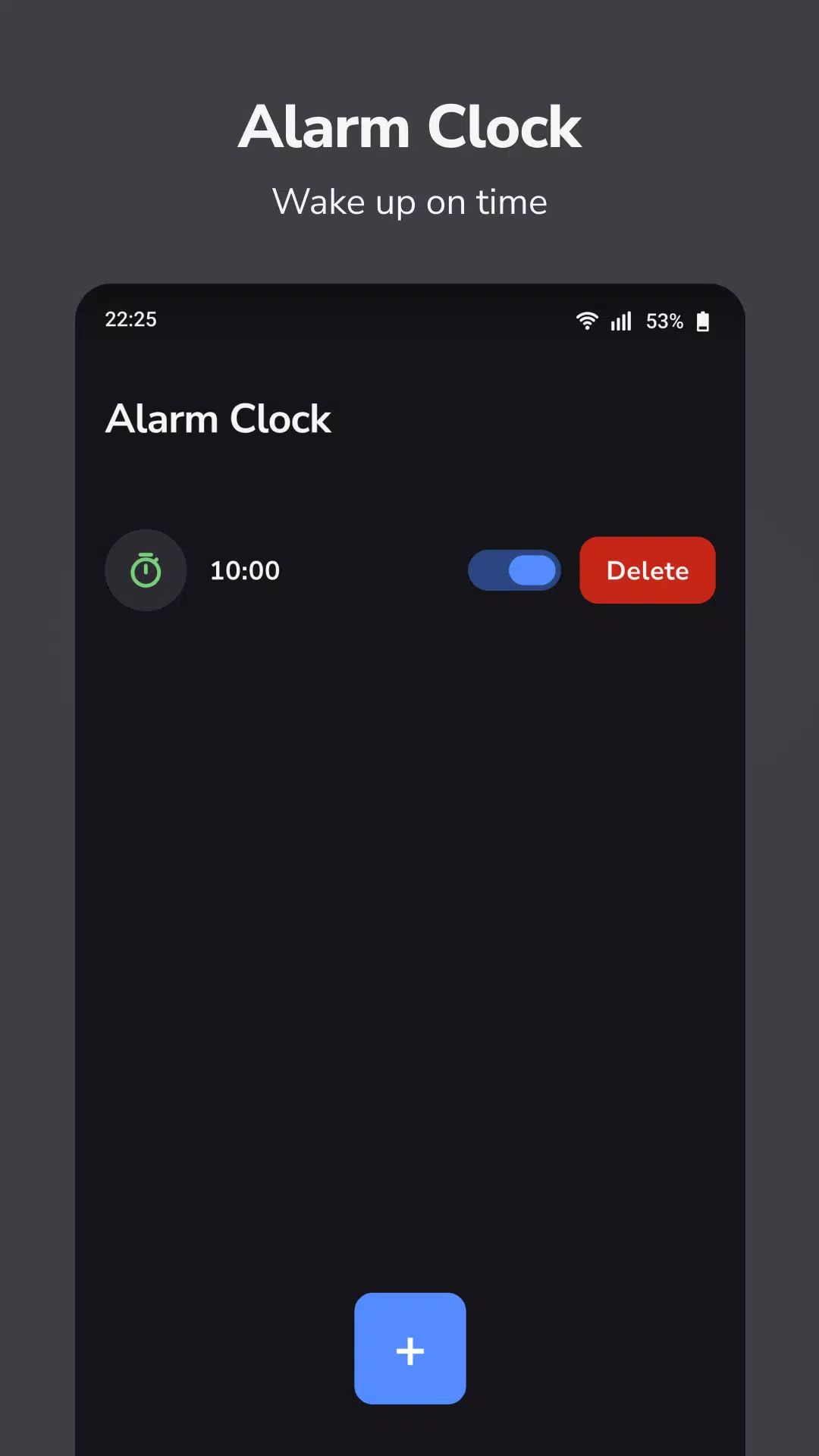
Waking up on time is crucial, and CleanSecurity ensures that users can rely on its alarm clock feature to never miss an important event or appointment. The app sends reliable notifications at the right time, ensuring that you are always on track. The alarm clock functionality is designed for precision, giving users peace of mind that they will wake up on time every day.
FAQs
1. What features does CleanSecurity offer?
CleanSecurity includes a smart dashboard, app permission manager, email checker for password leaks, screen brightness manager, and a reliable alarm clock.
2. How does CleanSecurity help manage app permissions?
CleanSecurity scans your device for apps with sensitive permissions using the QUERY_ALL_PACKAGES permission. It helps you identify these apps and decide whether to remove or trust them.
3. How can CleanSecurity help protect my password?
The app features an email checker that scans your email accounts for signs of password leaks, allowing you to stay informed and take action if your information is compromised.
4. Can CleanSecurity help optimize my screen brightness?
Yes! CleanSecurity offers a brightness manager that lets you adjust your screen brightness to save battery life and reduce eye strain, ensuring an optimized viewing experience.
5. Is the alarm clock feature reliable?
Absolutely. CleanSecurity’s alarm clock sends timely notifications, ensuring that you wake up on time and stay punctual for important events.
Version History
v1.0.84—16 Aug, 2025
- Crash fixes
- SDK updates
v1.0.82—20 Jul, 2025
- Crash fixes
- SDK updates
v1.0.81—10 Jun, 2025
- Crash fixes
- SDK updates
- AppSize99.10M
- System Requirements5.0 and up
- Is there a feeFree(In game purchase items)
- AppLanguage English
- Package Namecom.csasecurity.app
- MD5
- PublisherTAFTAF APPS
- Content RatingTeenDiverse Content Discretion Advised
- Privilege19
-
CleanSecurity - Safe, Protect 1.0.8.4Install
99.10M2026-03-22Updated










8.0
3416 Human Evaluation
- 5 Star
- 4 Star
- 3 Star
- 2 Star
- 1 Star