Captions AI: Videos Subtitles
Overview
• Elevate your storytelling with Captions AI, the definitive video editor designed to transform your creative vision into reality.
• Whether you are an aspiring creator or an established brand, our platform provides the professional tools necessary to captivate your audience and stand out in a crowded digital landscape.
Intelligent Subtitling and Design
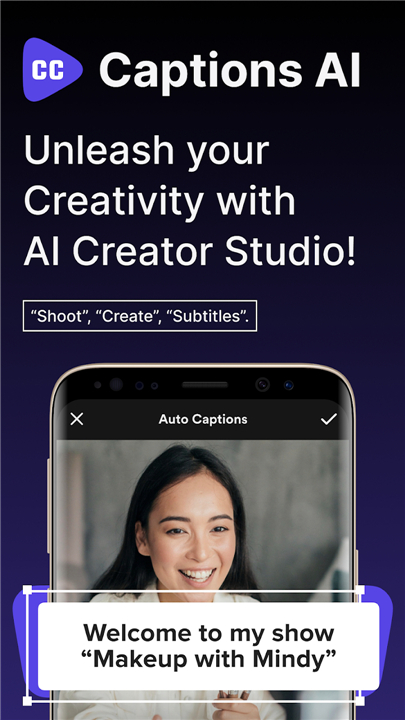
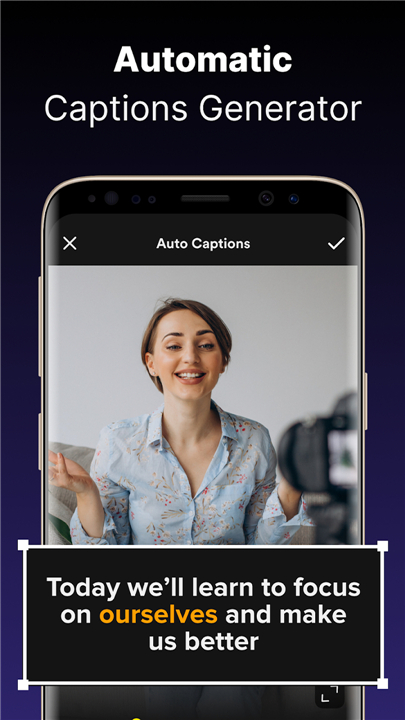
• Convert speech to text instantly with industry-leading AI recognition.
• Ensure perfect synchronization for every word to keep viewers engaged.
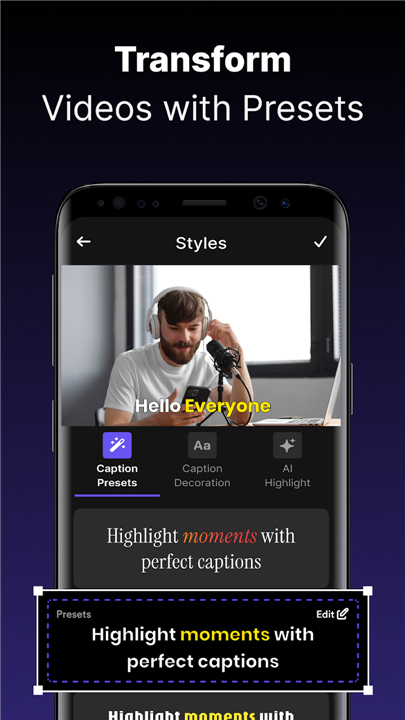
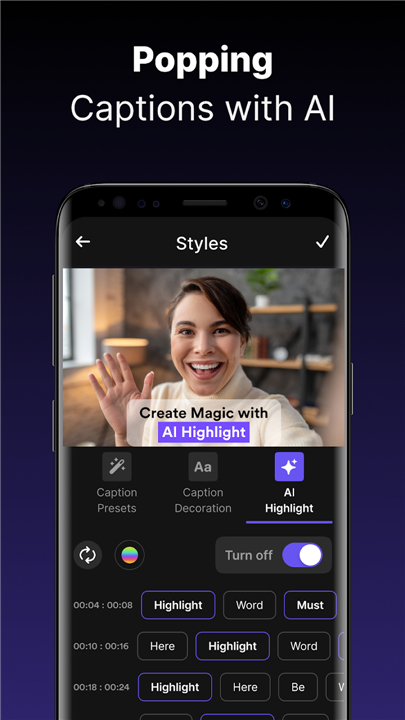
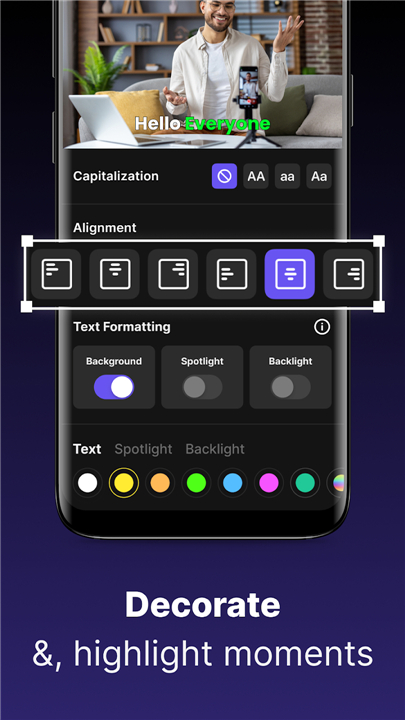
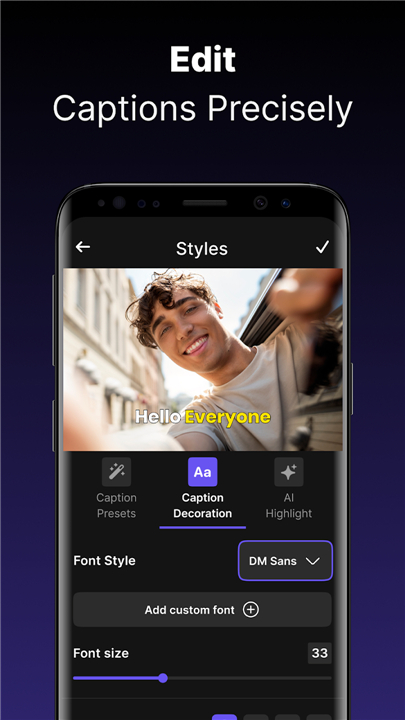
• Personalize your content using a wide array of animated fonts and unique text effects.
• Improve accessibility and retention with clear, stylish subtitles.
Comprehensive Video Editing Suite
• Simplify the post-production process with intuitive tools to trim, cut, and merge clips.
• Enhance your visual narrative using cinematic filters and trending effects.
• Produce high-definition content and export your final masterpiece without watermarks.
• Access creative templates that streamline the path from raw footage to viral post.
Professional Recording and Performance
• Deliver your message with confidence using the integrated, high-performance teleprompter.
• Maintain natural eye contact while reading scripts for vlogs, presentations, and ads.
• Combine script reading with real-time captioning for a seamless workflow.
Strategic Social Media Optimization
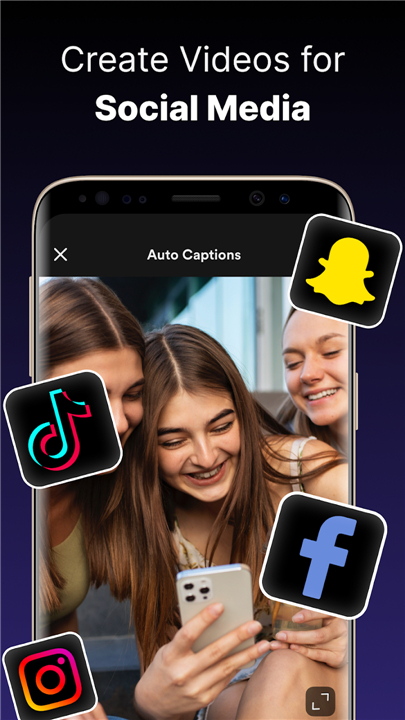
• Tailor your videos perfectly for Instagram Reels, TikTok, and YouTube Shorts.
• Increase your reach and discoverability with smart, AI-generated hashtags.
• Boost engagement scores with content optimized for mobile-first viewers.
Your journey from recording to sharing should be effortless
• Captions AI bridges the gap between raw ideas and professional content, giving you the freedom to focus on what matters most: your message.
• Experience the future of content creation and share your voice with the world today.
FAQ
Q: How fast and accurate is the speech-to-text subtitling feature?
A: The app uses industry-leading AI recognition to convert your speech into text almost instantly. This technology is built to be highly precise, ensuring that your message is captured accurately right from the start, which saves you a significant amount of time and effort compared to manual transcription.
Q: Am I able to customize the design of my captions to fit my specific aesthetic?
A: You have complete creative control over how your text appears on the screen through a wide variety of animated fonts and unique text effects. This allows you to personalize your content so it aligns perfectly with your brand identity while making your subtitles look stylish and professional.
Q: Does the app handle the synchronization of words with my speech automatically?
A: One of the strongest features of this platform is its ability to ensure perfect synchronization for every word spoken. This functionality keeps your viewers fully engaged because the text appears exactly when it is meant to, providing a seamless viewing experience that improves overall accessibility and retention.
Version History
v3.4——13 Apr 2026
Generate Ai Caption, Subtitle, Trendy Hashtag & Video Teleprompter for Instagram Download the latest version of Captions AI: Videos Subtitles to enjoy new features and updates immediately!
*3.4
Minor bug fixes and improvements. Install or update to the newest version to check it out!
*3.3
Minor bug fixes and improvements. Install or update to the newest version to check it out!
*3.1
Minor bug fixes and improvements. Install or update to the newest version to check it out!
- AppSize32.33M
- System Requirements5.0 and up
- Is there a feeFree(In game purchase items)
- AppLanguage English
- Package Namecom.pixsterstudio.captions
- MD5
- PublisherPixster Studio
- Content RatingTeenDiverse Content Discretion Advised
- Privilege19
-
Captions AI: Videos Subtitles 3.5Install
32.33M2026-04-13Updated










7.7
3184 Human Evaluation
- 5 Star
- 4 Star
- 3 Star
- 2 Star
- 1 Star