
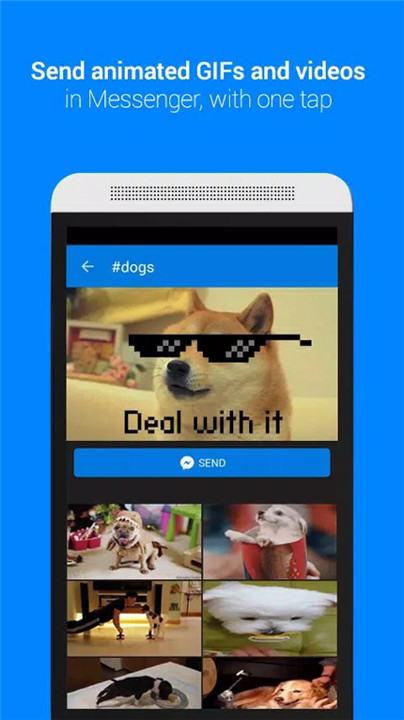
Communication has evolved beyond text, and Tenor's GIF Keyboard is here to take it to the next level. With millions of GIFs and videos at your fingertips, you can express yourself instantly, whether you’re sharing emotions, reactions, or clever comebacks. By integrating Tenor’s GIF library directly into your keyboard, it ensures that you have the perfect visual to match your words, making every conversation more vibrant and fun.
Instant Access to Millions of GIFs and Videos
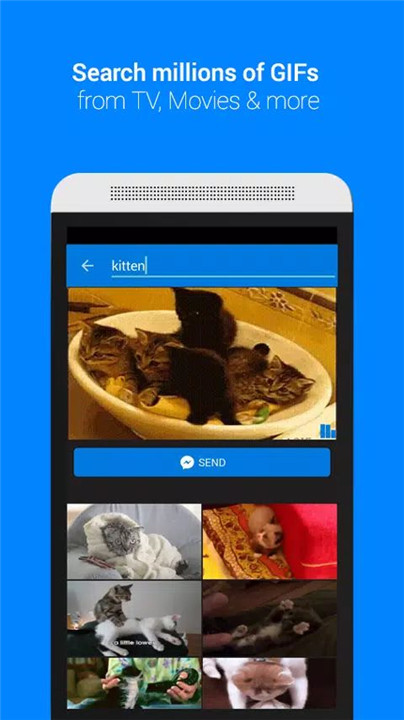
Tenor's GIF Keyboard puts an extensive library of GIFs and videos directly at your fingertips. Search through millions of options to find the perfect visual that reflects your mood, emotion, or the vibe you want to convey in a conversation. From funny reactions to trending topics, you’ll always have something suitable to share.
Easy Search by Emoji or Keyword
Need the perfect reaction but not sure where to look? Tenor makes it easy to search by emoji or keyword, helping you find exactly what you need in no time.
Browse GIFs by Category
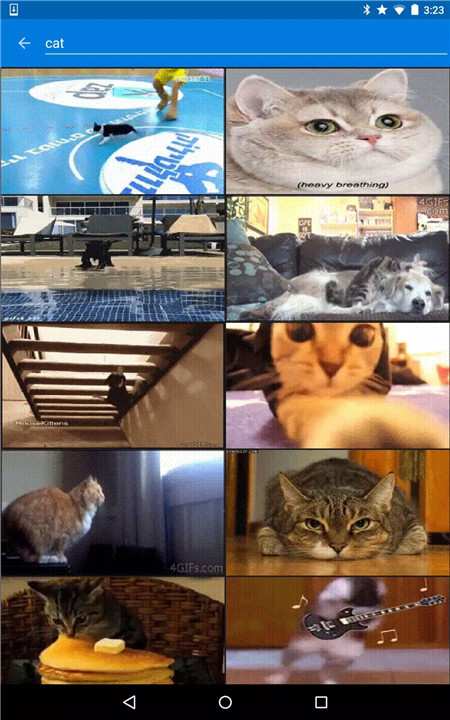
Get inspired by browsing through curated categories like reactions, trending topics, and more. These pre-organized sections help you find popular, relevant GIFs for your conversations. If you’re not sure what to search for, categories give you a great starting point for finding the perfect GIF.
Easy Integration for Developers
For developers interested in enhancing their apps or websites with GIFs, Tenor offers an easy way to integrate GIF search. By visiting the Tenor API page at tenor.co/gifapi, developers can obtain an API key to embed Tenor’s vast GIF library into their own platforms, ensuring users can access and share GIFs without leaving the app or website.
Share GIFs Across Multiple Platforms
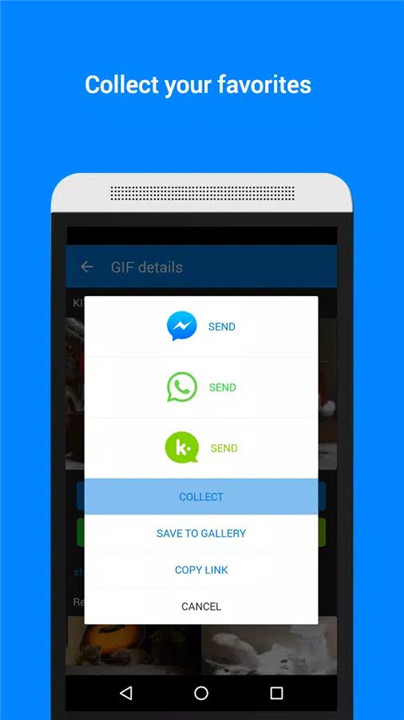
Tenor’s GIF Keyboard is compatible with a wide variety of messaging and social platforms, making it easy to share your favorite GIFs directly in your chats, posts, and stories. Whether you're texting on WhatsApp, posting on Twitter, or messaging on Facebook Messenger, you can seamlessly insert GIFs right from your keyboard.
FAQs
1. How do I use the Tenor GIF Keyboard?
Simply download the Tenor GIF Keyboard app, enable it in your phone’s keyboard settings, and start searching for GIFs or videos right from your messaging apps.
2. Can I search for GIFs using emojis?
Yes, you can search Tenor’s library of GIFs and videos using emojis to find the perfect visual that matches the emoji you’ve selected.
3. What categories can I browse for GIFs?
You can browse categories like reactions, trending topics, and others to find the most relevant and popular GIFs for your needs.
4. Can developers integrate Tenor GIF Search into their apps?
Yes! Developers can easily integrate Tenor’s GIF search into their apps, websites, or services by obtaining an API key from tenor.co/gifapi.
5. Is Tenor GIF Keyboard free?
Yes, Tenor GIF Keyboard is completely free to download and use. There are no hidden charges, and you get access to millions of GIFs and videos at no cost.
Version History
v2.1.76—16 Apr, 2024
Bug fixes and other improvements.
v2.1.75—18 Nov, 2023
Bug fixes and other improvements.
v2.1.74—10 Oct, 2023
Bug fixes and other improvements.
- AppSize24.32M
- System Requirements5.0 and up
- Is there a feeFree(In game purchase items)
- AppLanguage English
- Package Namecom.riffsy.FBMGIFApp
- MD574d0b8d60f84e69d43a90b0aa4e6a338
- PublisherTenor Google
- Content RatingTeenDiverse Content Discretion Advised
- Privilege19

-
GIF Keyboard by Tenor 2.1.76Install
24.32M2026-03-25Updated










9.2
9414 Human Evaluation
- 5 Star
- 4 Star
- 3 Star
- 2 Star
- 1 Star